
Messages & calls
SMS, call logs, and popular messengers such as WhatsApp, Telegram, Snapchat, and Discord where supported.
Solutions / Android
Platform guide
Sidearo helps parents stay informed about WhatsApp and social apps, browsing, live location, and screen activity — after authorized setup on a child’s phone you manage. This page covers the Android setup path.
Free Demo — no credit card required · Available on Android
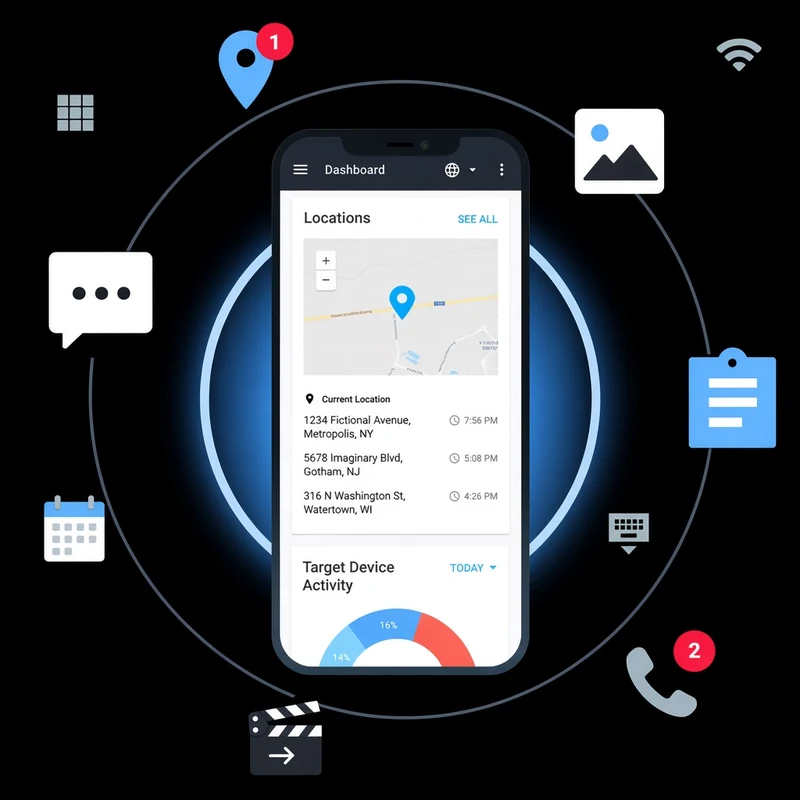
A practical toolkit for digital parenting — social apps, location, calls, and screen tools.
SMS, call logs, and popular messengers such as WhatsApp, Telegram, Snapchat, and Discord where supported.
Real-time GPS, location history, Wi‑Fi insights, and geo-fence alerts when they enter or leave places you set.
Screenrecorder, live screen, keylogger, ambient recording, and remote camera on supported Android versions.
Pick a plan and receive login details by email.
One-time physical access is required to finish authorized setup and permissions.
Open Sidearo on any browser to review activity remotely.
No. Core Sidearo monitoring is designed without rooting. Some advanced capture tools may depend on OS version and permissions.
Sidearo is built for discreet parental monitoring after setup. Exact behavior can vary by Android manufacturer settings.
Yes. Install on the child’s Android phone, then review activity from the web dashboard on any phone, tablet, or computer.
Parents are generally allowed to monitor a minor child’s device when they own or manage it and follow local laws. See our Terms of Use.
Ready when you are
Start with a plan that fits your family, then set up in minutes.