Features / WhatsApp
Feature
See chats, calls, and media on a managed child’s phone. For parents and guardians — authorized use only.
Why parents use it: stay informed about WhatsApp chats, calls, and media — authorized parental monitoring, not secret adult tracking. See plans · Free demo.
Parents comparing mSpy WhatsApp monitoring often evaluate Sidearo’s WhatsApp toolkit next — see Sidearo vs mSpy.
Free Demo — no credit card required · Available on Android
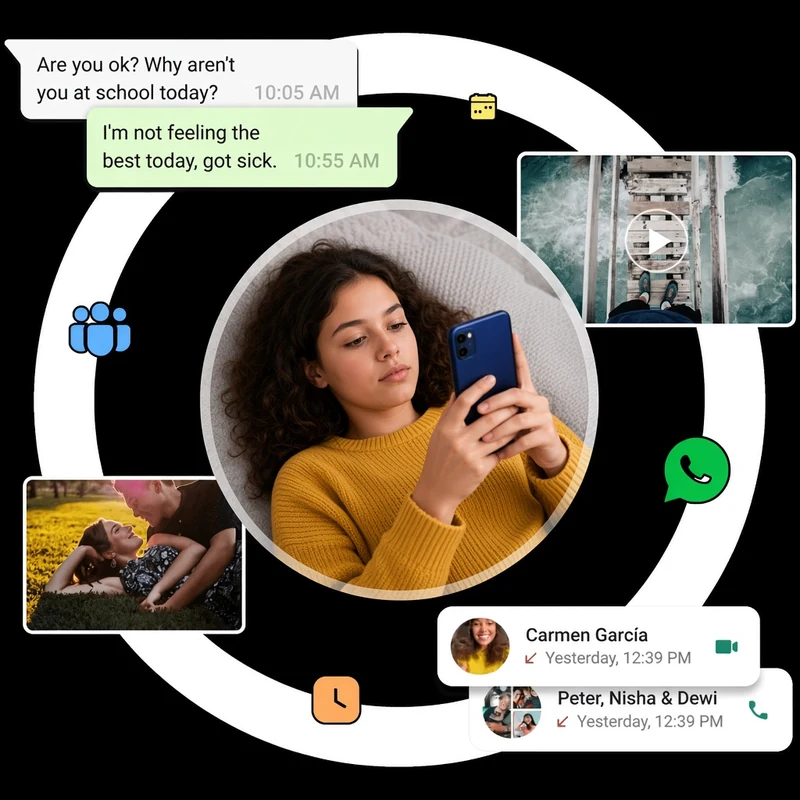
You’ll see all their texts in black and white, available to browse through with ease.

If they use WhatsApp for voice calls, you’ll know about it. Plus, you can see when the call happened and its duration.
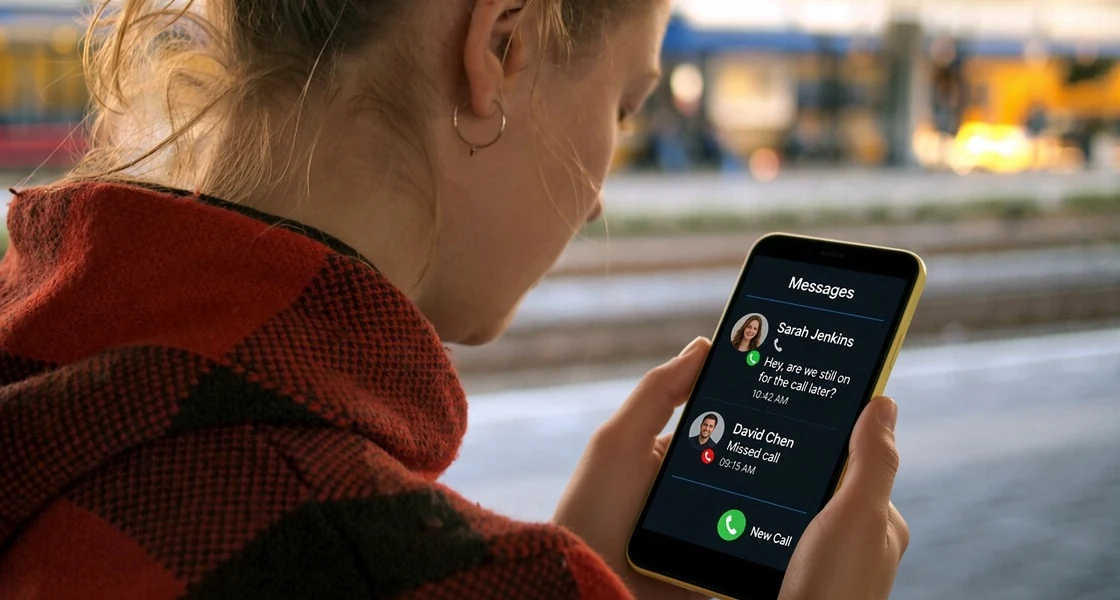
WhatsApp isn’t just used for texting. If there’s a pic or a video in their WhatsApp messages, you’ll see it.

Three clear steps — same path as the rest of the parental toolkit.
Install on a child’s phone you manage. Follow the setup guide.
Open the dashboard to monitor WhatsApp chats, calls, and media where supported.
Open the free demo, or go straight to pricing — same toolkit on every plan.
Quick answers about this Sidearo feature.
Parents use WhatsApp monitoring to stay informed about who kids chat with and what they share. Sidearo is built for authorized parental monitoring on a child’s phone you manage — not for workplace surveillance or secret adult tracking.
Today, over a billion users turn to WhatsApp to keep in touch. And they’re not just sending texts. They’re sending photos and video messages too. In fact, WhatsApp is preferred over SMS in many countries around the world. But with WhatsApp’s popularity came a big problem. People discovered that WhatsApp chats were more private than SMS. And kids today use WhatsApp to have conversations that, in some cases, they shouldn’t be having.
If you want a clear picture of WhatsApp chats, contacts, and media on a phone you manage, Sidearo can help. After authorized setup you can review messages, calls, and shared media from the Control Panel.
Sidearo goes beyond WhatsApp. On a child’s phone you manage, you can also monitor other supported social apps, GPS, and screen activity from one parental Control Panel.
Sidearo focuses on parental WhatsApp monitoring with a clear setup path and a free demo before you buy. Install it on a child’s phone you manage, then review chats, calls, and media from the Control Panel. We don’t position Sidearo for workplace or secret adult surveillance.
After authorized setup on a child’s phone you manage, review WhatsApp chats, calls, and media from the Control Panel — you don’t need the phone in your hands every time. Sidearo also covers other social apps where supported, such as Snapchat, Telegram, Instagram, and more.
