Features / Keylogger
Feature
See what was typed on a managed phone — authorized parental use only.
Why parents use it: stay informed about typed activity on a managed phone — authorized parental monitoring, not secret adult tracking. See plans · Free demo.
If you’re comparing keylogger features across monitoring brands, start with an honest Sidearo vs mSpy read.
Free Demo — no credit card required · Available on Android
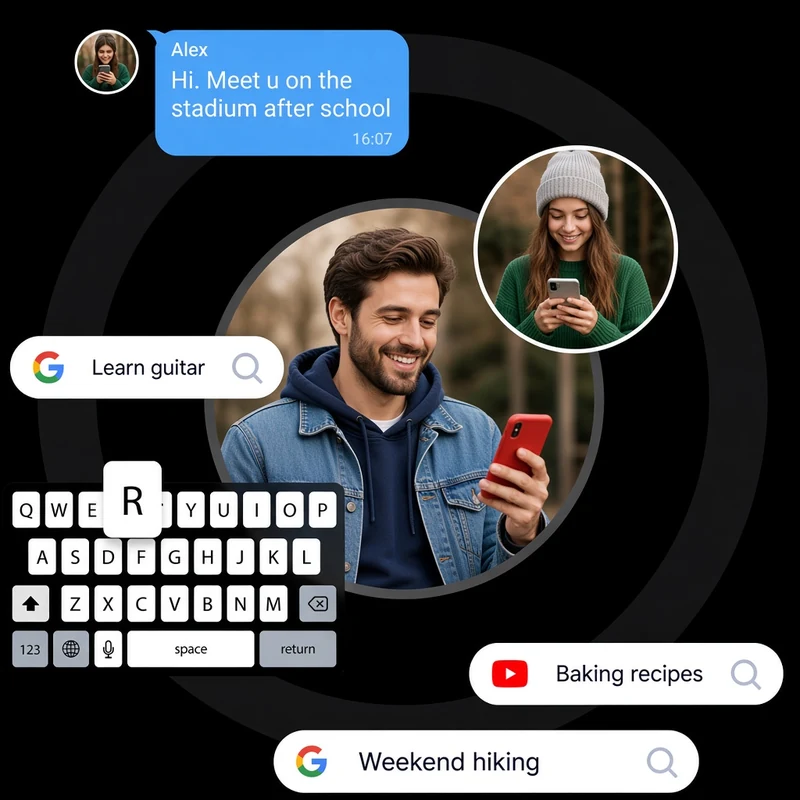
With every keystroke logged, you’ll never miss a beat.
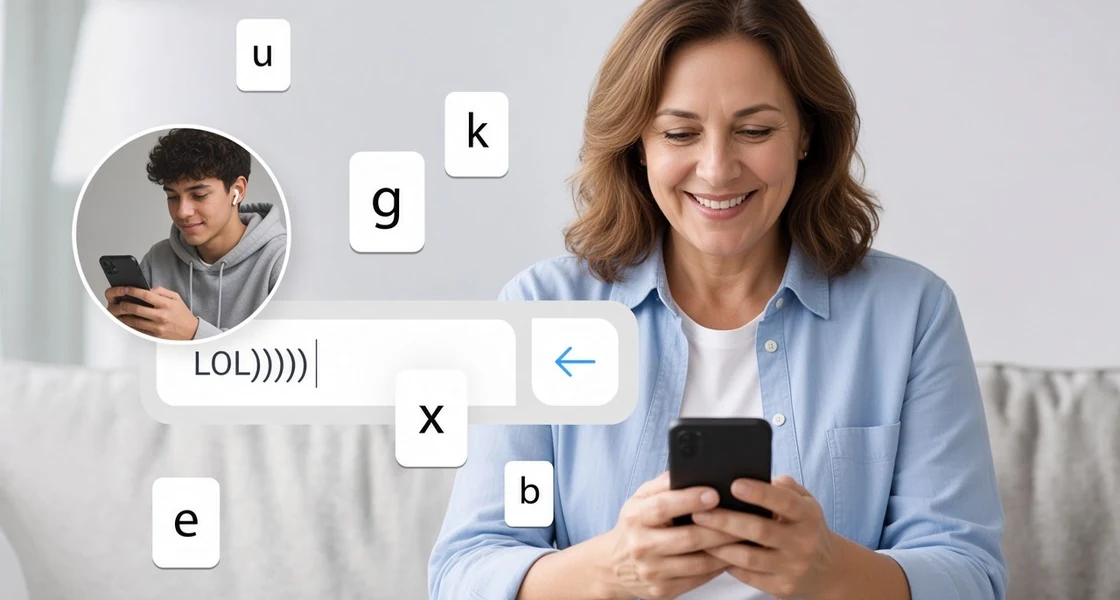
Sidearo maps each phrase to the app where it was typed.

By seeing everything they type, you’ll know if something’s wrong in their world.

Three clear steps — same path as the rest of the parental toolkit.
Install on a child’s phone you manage. Follow the setup guide.
Open the dashboard to monitor typed activity on a managed phone where supported.
Open the free demo, or go straight to pricing — same toolkit on every plan.
Quick answers about this Sidearo feature.
With the Sidearo key logger app, you can instantly receive every keystroke from their device. Simply log in to your Control Panel from any device, click on Keylogger in the convenient left navigation bar, and effortlessly review everything the keylogger has captured. All the information is neatly organized by app for a seamless and hassle-free experience. Don't miss out on this game-changing solution!
When it comes to free keyloggers for Android, safety is a concern. Many of these options lack essential security features, leaving your sensitive information vulnerable to cyber threats. You might also have to deal with intrusive ads or even malware. That's why it's crucial to choose a trustworthy keystroke logger Android like Sidearo. With robust security measures in place, Sidearo provides reliable and secure keylogging. Rest assured that your data will be kept confidential and safe.
A keylogger for Android can be a lifesaver. Think about it. The Internet is a fantastic tool, offering you instant communication with anyone. It opens up huge possibilities for adults and kids. But without parental supervision, those possibilities can turn dangerous and destructive.
A keylogger records keystrokes on a managed device so parents can review typed activity — messages, searches, and similar input — after authorized setup. Sidearo is for parent/guardian use on a child’s phone you manage, not secret adult surveillance.
We know what you’re thinking. Cell phone keylogger solutions sound kind of sketchy. These apps are only used by scammers, right? Not necessarily. There are actually a number of legitimate uses for keystroke logger apps — including parental monitoring on a child’s phone you own or manage, with clear consent rules by country.
It records typed activity on the managed phone — such as messages and searches — and makes that data available in the parent Control Panel after authorized setup. Use only with legal parental authority.
