
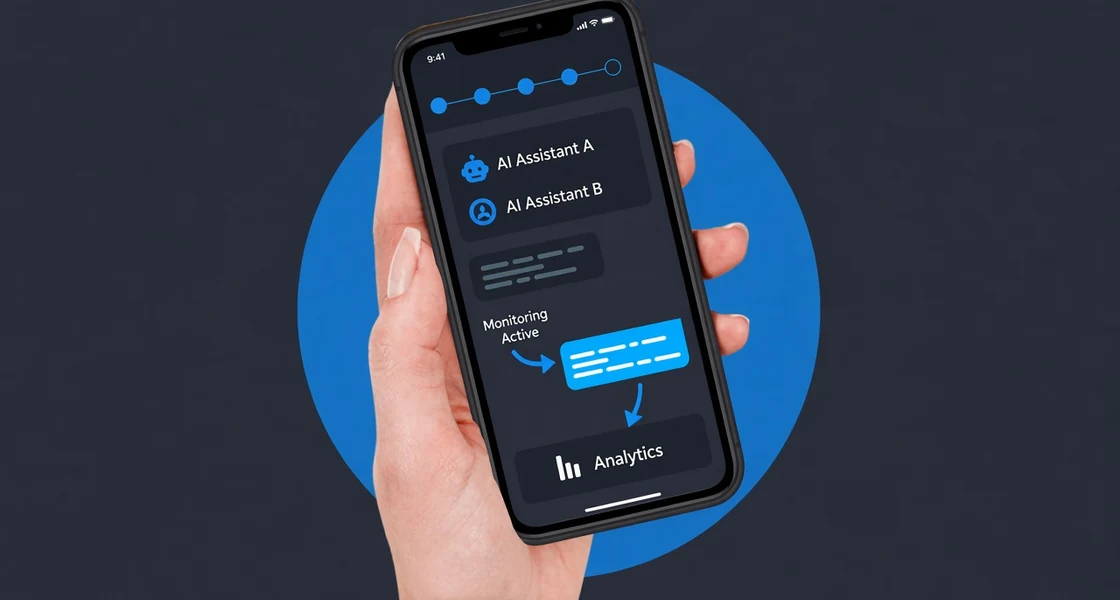
Step 4
Go to your Control Panel and view their ChatGPT and Gemini interactions.
Features / ChatGPT & Gemini
Feature
See how kids use AI chat tools — on a child’s phone you manage.
Why parents use it: stay informed about ChatGPT, Gemini, and AI chat use — authorized parental monitoring, not secret adult tracking. See plans · Free demo.
Free Demo — no credit card required · Available on Android
Sign up and create an account.
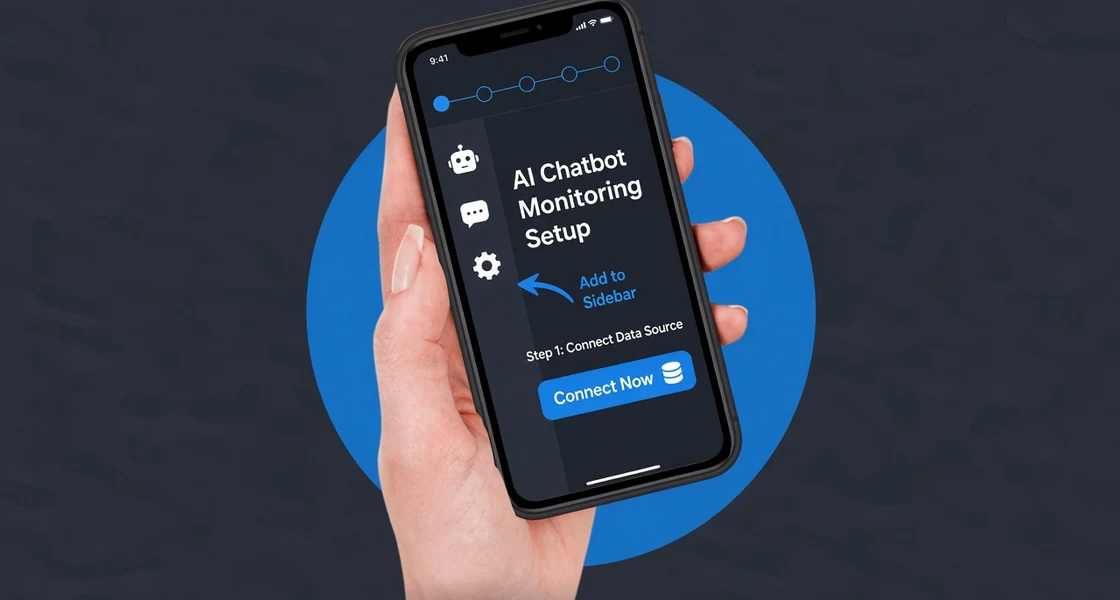
Install Sidearo on their device using our simple instructions.
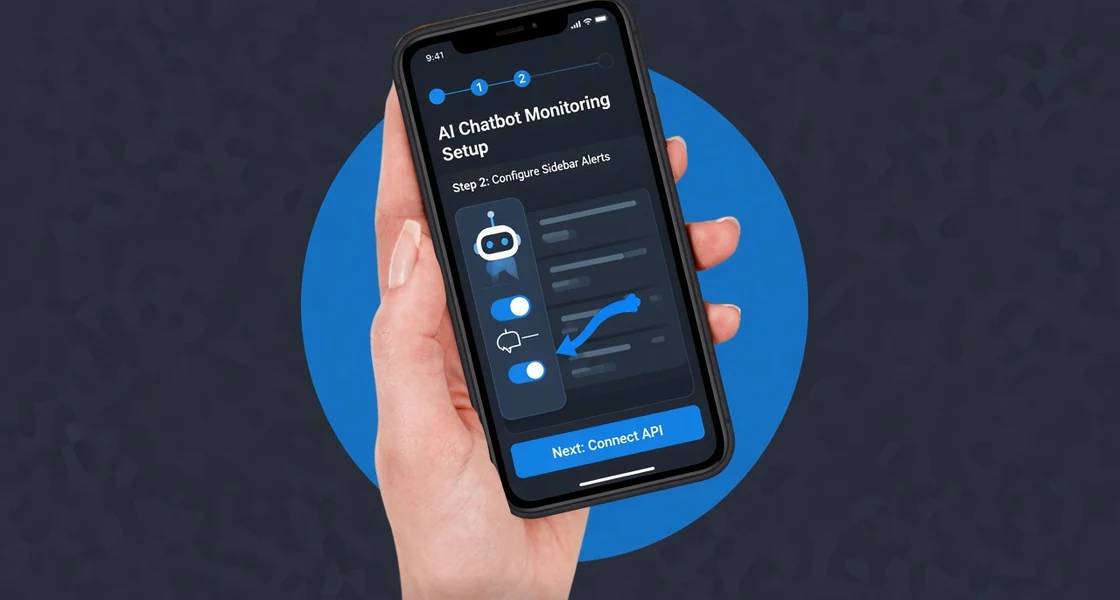
Run the first sync and sit back while Sidearo does the rest.
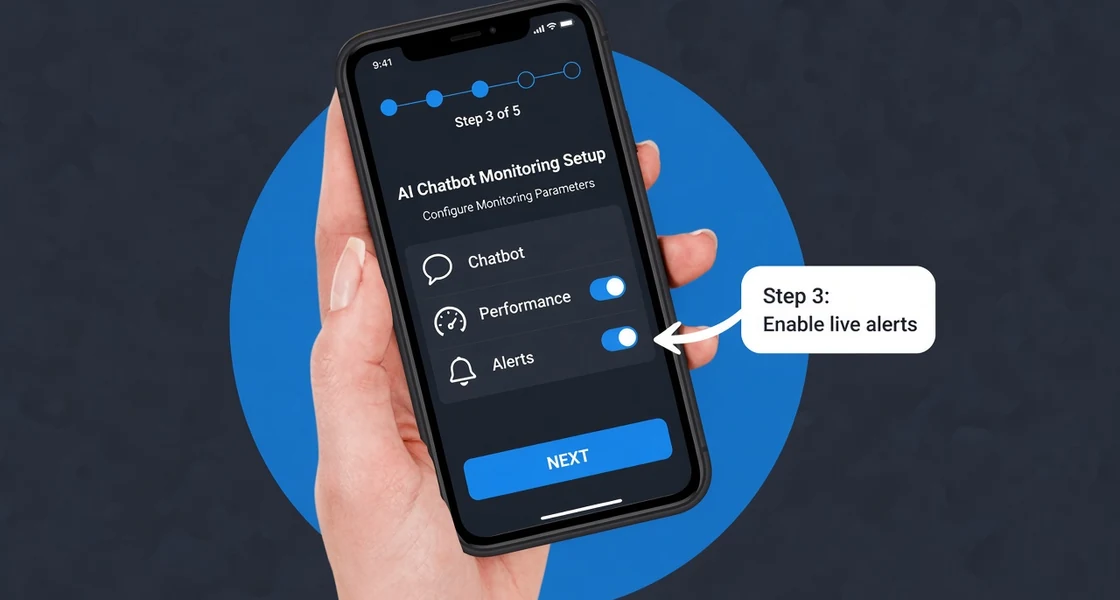
Go to your Control Panel and view their ChatGPT and Gemini interactions.
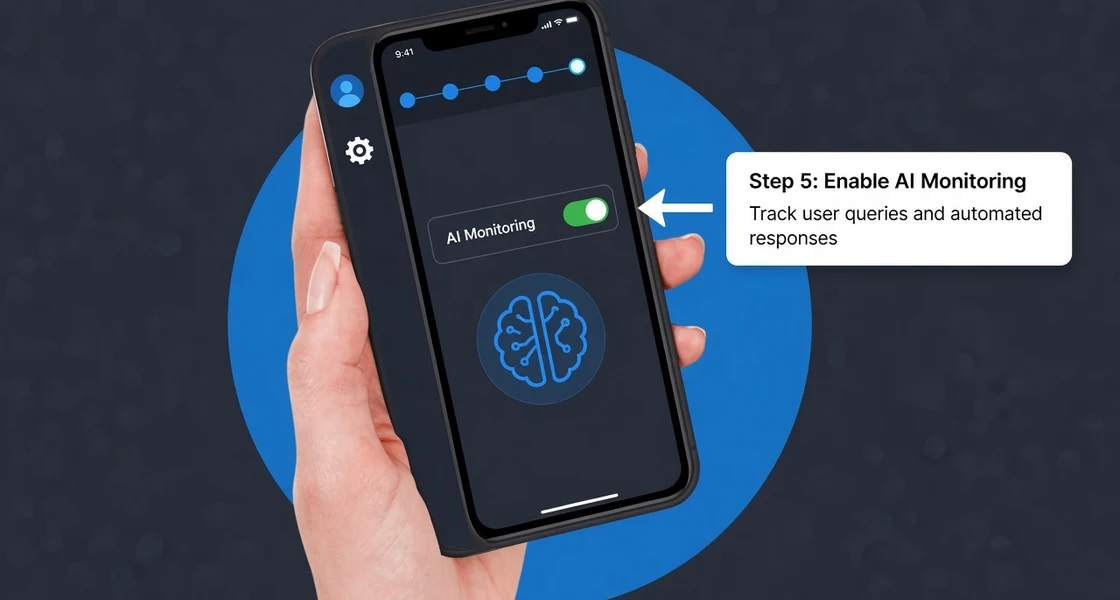
Come back regularly to see what they’ve been up to.
Three clear steps — same path as the rest of the parental toolkit.
Install on a child’s phone you manage. Follow the setup guide.
Open the dashboard to monitor ChatGPT, Gemini, and AI chat use where supported.
Open the free demo, or go straight to pricing — same toolkit on every plan.
Quick answers about this Sidearo feature.
If you want to monitor someones AI Chatbots messages, just install Sidearo on their device. There are several installation methods you can take advantage of, depending on their operating system, their device, and the type of access you have to their phone. Whatever the case is, Sidearo has the support you need to get up and running. Once Sidearo is installed on their device and Sidearo runs its first sync, you’ll have access to everything, all from your own private Sidearo account.
With Sidearo you can check others AI Chatbots chat history on ChatGPT and Gemini, the two most popular AI chat services. And because their interactions are saved withing ChatGPT and Gemini, you’ll be able to view a detailed history of their past AI queries.
No. If you want to check others AI chatbots chat history with Sidearo, you only need to install Sidearo on their device. Once you’re set up, simply log into your Sidearo account from any device and you’ll have access to every interaction they’ve had on Gemini and ChatGPT. Your Sidearo account is accessible on phones, tablets, and computers with a modern browser.
Sidearo is designed for modern Android phones with a parent-focused dashboard. Keep household rules clear about monitoring, and use AI chatbot visibility only on a child’s phone you manage.
There are lots of reasons why you might want to monitor someones AI chatbots messages. If you’re a parent and you’re worried that your child is using AI to cheat while doing their homework, being able to check others AI chatbots chat history can be a big help. But that’s not the only reason. More and more people are turning to AI for help, including mental health help. If you’re worried that something is going on their world that they’re hesitant to open up about, an AI monitoring app can help you discover what’s really going on.
You’re legally allowed to use a ChatGPT monitoring app if you’re monitoring your own child and they’re under 18 (and living under your care). It’s always a good idea to consult with legal experts in your jurisdiction and check local laws before installing any sort of monitoring app. And be sure to read the terms of service before engaging with any AI chatbots messages monitoring solution.