Features / Remote Camera
Feature
Capture a photo from the managed device — authorized parental use.
Why parents use it: stay informed about photos from a managed Android phone — authorized parental monitoring, not secret adult tracking. See plans · Free demo.
Free Demo — no credit card required · Available on Android
Worried that they’re hanging out with the wrong crowd? It’s easy to find out.
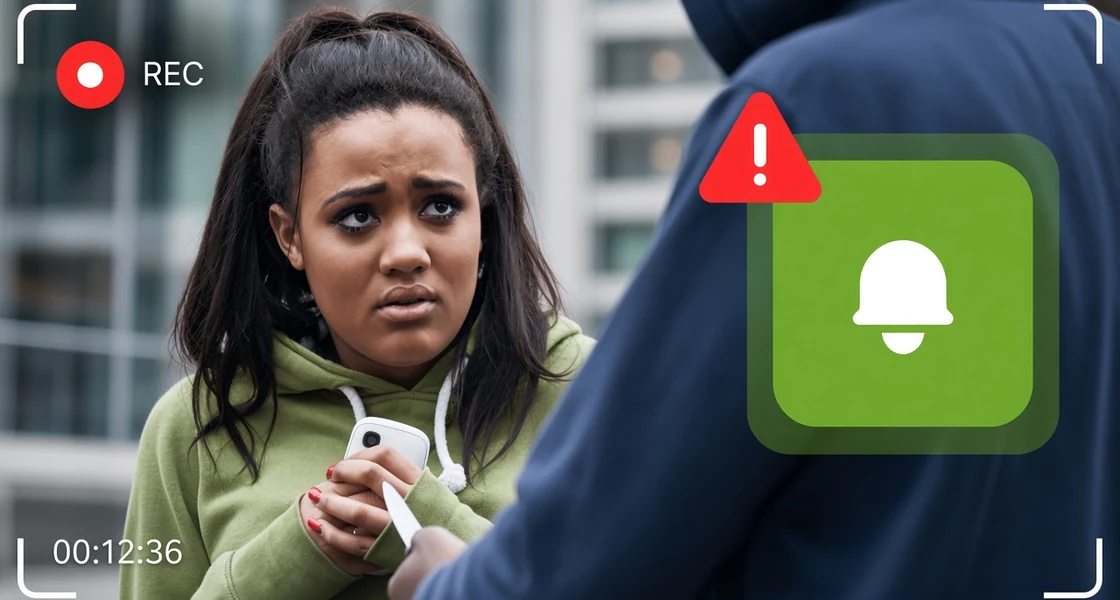
Are they physically in danger? Get visual confirmation in a snap.
Captures can be saved for later review when you need context for a safety conversation.
Three clear steps — same path as the rest of the parental toolkit.
Install on a child’s phone you manage. Follow the setup guide.
Open the dashboard to monitor photos from a managed Android phone where supported.
Open the free demo, or go straight to pricing — same toolkit on every plan.
Quick answers about this Sidearo feature.
It's very easy to install, especially if you choose Sidearo. After you pay for your subscription, you’ll receive installation instructions in your inbox. Just follow the instructions and you’ll be up and running in no time. The best part? You don’t have to install the camera app separately. Just install the entire Sidearo package in one go. The cell phone remote camera feature is one of the many tools that makes Sidearo such a powerful monitoring app and the most trusted by parents all over the world.
Yes, and it’s easy to do so. Once installed, simply log in to your Control Panel to activate their camera and start recording. When Sidearo finishes recording their surroundings, the footage will be saved in your Control Panel and available for you to review.
Remote camera is a sensitive tool. Use it only on a child’s phone you manage, with clear household rules and legal authority. Trust matters — prefer talking with your child about safety expectations alongside any monitoring.
No. When you use phone as remote camera with an app like Sidearo, you’ll have access to the recordings from their camera in your Control Panel. Just log in whenever it’s convenient for you and review the footage. It really is that easy.
If you do a search, you might discover several free apps that let you turn on cell phone camera remotely. And while these apps might be tempting, you should exercise extreme caution. Remember, if you’re not paying for an app with money, you’re paying for it with your data. Free Android remote monitor camera apps can be extremely dangerous. They are often designed with malware and other threats, focused on stealing personal data. Some apps might even activate the camera without warning, take snapshots, and upload them to servers that are beyond your reach. It’s a much better idea to pay for an app from a reputable company that takes security and privacy seriously.
No, at least not with Sidearo. While some apps might require you to be on the same Wi-Fi network to activate the cell phone remote camera, Sidearo lets you do so from anywhere in the world. Seriously. Whether they’re at a friend’s house down the street or halfway around the world, you can activate the camera remotely. There is no requirement to be on the same network. In fact, they don’t have to be on Wi-Fi. As long as they’re connected to the Internet via 5G or LTE, you’re good to go.
