Features / Ambient Recording
Feature
Listen to surroundings when legally appropriate — parents and guardians only.
Why parents use it: stay informed about surrounding sound when legally appropriate — authorized parental monitoring, not secret adult tracking. See plans · Free demo.
Free Demo — no credit card required · Available on Android
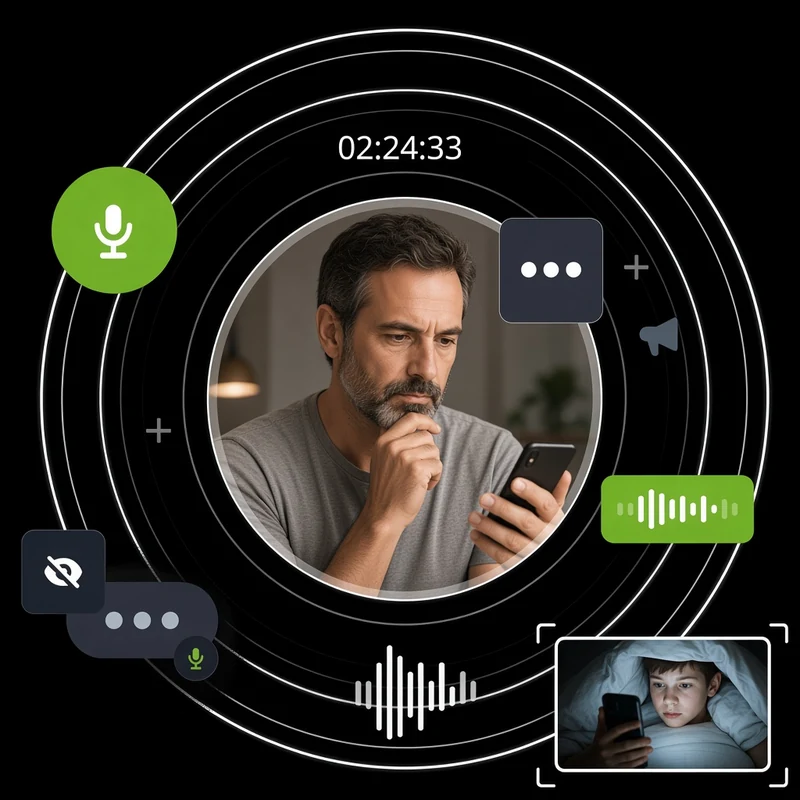
Don’t rely on a hunch. Find out the truth by activating the hidden mic.
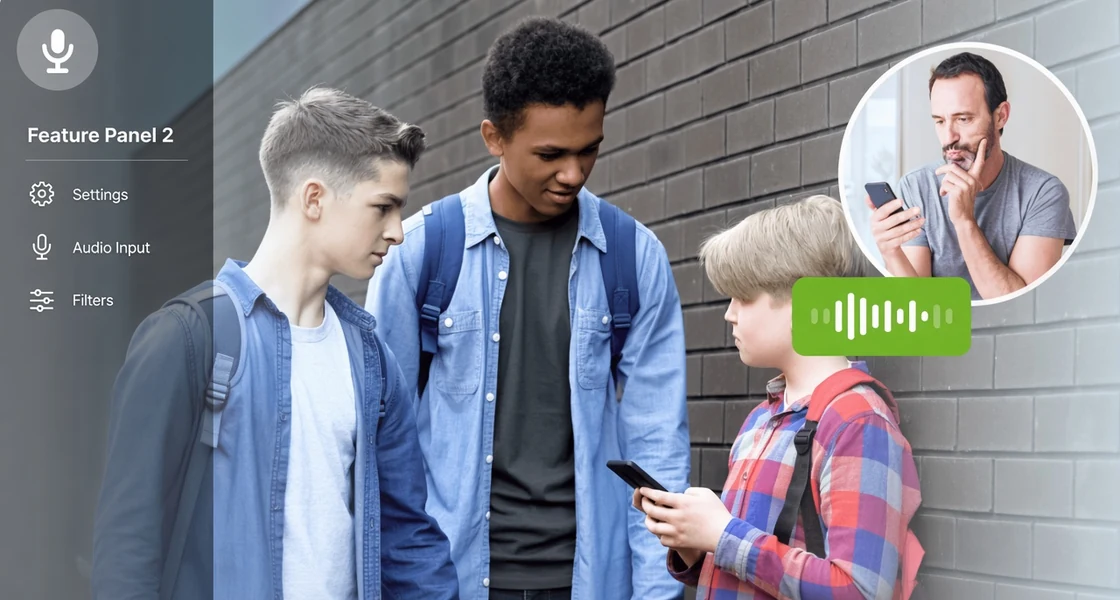
Stop worrying about bullying and other dangers. Listen in and find out what’s really happening.
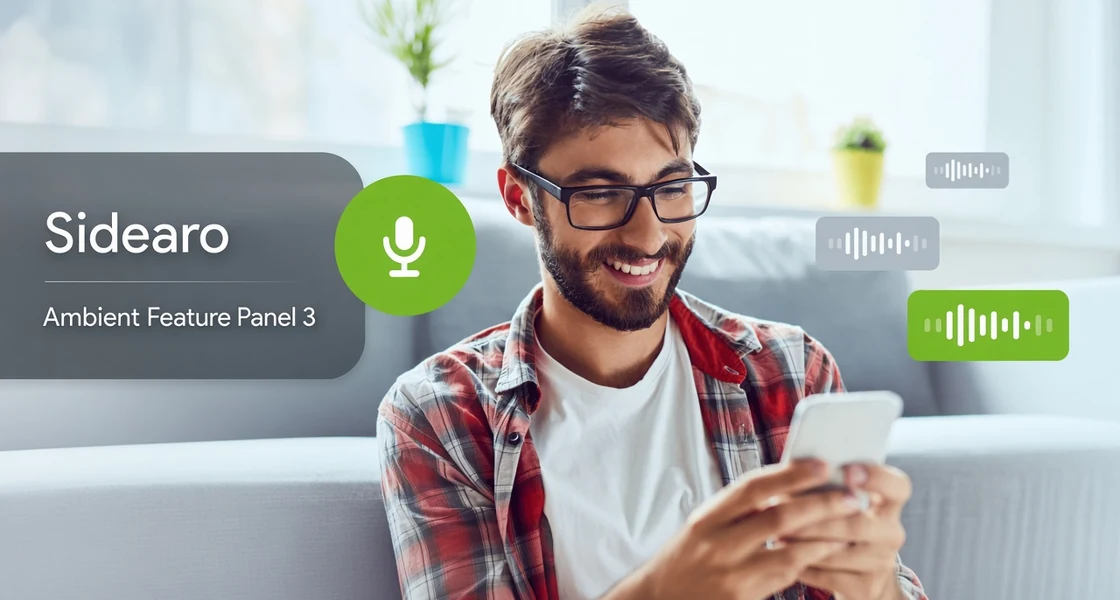
Can’t listen live? Sidearo saves the hidden mic recordings so you can listen at your convenience.

Three clear steps — same path as the rest of the parental toolkit.
Install on a child’s phone you manage. Follow the setup guide.
Open the dashboard to monitor surrounding sound when legally appropriate where supported.
Open the free demo, or go straight to pricing — same toolkit on every plan.
Quick answers about this Sidearo feature.
After authorized setup on a child’s phone you manage, open the Control Panel and start ambient recording where supported. Review the clip later when you need safety context — not for casual eavesdropping.
Phone mics vary. Quality depends on pocket placement, background noise, distance, and how many people are speaking. Treat ambient audio as a safety signal, not perfect courtroom audio.
Choose a Sidearo plan that includes ambient recording, complete authorized setup, then activate the microphone from the Control Panel when a clear safety need remains and local law allows it.
Yes — ambient recording is remote by design. Use it only as a parent or guardian on a phone you manage, with clear household rules.
Support depends on the device and OS version. Check Compatibility before you buy, and confirm the feature is available on your child’s phone after setup.
It is a sensitive tool. Prefer clear household rules first; use ambient recording only with legal parental authority when a safety need remains. Indicators and availability can vary by device.
