
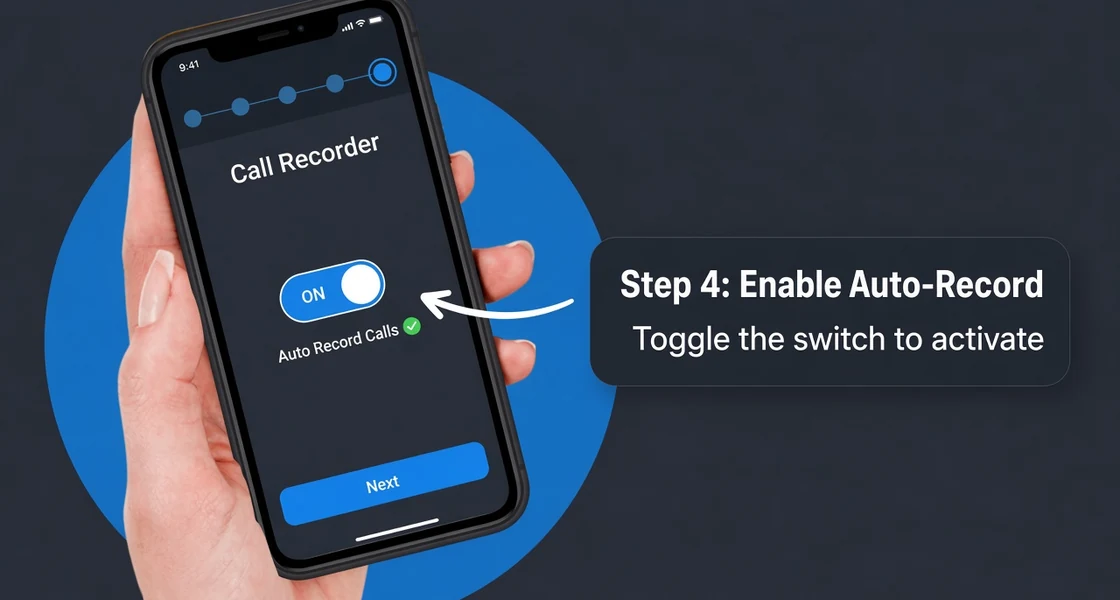
Step 4
Activate the call streaming feature to start recording calls.
Features / Android Call Recorder
Feature
Record calls where supported and allowed — check Compatibility before you buy.
Why parents use it: stay informed about call recordings where legally allowed — authorized parental monitoring, not secret adult tracking. See plans · Free demo.
Free Demo — no credit card required · Available on Android
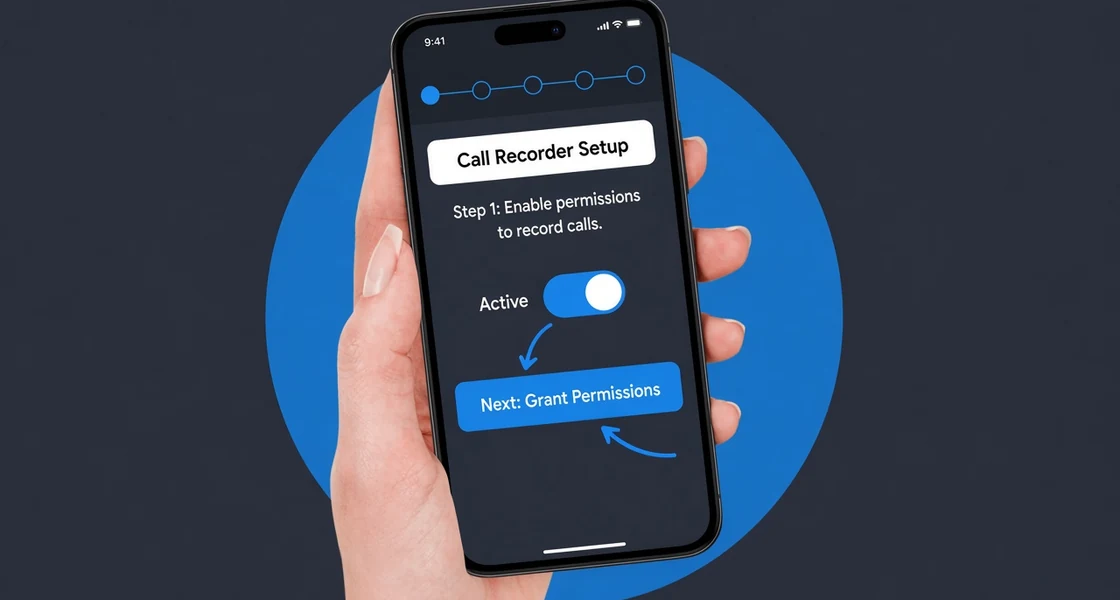
Sign up and install Sidearo on their device.
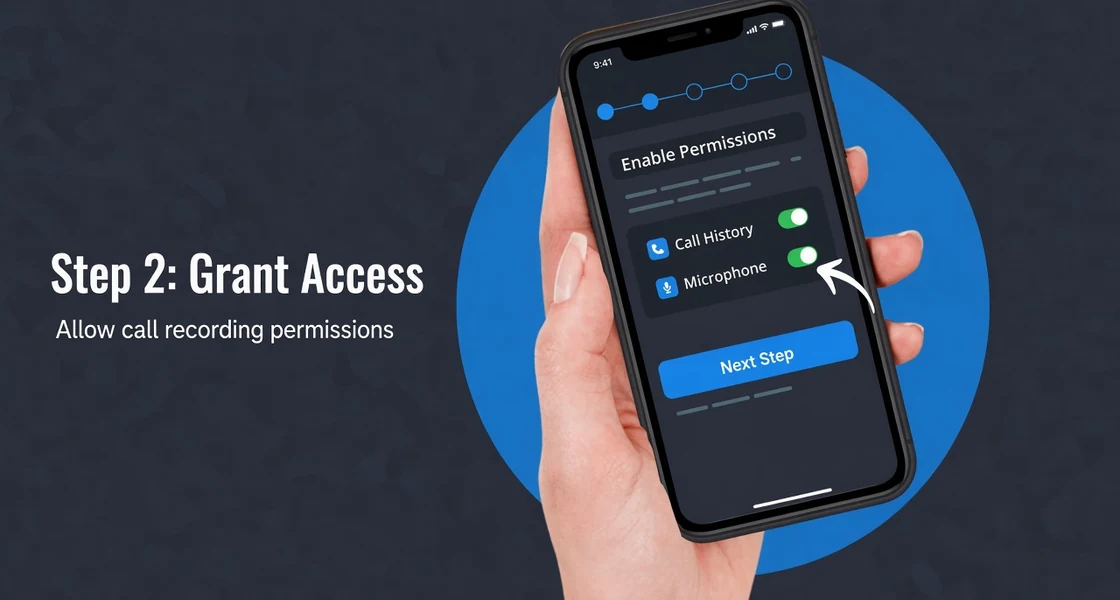
Give permissions to allow access to the device’s microphone and call history.
Go to your Control Panel and look for the Call Recording section.
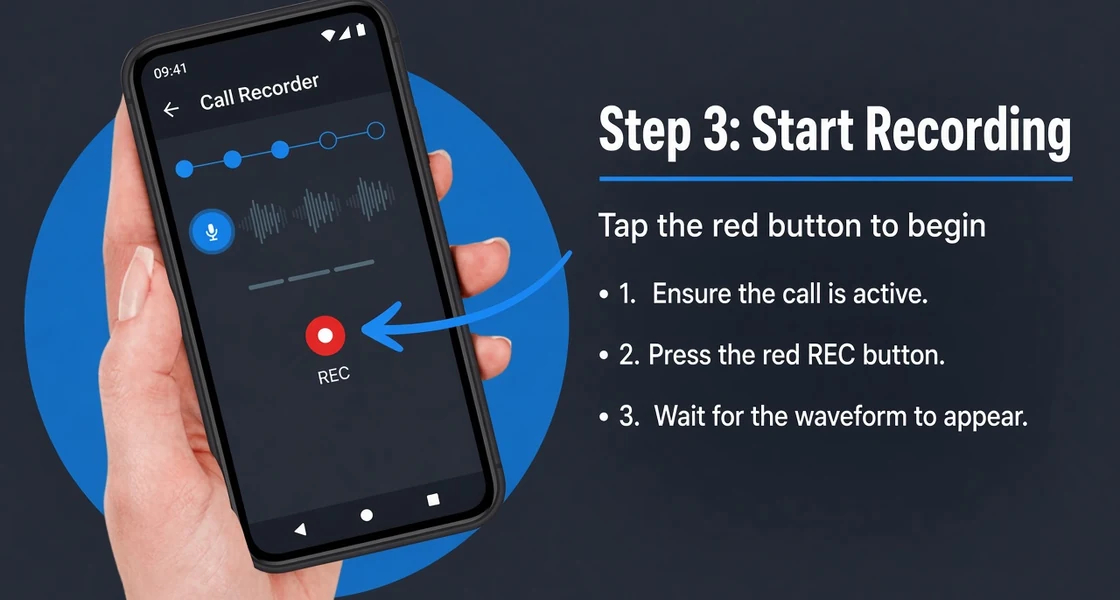
Activate the call streaming feature to start recording calls.
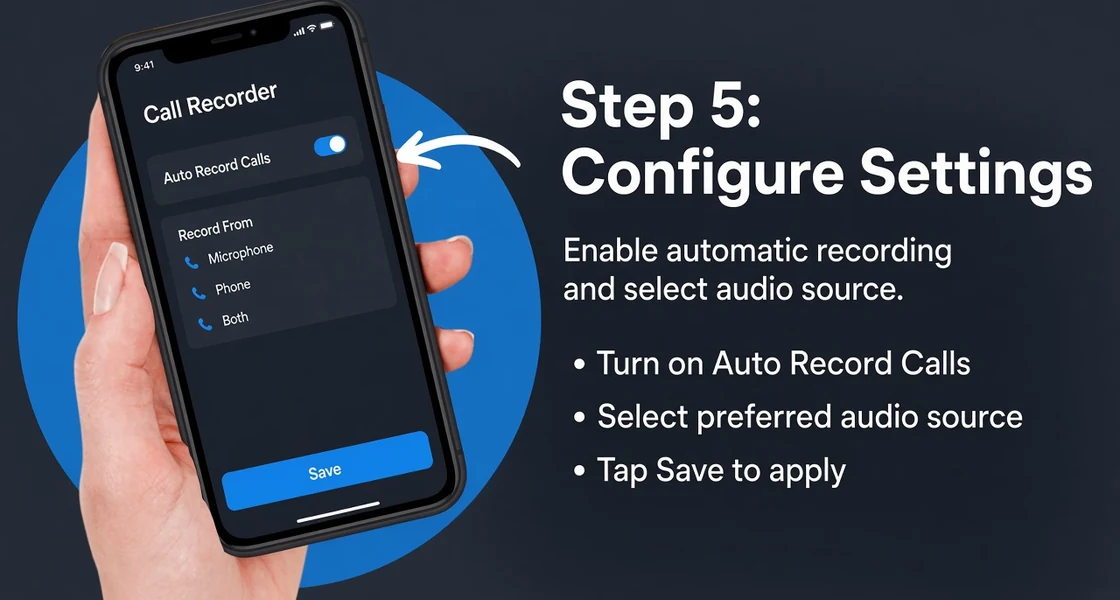
Play back old recordings and download them if you need to.
Three clear steps — same path as the rest of the parental toolkit.
Install on a child’s phone you manage. Follow the setup guide.
Open the dashboard to monitor call recordings where legally allowed where supported.
Open the free demo, or go straight to pricing — same toolkit on every plan.
Quick answers about this Sidearo feature.
Sidearo’s Android call recorder can capture calls where supported and allowed. Follow local consent laws. Play back recordings from your Sidearo account after authorized setup.
To get started with our call recorded Android service, simply get Sidearo. It’s available for pretty much every version of Android.
You can record incoming and outgoing calls with our secret call recorder app for Android. No matter what call you’re recording, you’ll benefit from the impeccable crystal-clear phone recorder quality that Sidearo is known for.
Call recording behavior varies by device and jurisdiction. Always follow local consent laws — Sidearo does not replace your legal duty to inform the other party when required.
Call recording laws differ by state and country. Some places allow one-party consent; others require both parties to know. Always check local law and get required consent before recording. Sidearo is for lawful parental use on devices you manage.
Not at all. When you use a call recorder Android app, the recordings are saved in your private Sidearo account. You can listen to the recordings in the future. There’s no rush.