Features / TikTok
Feature
Watch habits and safety signals on TikTok — authorized parental monitoring.
Why parents use it: stay informed about TikTok habits and safety signals — authorized parental monitoring, not secret adult tracking. See plans · Free demo.
Free Demo — no credit card required · Available on Android
Sidearo regularly captures what’s on their phone. When TikTok is open, those screenshots help you understand the videos, comments, and DMs they’re spending time on.
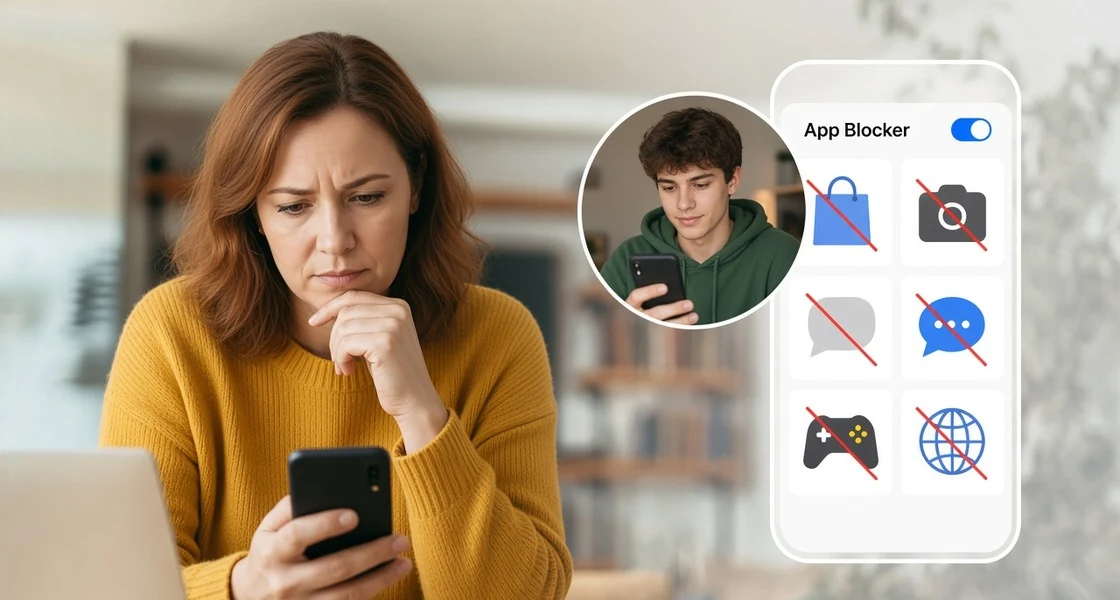
If the feed is getting in the way of sleep or school, open the Control Panel and block TikTok until you’re ready to allow it again.
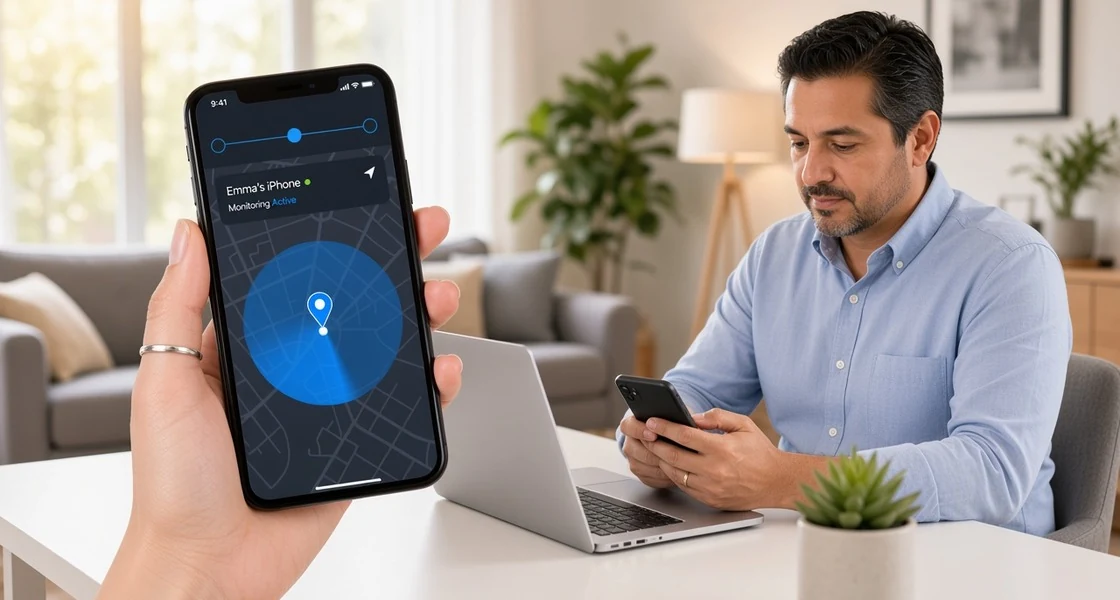
GPS tracking shows their location history, so late-night TikTok sessions don’t leave you guessing where they went.
Three clear steps — same path as the rest of the parental toolkit.
Install on a child’s phone you manage. Follow the setup guide.
Open the dashboard to monitor TikTok habits and safety signals where supported.
Open the free demo, or go straight to pricing — same toolkit on every plan.
Quick answers about this Sidearo feature.
Sidearo lets you monitor a variety of social media accounts and read their private conversations in popular chat apps. And as a TikTok tracker app, it lets you see what they’re saying too. While you can’t read their conversations directly through your Sidearo Control panel, you can check out pics of their TikTok chats as they use their phone. Sidearo captures screenshots of their phone in use, so you’ll be able to see what they’re saying. With this feature, you have a great way to monitor TikTok effortlessly.
It's so easy to see what they’re up to when you use a TikTok tracker up. Just use the Screenrecorder tool to see what videos they’re watching. You can also use the built-in keylogger to uncover terms they’ve searched for in TikTok, and even in their web browser. For example, if they type “adult TikTok videos” on their phone, you’ll know about it.
With Sidearo, it’s easy to block TikTok. Just go into the Control Panel of the TikTok monitor app, head to the Restricted section on the left navigation bar, click Block Applications, and then find TikTok. If it’s installed on their phone, you’ll see it. Then just hit Block to stop them from using the app. It’s that easy.
Several governments around the world are looking at TikTok with a suspicious eye, going as far as banning them from government phones. It happened in Canada and it’s happening elsewhere. The concern? Spying by foreign powers, specifically China. While there isn’t a lot of evidence to conclusively prove that the TikTok short-form video app is really a TikTok monitor app designed to read everything on your phone, many people are taking a better-safe-than-sorry approach. And it’s not just federal governments that are worried about the TikTok tracker app. Some schools are choosing to ban TikTok use in school, while not taking the same approach with other competing apps.
Not all tools to monitor TikTok are created equal. Some make you jump through incredible hoops just to give you a brief glimpse into what they’re posting or watching on TikTok. But Sidearo is different. We’ve made the TikTok monitor app easy to install. Whether you want to install the TikTok tracker app on Android, it’s simple. Just pay for your plan, check your email for detailed install instructions, and then follow them to get going. It’s really that easy.
When you have a TikTok location tracking app like Sidearo in your corner, it’s easy to see where they are at any given time. And you can even see where they’ve been. The best part? There’s no need for them to be even using TikTok for you to see their location. That’s because the Sidearo TikTok tracker app works in the background at all times, regardless of what app they’re currently using.
