
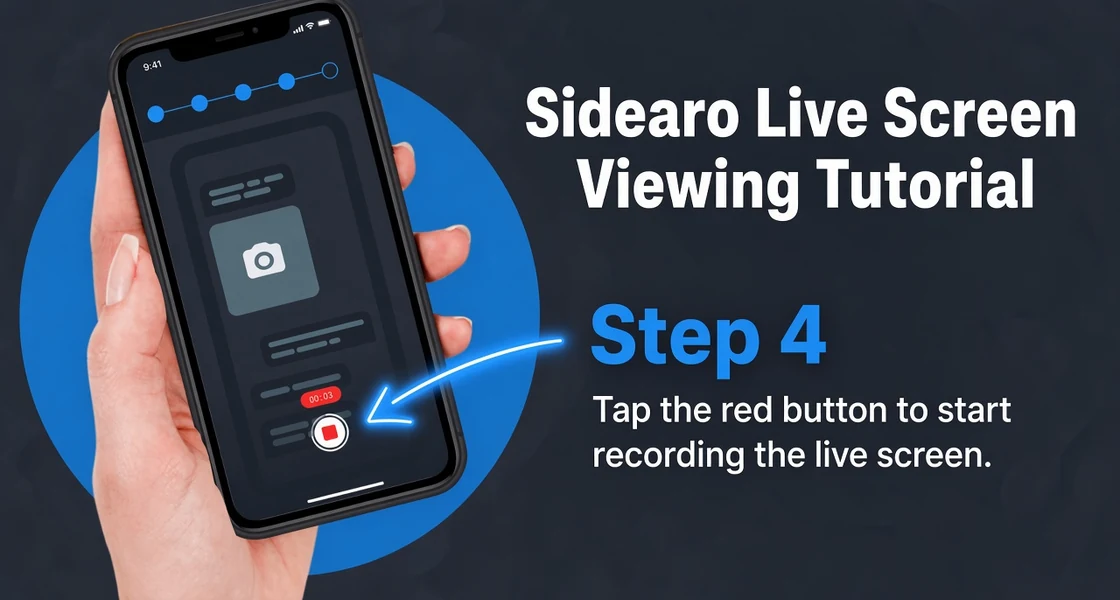
Step 4
View their phone on your own screen in real-time.
Features / Live Screen
Feature
See the screen when you need context — authorized parental monitoring.
Why parents use it: stay informed about real-time screen viewing — authorized parental monitoring, not secret adult tracking. See plans · Free demo.
Free Demo — no credit card required · Available on Android
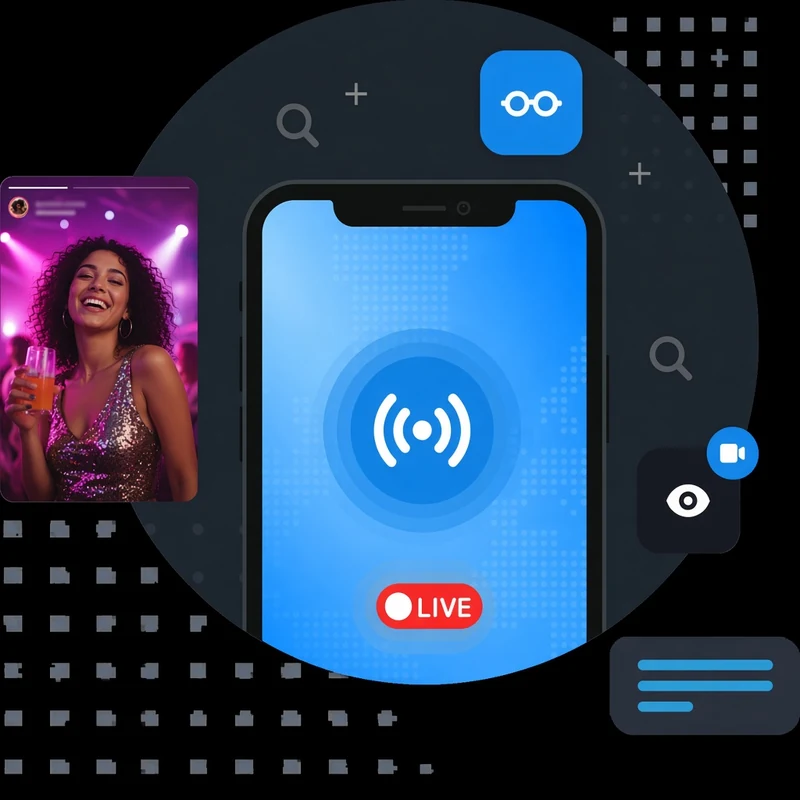
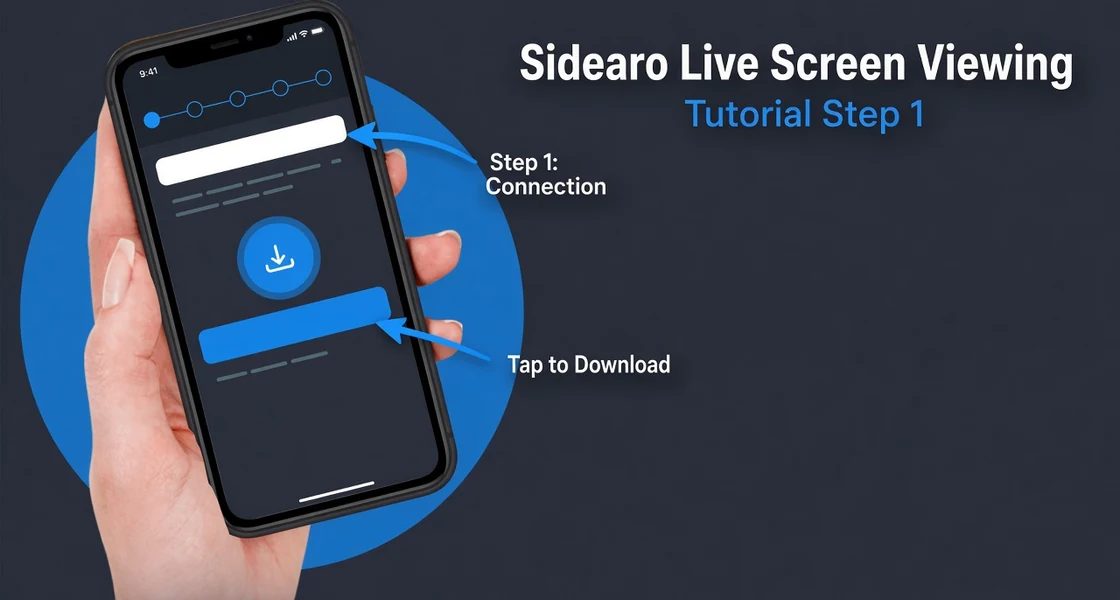
Sign up and install Sidearo on their device.
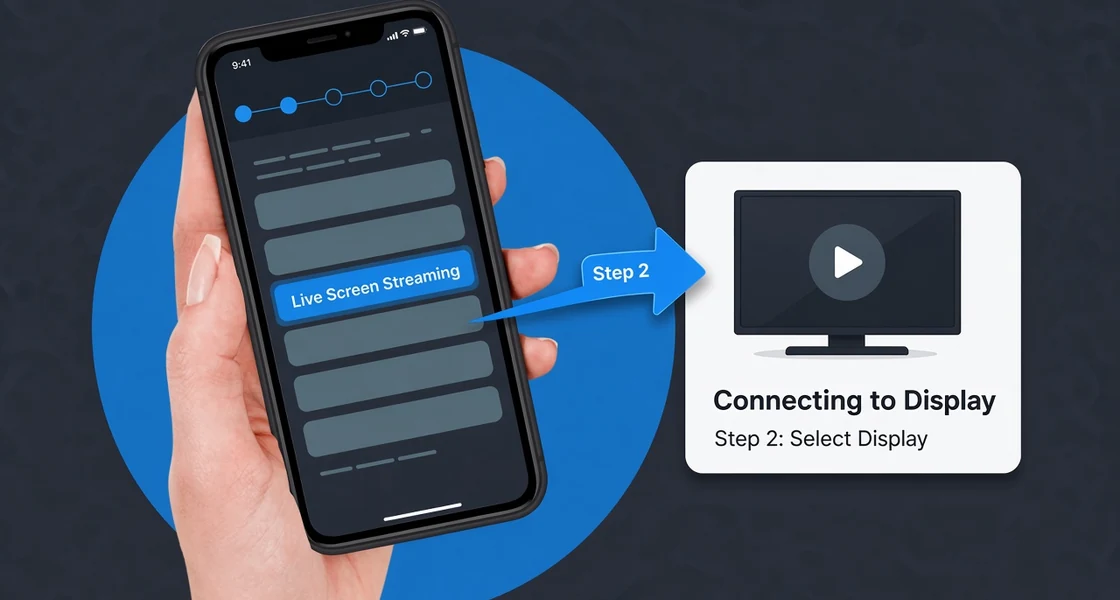
Go to your Sidearo Control Panel and look for the Live Screen Streaming section.
Hit the Start Live button to activate Live Streaming.
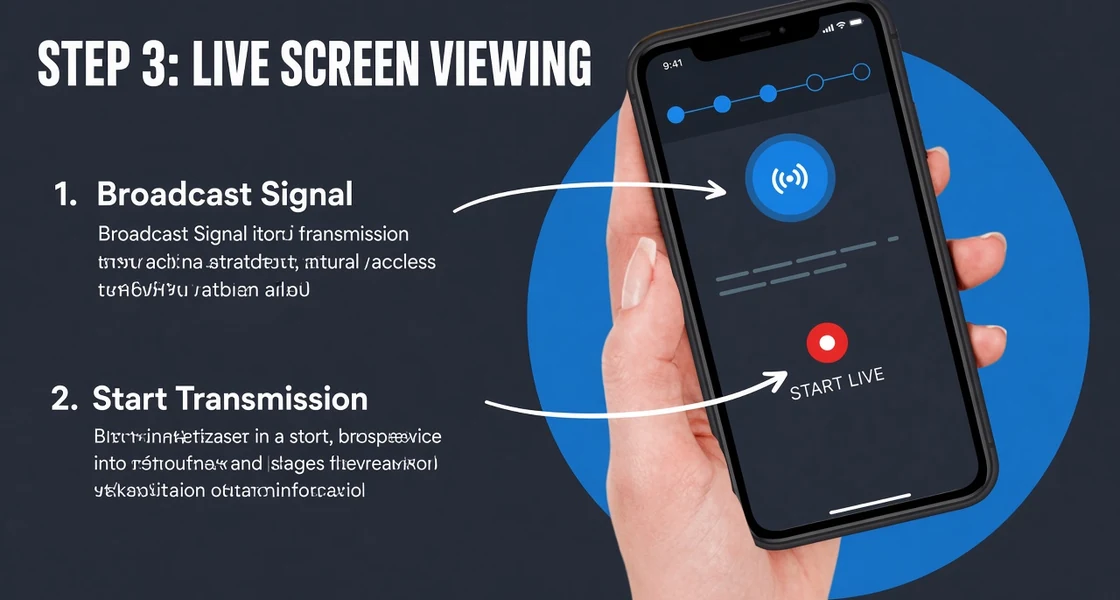
View their phone on your own screen in real-time.
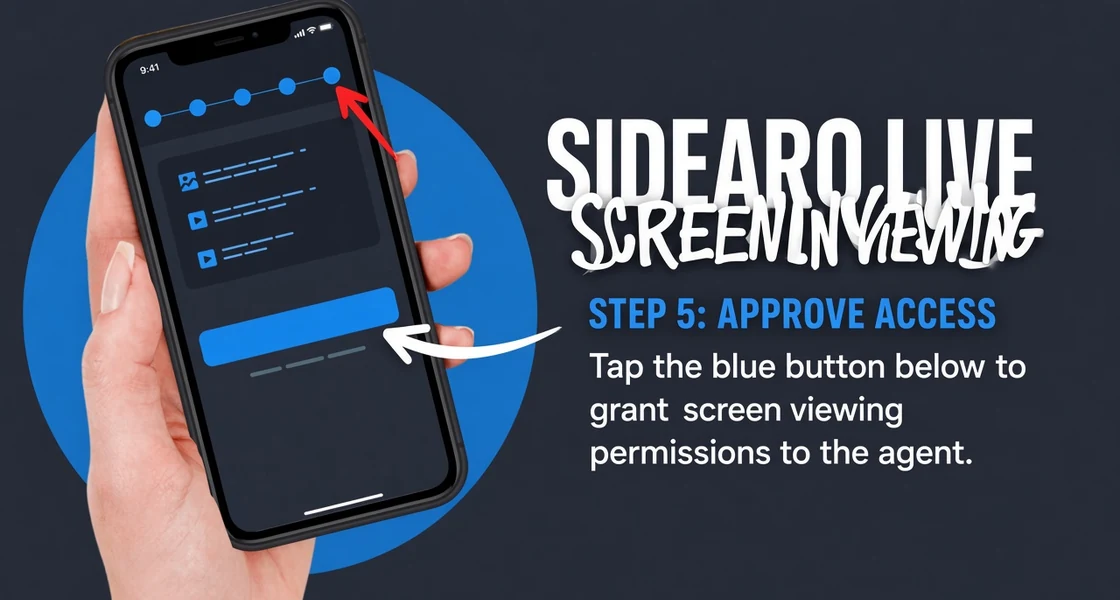
And take screenshots so you can review things later.
Three clear steps — same path as the rest of the parental toolkit.
Install on a child’s phone you manage. Follow the setup guide.
Open the dashboard to monitor real-time screen viewing where supported.
Open the free demo, or go straight to pricing — same toolkit on every plan.
Quick answers about this Sidearo feature.
It is, as long as you have an app to see other phone screen installed on the device you want to monitor.
Have you ever beamed your phone or tablet to your TV with Chromecast? Press a button on your phone and everything appears on the screen. An app to see another phone’s screen works kind of like that — except instead of beaming to a TV, activity is sent to your private Sidearo monitoring account in the browser.
Live screen is for parents and guardians on a phone you manage. Use it when you need real-time context — alongside clear household rules — not as a gimmick for secret watching.
If you want to see another phone’s screen, you have several options. If you use an app to view someone else’s phone screen live, you’ll have the luxury of seeing their phone as they use it in real-time. With an app that captures screenshots, you’ll have still photos of their phone in use. Sidearo does both.
Not all apps are safe and secure, but Sidearo is. Everything is transmitted to your private account securely and privately. We employ the highest encryption technology to make sure that their phone can’t be viewed by any nefarious actors.
Many of our users are parents who are concerned about what their kids are doing online. Some are worried about cyberbullying and want to find out if their kids are being harassed at school. Others are concerned about the dangerous paths their kids might be traveling down (like connecting with strangers they don’t trust). Others just want to make sure their kids are using their phone safely and securely. An app to see another phone’s screen offers that extra peace of mind.