Features / Geo-Fencing
Feature
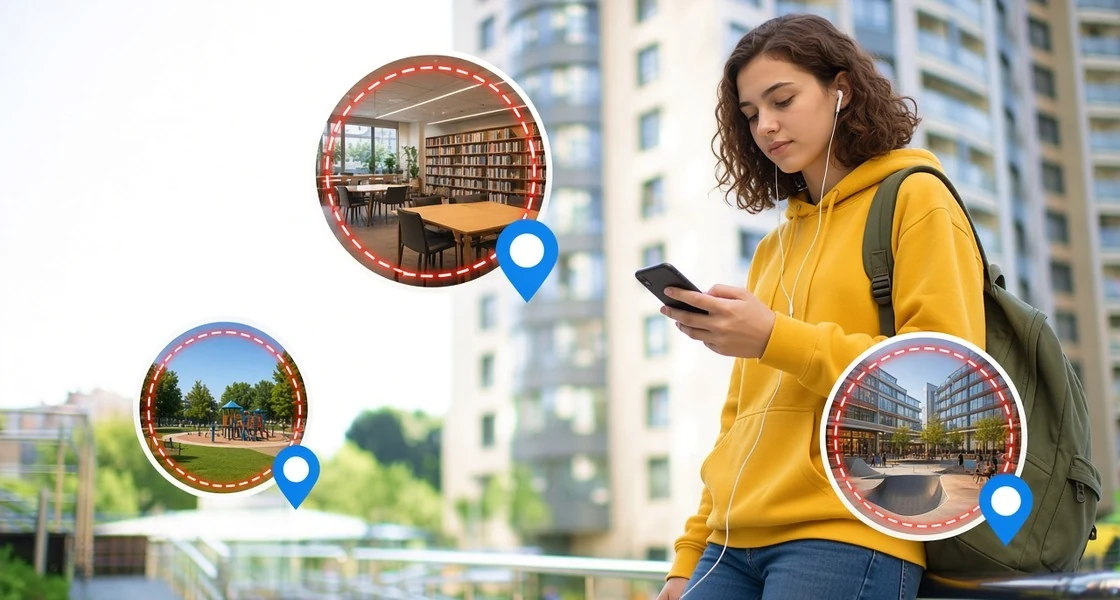
Know when they enter or leave safe places you set.
Why parents use it: stay informed about arrive/leave alerts for safe places — authorized parental monitoring, not secret adult tracking. See plans · Free demo.
Free Demo — no credit card required · Available on Android

Just pick the location and Sidearo remembers it automatically.

Email notifications fill you in on their location.

Find out which places they frequent and when they visit them.
Three clear steps — same path as the rest of the parental toolkit.
Install on a child’s phone you manage. Follow the setup guide.
Open the dashboard to monitor arrive/leave alerts for safe places where supported.
Open the free demo, or go straight to pricing — same toolkit on every plan.
Quick answers about this Sidearo feature.
Geofencing is exactly what it sounds like — a combination of geolocation and fencing. Still confused? It’s actually really easy to understand. Imagine a fence in your backyard. It keeps things in your house safe. For example, with your fence, your dog can’t escape. And a fence also makes it harder for intruders or other animals to enter your yard. Now imagine if you could get alerted should your dog hop over the fence. Or imagine you could find out if someone entered your yard. That, in a nutshell, is geofencing.
Geofencing apps work by leveraging the GPS that’s built into a kid’s device. With Sidearo’s GPS geofencing technology, you can set safe zones (or danger zones). When your kid enters or exits one of those zones, you’ll be notified. It’s an easy way to keep them out of trouble and help make sure they’re safe.
And if you don’t think you need a GPS geofence solution in your corner, read on. Did you ever run away from home when you were a kid? Even if just for a few hours, it can be devastating to parents. With geofencing in your arsenal, you’ll know where your kids are. Remember, you can even set your house to be a safe zone, so if you’re out looking for them and they return home, you’ll know about it.
With Sidearo, you don’t have to constantly check their location on the map, Sidearo will do it for you. As soon as they enter or leave the restricted zone, you will get a notification informing you about their movement. Moreover, Sidearo offers other amazing monitoring features like social media messages tracking, keylogger, website and application blocking, and so much more.
Yes. With Android geofencing baked right in, Sidearo has you covered on devices you manage.
There sure is. And you’ve found it! Whether you’re looking for an Android geofencing app, Sidearo fits the bill.Sidearo has so much more to offer besides advanced GPS capabilities. Social media monitoring, reading text messages and chats, viewing browsing history or bookmarks, checking call logs and contact lists - all of this and more is possible with Sidearo parental control software!
