Features / Screenrecorder
Feature
Capture screen activity on supported devices — for parents and guardians.
Why parents use it: stay informed about screen activity captures — authorized parental monitoring, not secret adult tracking. See plans · Free demo.
Free Demo — no credit card required · Available on Android
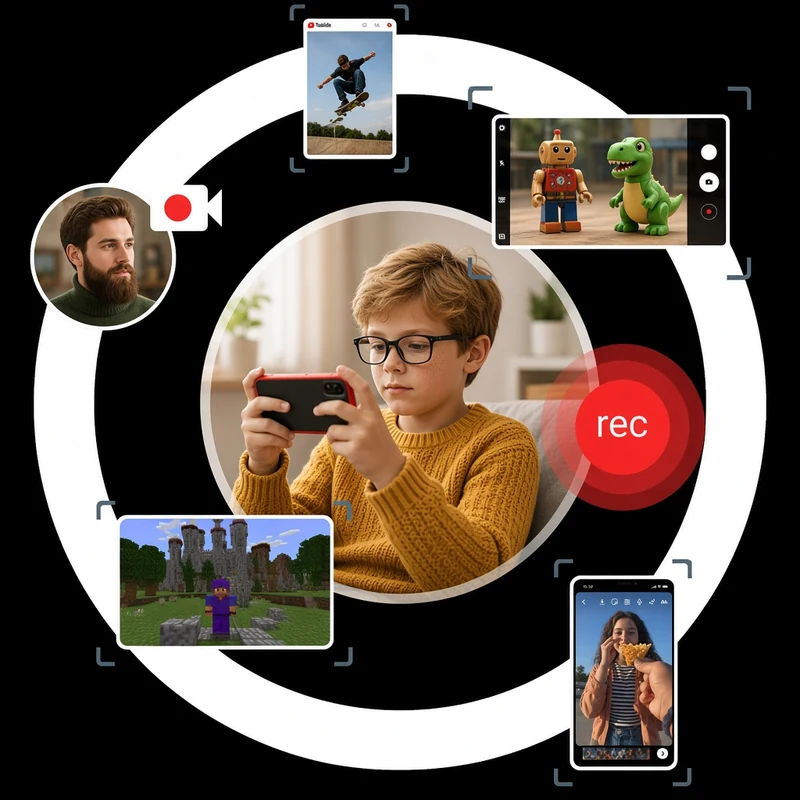
Sidearo covers the biggest ones, including Snapchat, WhatsApp, and Facebook Messenger.

Did a Snapchat message vanish? With Screenrecorder, you will still be able to see it if it was captured before disappearing.

With a visual snapshot of their activity, you’ll always have proof.
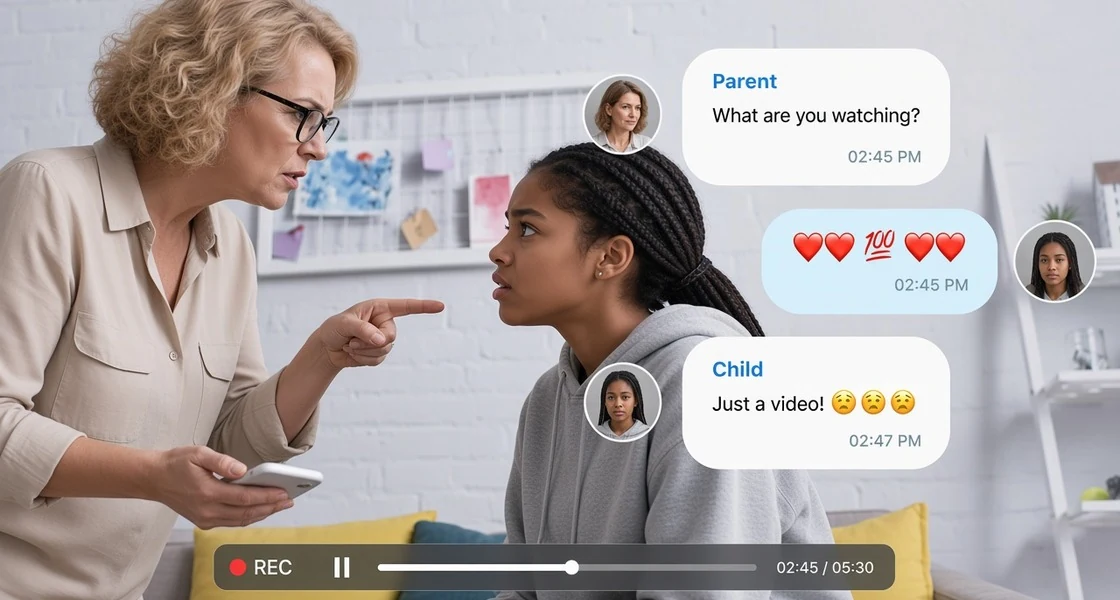
Three clear steps — same path as the rest of the parental toolkit.
Install on a child’s phone you manage. Follow the setup guide.
Open the dashboard to monitor screen activity captures where supported.
Open the free demo, or go straight to pricing — same toolkit on every plan.
Quick answers about this Sidearo feature.
Kids move fast across apps. Sidearo’s screen recording (where supported) captures screen activity on a managed child’s phone and sends captures to your Control Panel so you can talk through concerns with context — authorized parental use only.
Keyloggers and screen recording are different. A keylogger captures typed input; screen recording shows what’s on screen (apps, media, and layout). Sidearo includes both where supported so parents can choose the right context.
When homework happens on phones, parents need clarity without constant device handovers. Sidearo’s screen recording (where supported) helps you see whether focus time is real — games, chats, or schoolwork — so you can set fair household rules.
As teens expand social circles — including dating apps — parents may need clearer context. Screen captures from a managed phone can show who they’re chatting with across Messenger, WhatsApp, or Snapchat so you can intervene early when risks appear.
Getting started with the best parental screen recorder Android app is a piece of cake. Just install Sidearo and you’ll be ready to go. Seriously. And if you already have Sidearo, there’s nothing more you need to do. Screenrecorder is available in your Control panel.
Set up Sidearo on a child’s phone you manage, then open the Control Panel to review new screen captures when available. Keep household rules clear and use the feature only with legal parental authority.
