
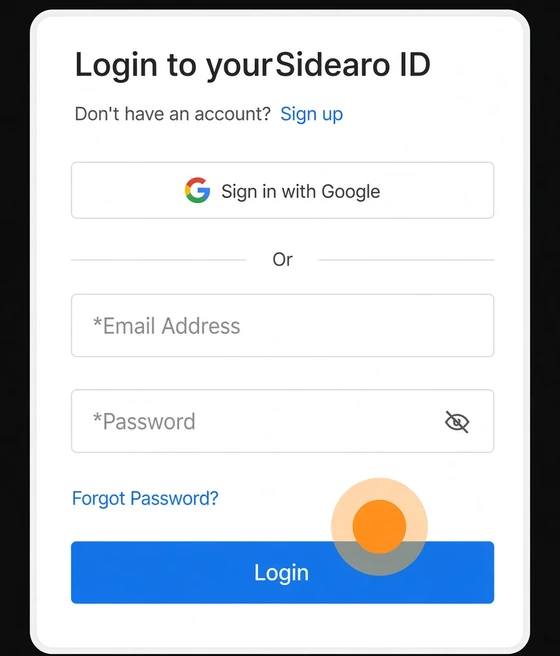
Create your Sidearo account
Choose a plan on Pricing, complete checkout, and check your email for login credentials and setup instructions.
How it works
Sidearo is built for parents who want a straightforward path: subscribe, complete authorized installation, then monitor remotely.
Free Demo — no credit card required · Available on Android
Choose a plan on Pricing, complete checkout, and check your email for login credentials and setup instructions.
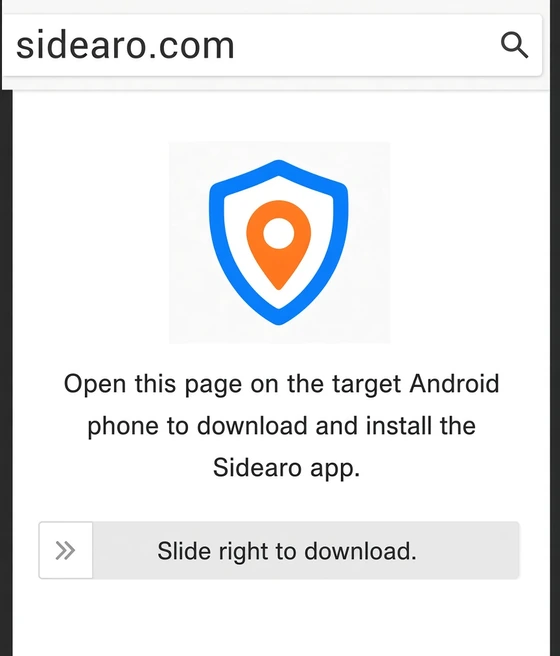
Use one-time physical access to the child’s device. Follow the Android guide, grant required permissions, and confirm the device appears in your account.
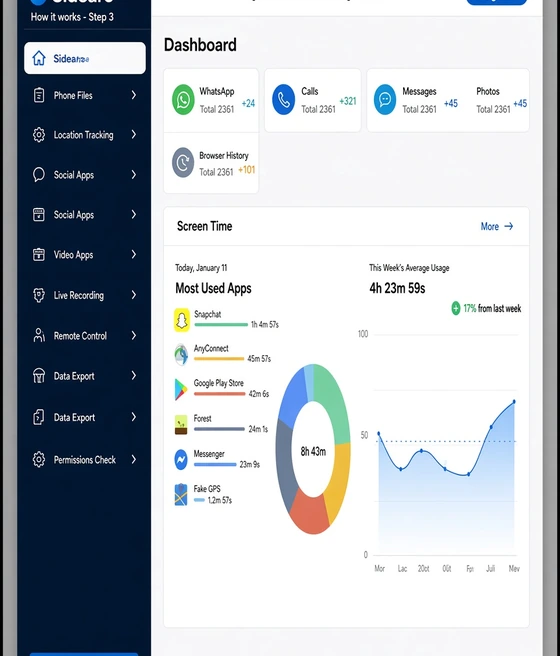
Sign in anytime to review location, chats, calls, browsing, screen activity, and alerts — from your phone or computer.
Activity typically appears in the dashboard within minutes when the child’s phone is online.
Set words that matter to your family and get notified when they appear in supported activity.
Stuck on permissions or install? Email support@sidearo.com or browse Help.
Pick a plan, then follow the email guide for your device.