Features / GPS tracking
Feature
Live location and history for peace of mind — on a phone you manage.
Why parents use it: stay informed about live location and location history — authorized parental monitoring, not secret adult tracking. See plans · Free demo.
Parents comparing mSpy or KidsGuard location tools often check Sidearo GPS next — compare apps.
Free Demo — no credit card required · Available on Android

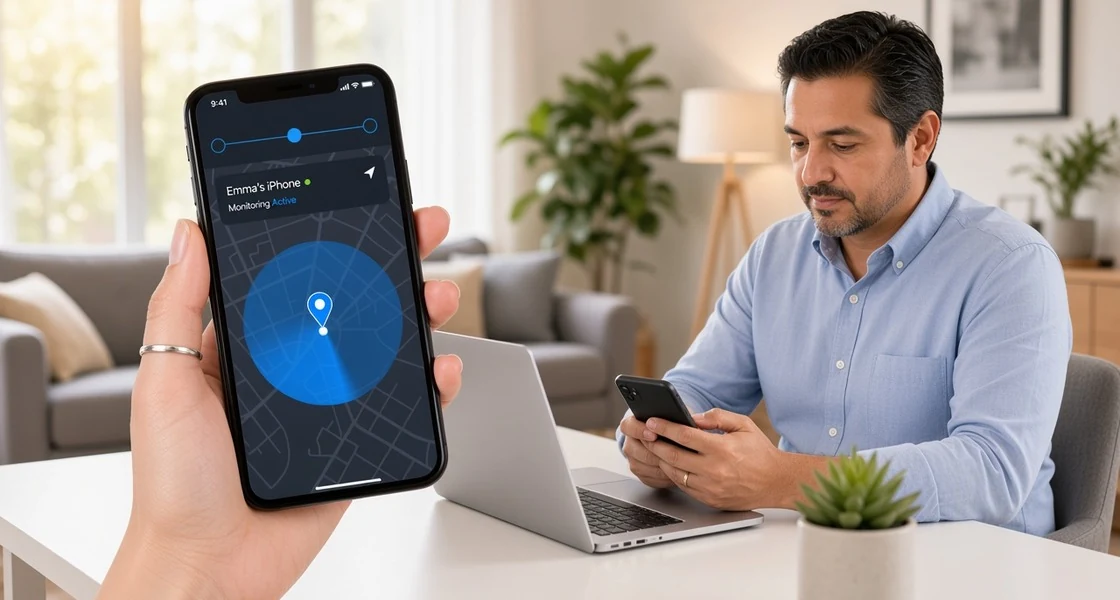
With an easy-to-read map, you’ll know their location at any given time
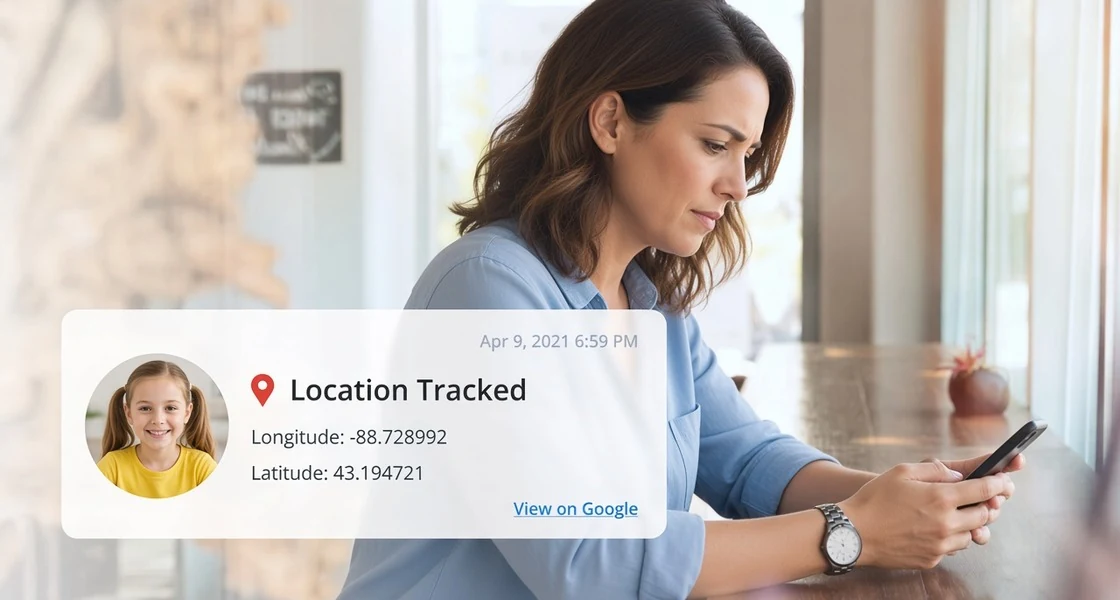
We’re talking really specific, down to the latitude and longitude, plus accurate date and time info.
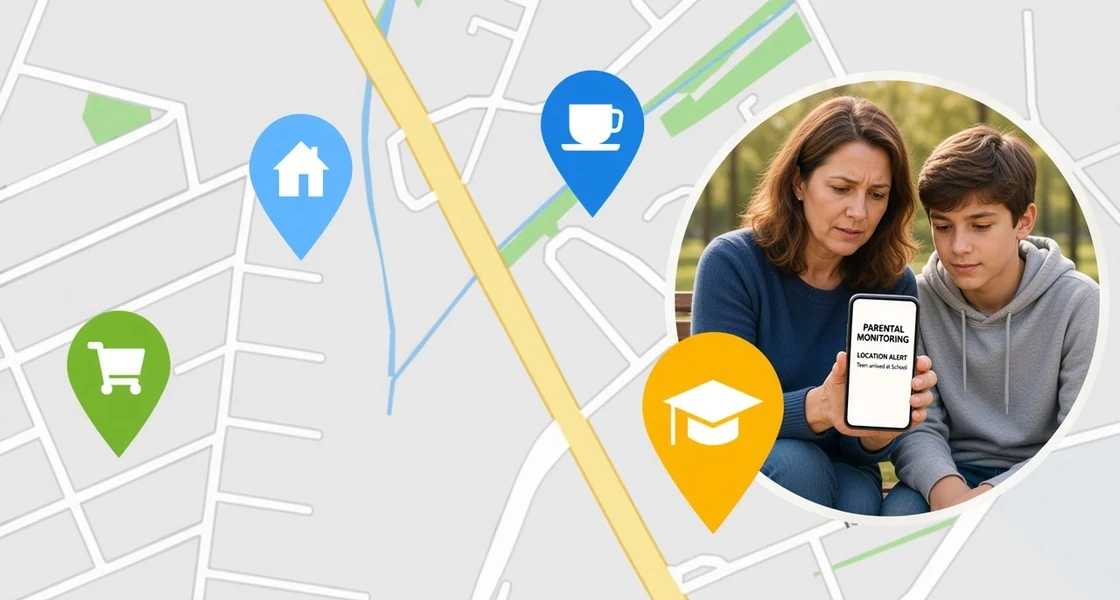
You’ll know where they frequently travel at a glance, so it’s easy to paint a clearer picture.
Three clear steps — same path as the rest of the parental toolkit.
Install on a child’s phone you manage. Follow the setup guide.
Open the dashboard to monitor live location and location history where supported.
Open the free demo, or go straight to pricing — same toolkit on every plan.
Quick answers about this Sidearo feature.
Absolutely. You’ll find a GPS phone tracker baked right into Sidearo, a parental monitoring app designed to bring you peace of mind.
Worried about your daughter sneaking out at night? Or maybe you want to give your kids the freedom to travel around town, but want to make sure they’re not crossing over to the wrong side of the tracks. Whatever the reason, Sidearo can help. With geofencing, you can set forbidden areas on a map. When your son or daughter enters one of these zones, you’ll get alerted. That means you can be confident your kids are staying in an area that you approve of.
If your kids are old enough to go to school on their own, they’re probably old enough to hang out with friends late into the evenings. And while they deserve freedom, you were a kid once, too. You know that hanging out at a friend’s house doesn’t always mean hanging out at a friend’s house. But unlike when you were a kid, modern technology is here to help, especially when you have a GPS cell phone locator in your arsenal.
Many free location apps are low quality or unsafe with personal data. Prefer reputable parental tools and OS location sharing (Family Link / Find My) first. Sidearo adds authorized parental location monitoring on a phone you manage.
Yes, as long as you’re using it on your child, and they’re underage. At the end of the day, their safety is your responsibility. A GPS phone tracker app can help you keep tabs on them, so you can give them freedom to explore the neighborhood without having to worry.
We always recommend that you inform your children that you’re using a GPS location tracker. However, if they’re a minor, you have the legal right to track their location without getting their explicit permission beforehand.
