
Sidearo vs mSpy
Same “one app” idea — Sidearo keeps parent-first wording, clearer setup pages, and transparent demo/pricing.
Know more. Worry less. — stop relying on a hunch. Find clarity you can act on. Dozens of features. One app. Monitor WhatsApp, GPS, calls, texts, and screen activity on a child’s phone you manage.
For parents and guardians, with clear household rules — not secret adult tracking. One toolkit · Clear setup · Free demo.
Free Demo — no credit card required · Available on Android
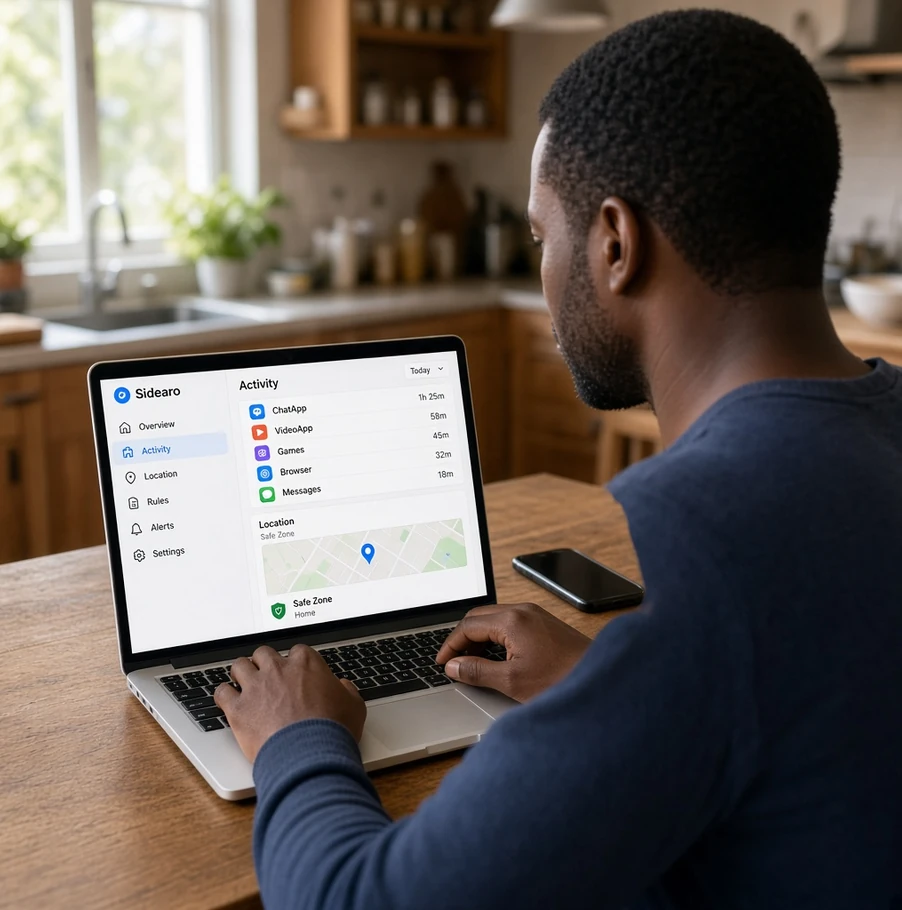
Sidearo covers 45+ activity types — social apps, location, calls, texts, screen tools, and more — built for parent and guardian needs.

View calls and read all text messages
Learn more ›
Take screenshots & see live screen
Learn more ›
Listen to surrounding sounds remotely
Learn more ›
Read chats on WhatsApp, Facebook, and more
Learn more ›
See typed activity on a managed phone
Learn more ›
See browsing history & bookmarked sites
Learn more ›
Take photos using a managed child’s phone
Learn more ›
Track real-time location & travel history
Learn more ›Ensure kids' online safety by keeping tabs on call history, SMS text messages, screen time usage, real-time location, and setting alerts for certain keywords. Your ultimate choice for responsible digital parenting.
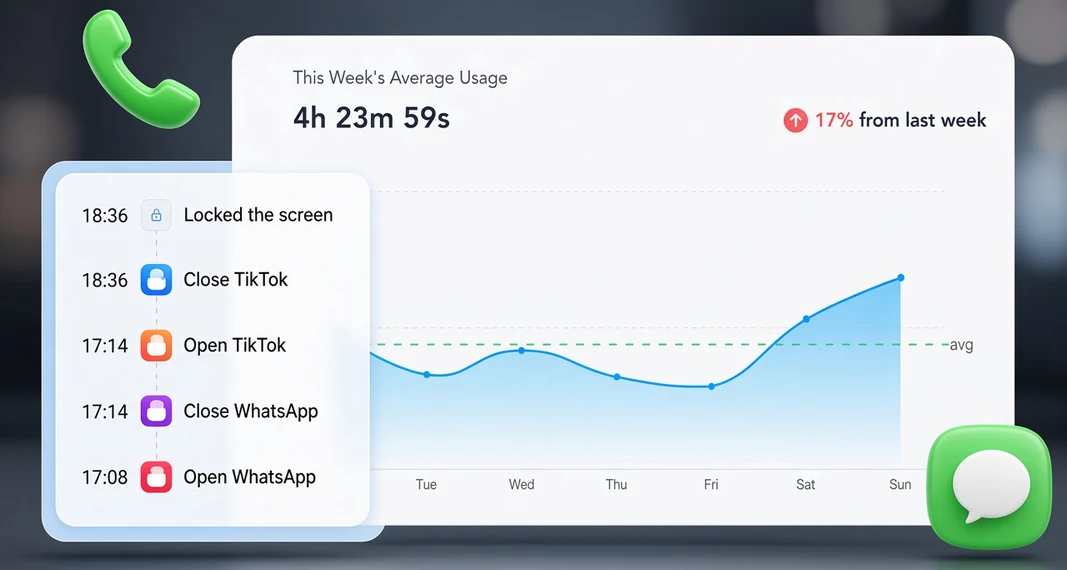
See how Sidearo differs — one parental app, clear setup, free demo. Choose based on toolkit coverage and buy path, not hype.
Same “one app” idea — Sidearo keeps parent-first wording, clearer setup pages, and transparent demo/pricing.
One product path instead of shopping KidsGuard / WhatsApp-only / PC SKUs. Simpler when you want phone parental monitoring only.
Bark leans alert-style safety. Sidearo is a full chats/GPS/screen toolkit when alerts alone are not enough.
Qustodio is strong on screen-time limits. Sidearo adds deeper monitoring for chats, location, and screen tools on a managed phone.
Parental control guides › · Best kid tracker apps › · Compare apps › · Best mSpy alternative › · vs KidsGuard Pro › · Best Bark alternative › · Demo guide › · Open free demo › · See plans ›
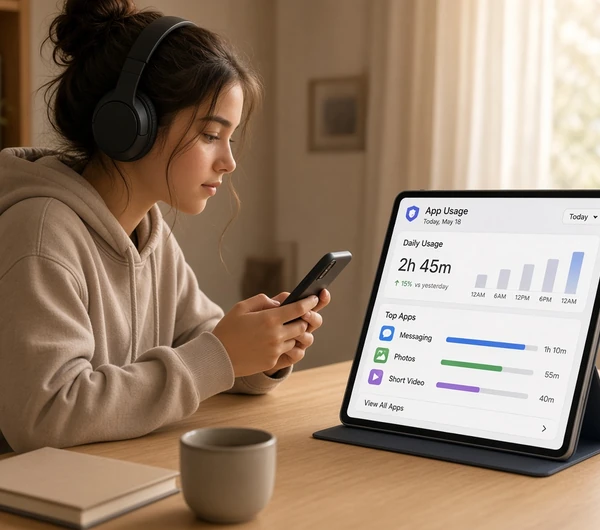
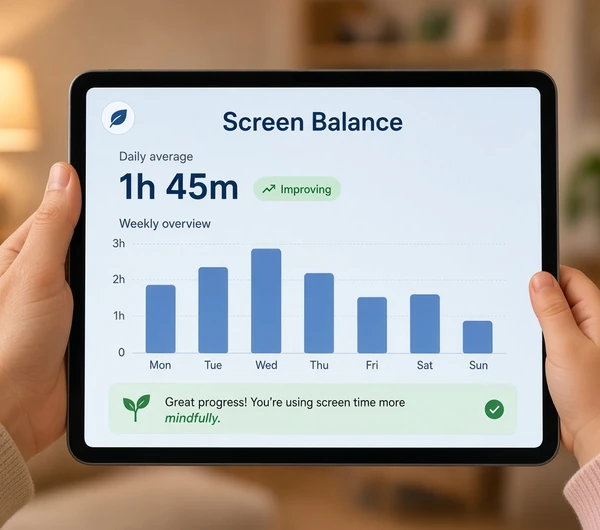
When kids' time spent online increases, those who lack self-control may indulge themselves in social platforms, for instance, Instagram, TikTok, YouTube, or Roblox. Additionally, kids are at the stage of developing social skills and a positive outlook on life. As a result, too much unmonitored screen time can be unhealthy and potentially dangerous. Parental control ensures the right balance.
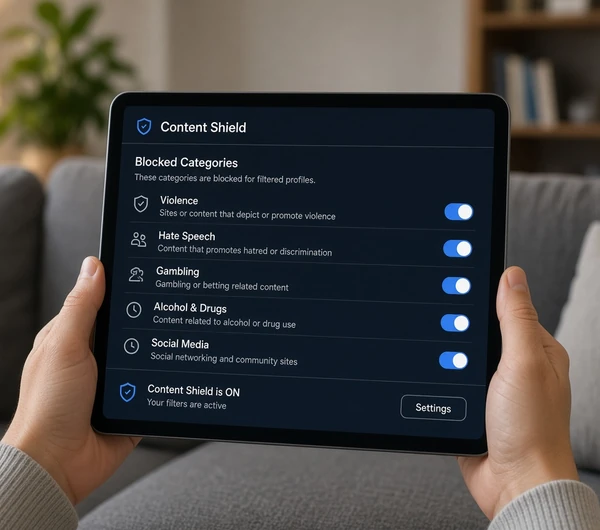
Inappropriate content includes explicit videos, images, websites, and other stuff. Exposure to explicit content can lead to negative effects on minors, like trauma, distorted attitudes, or unhealthy views towards women. Statistics demonstrate that 68.97% of tweens and 90.73% of teens encountered nudity or content of a sexual nature. Parents should shield children from explicit content online. Parental control prevents exposure.
Mental health for kids is just as important as physical health when parenting. 32.11% of tweens and 56.40% of teens engaged in conversations about depression. 43.09% of tweens and 74.61% of teens were involved in a self-harm or suicidal situation. Mental problems like anxiety, depression, cyberbullying, sleep disturbances, and social isolation are not exclusive to adults. Parental control provides insights into children's mental health.
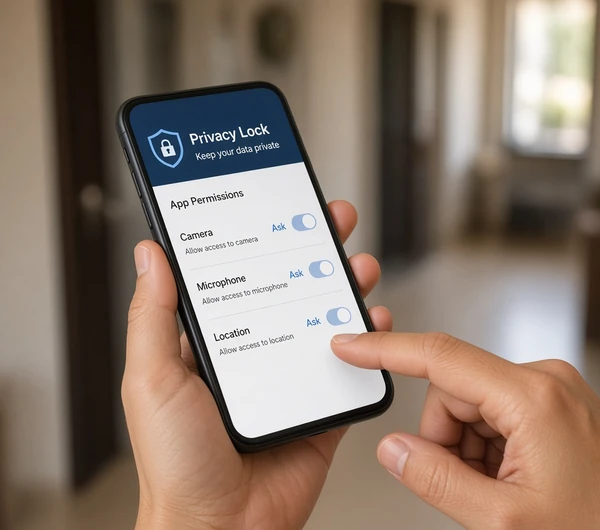
The internet is fantastic, but it can be dangerous for children at times. Online predators may manipulate children into sharing private details, personal information, or revealing photos publicly on social media. Moreover, kids can easily fall victim to phishing scams that result in identity theft or financial fraud. Parental control wards off privacy oversharing.
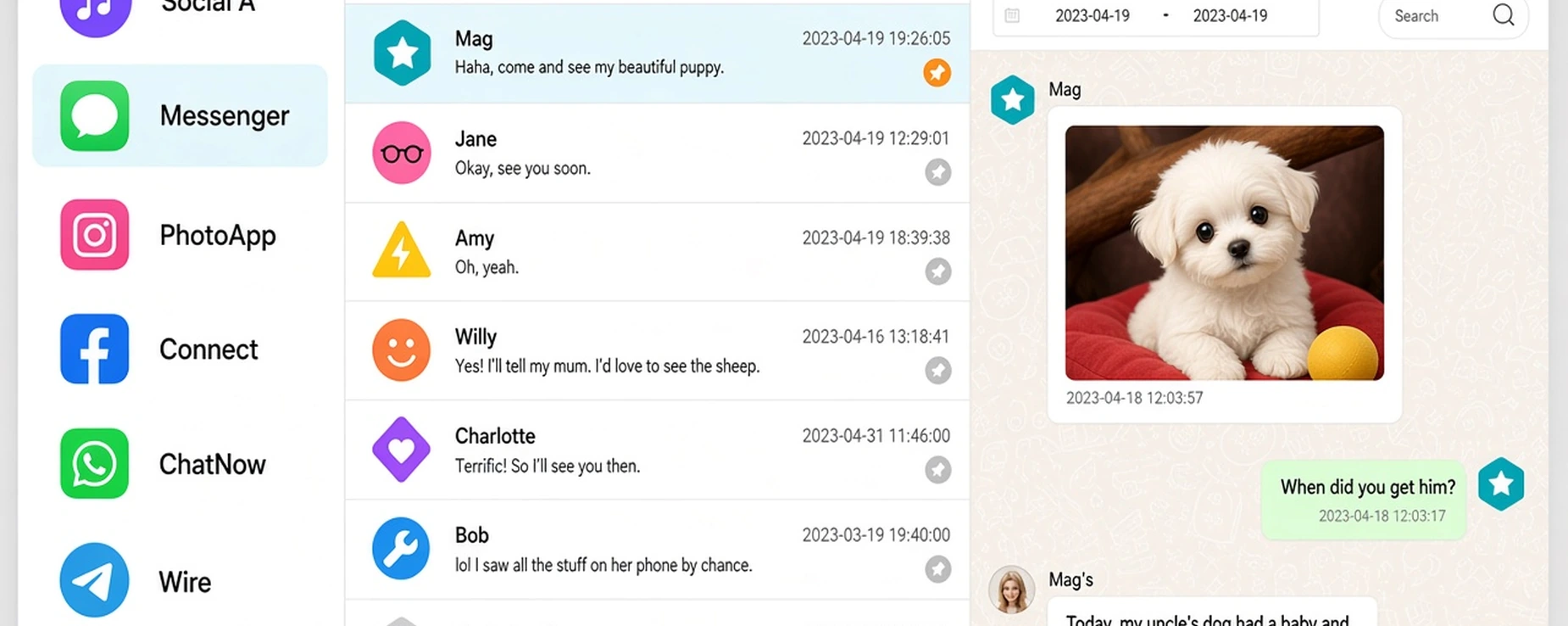
Keep track of social apps like WhatsApp, LINE, TikTok, Facebook, Telegram, Instagram, Viber, and Chrome.
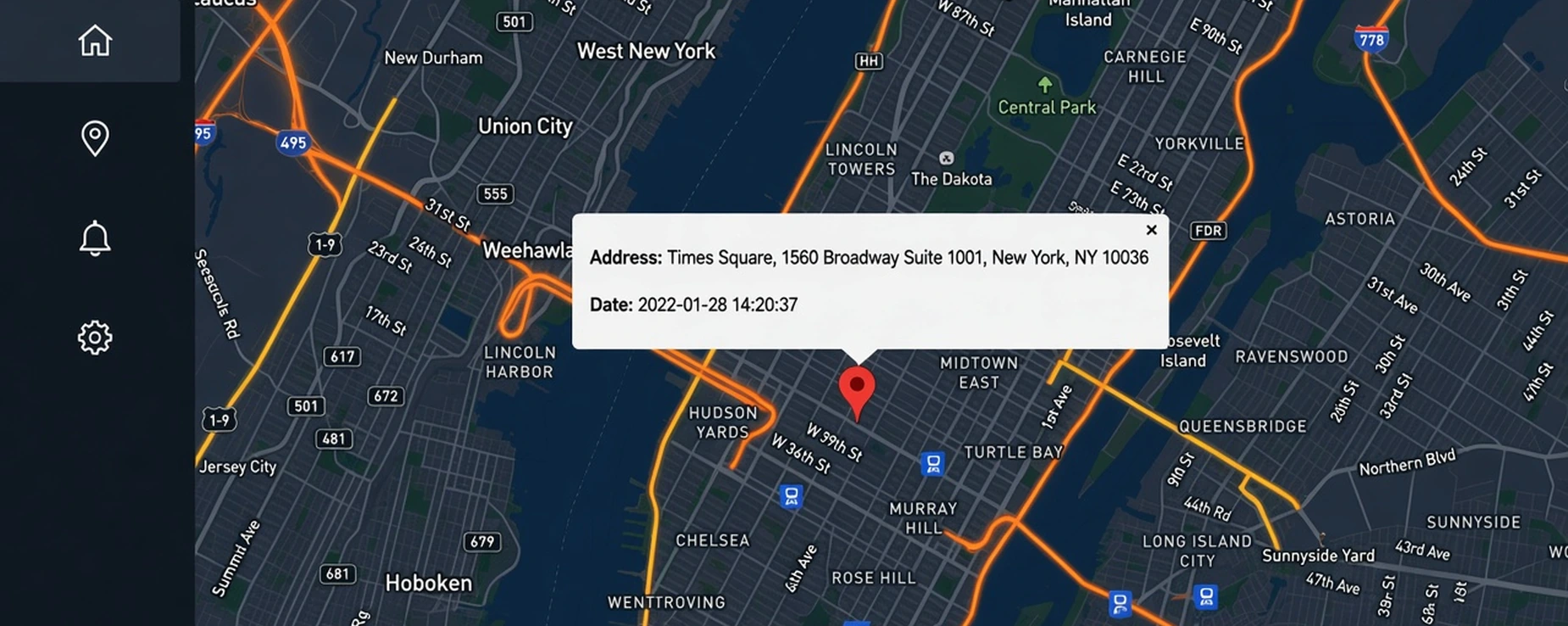
Change the location of your mobile phone, find the phone's GPS location, set up geofencing, and log the phone's WiFi status.
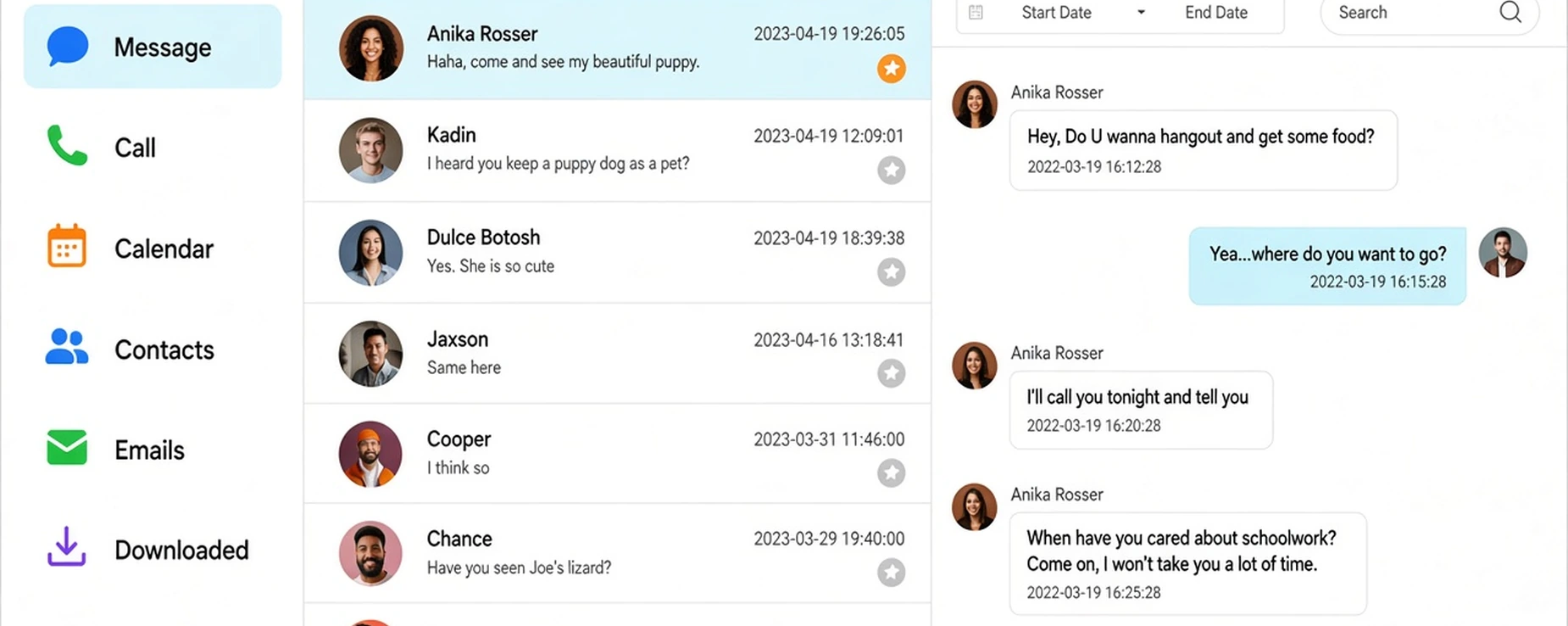
Monitor the system's app usage, including calendar, call & SMS, contacts, emails, and downloaded apps.
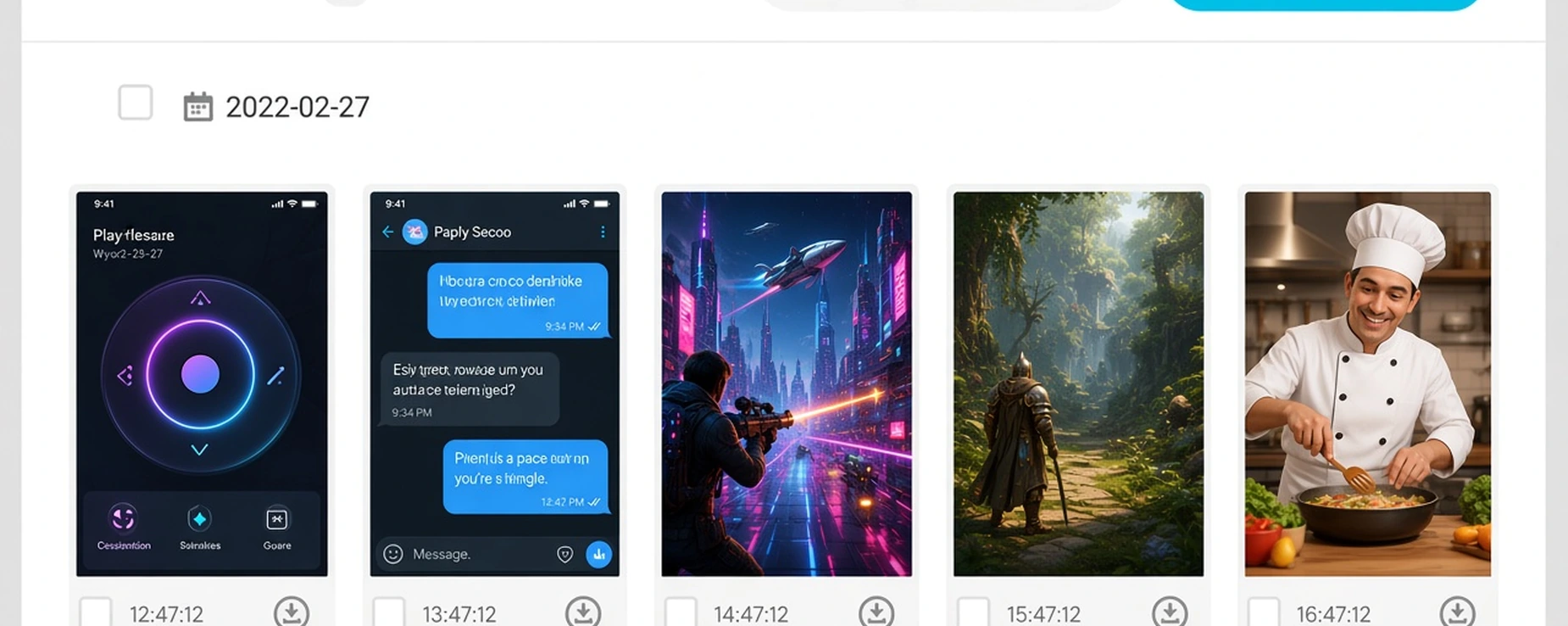
Access the target device to capture the screenshots, record surroundings, and track any specified keywords.
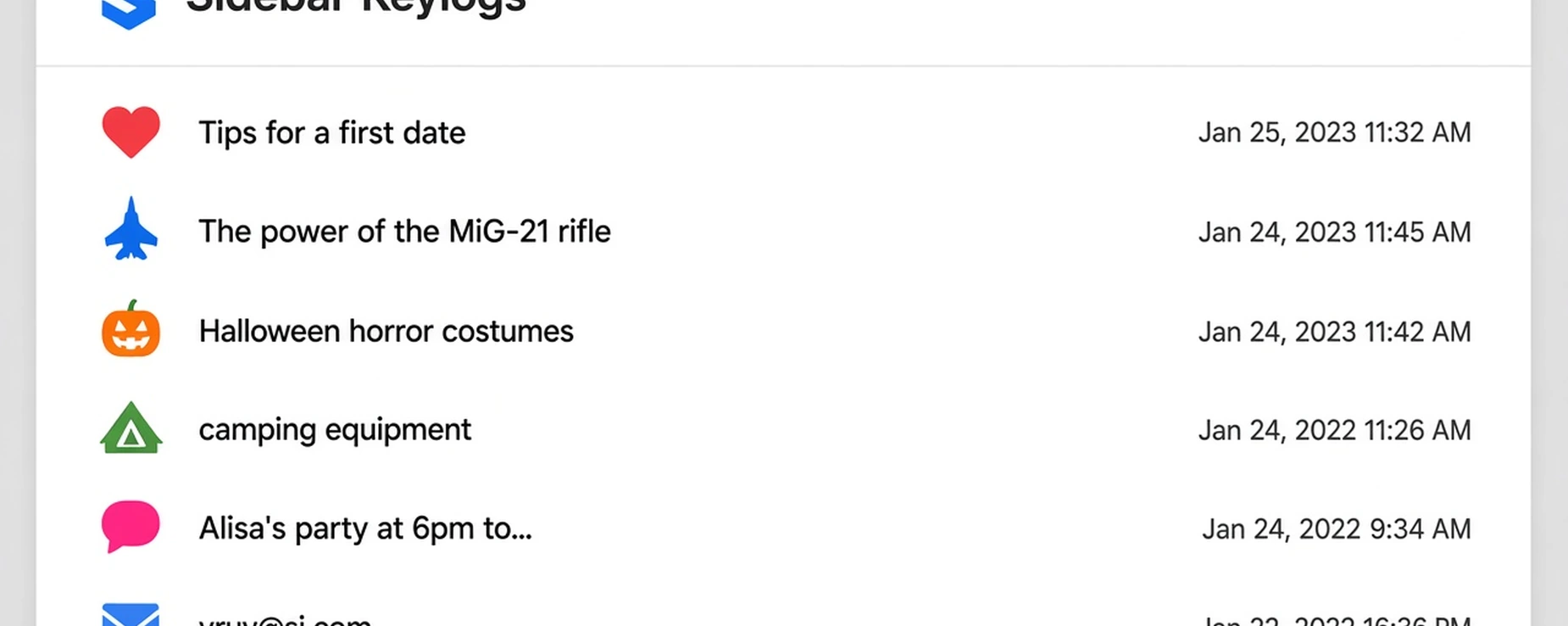
See typed activity across apps on a phone you manage. Multiple languages supported.
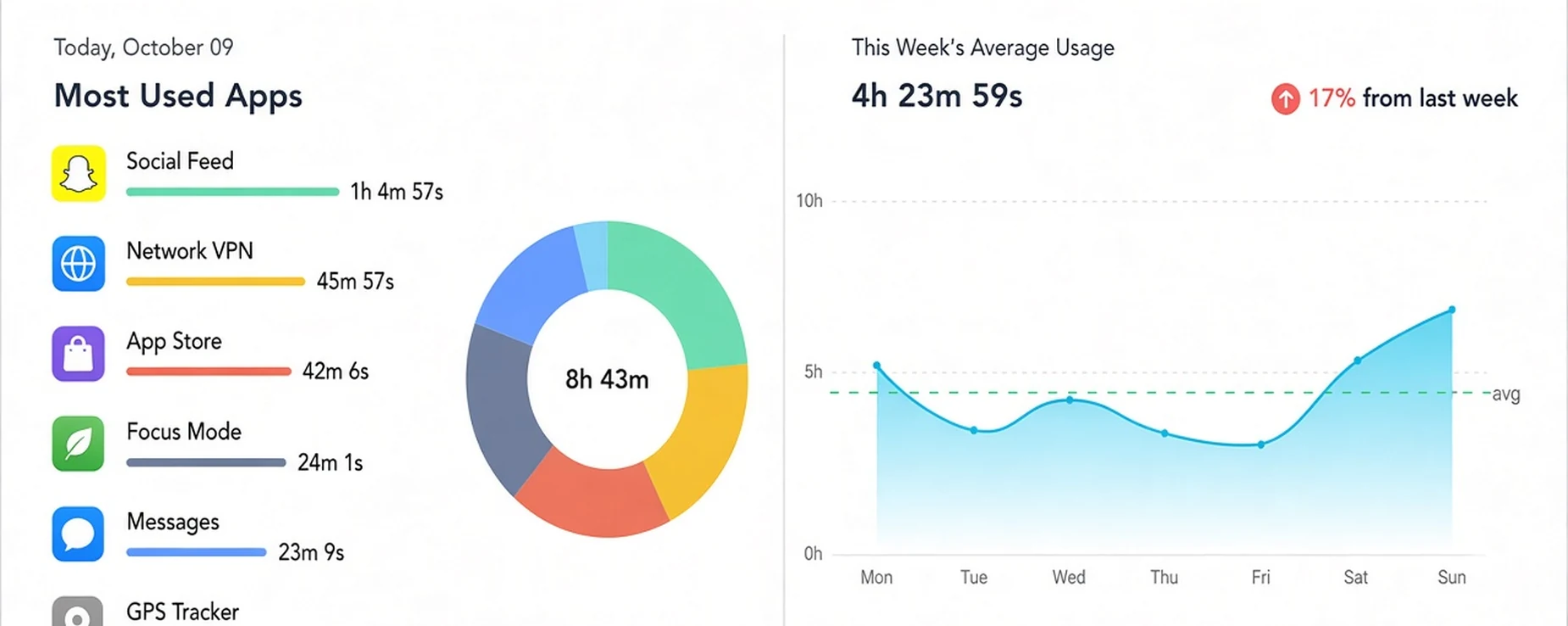
See browsing history, bookmarks, and app usage so you know how devices are used day to day.
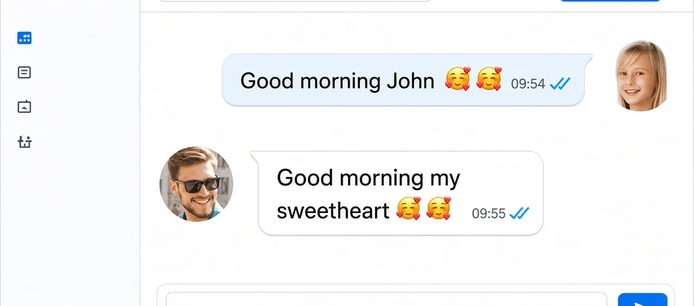

We have robust feature sets to meet your monitoring needs.

We offer stellar customer support to ensure complete satisfaction.

Your purchase is protected by advanced encryption technology.

User-oriented strategy for continuous improvement
Sidearo runs on the phones families already use. Setup is designed for a child’s device you manage.
Supports mainstream Android phones from recent major releases.
Review activity from the Sidearo web dashboard after authorized setup.
* Core workflows are designed without rooting. Availability of advanced capture tools can differ by device.

“With Sidearo, I can know more about my Wife's social media activity. Then I can support her more.”

“I want to check Kids' LINE call logs, but there is no way. Lucky to get Sidearo to help me in easy steps.”

“Recently, My daughter is involved into facebook chat, Sidearo helped me to know the truth.”
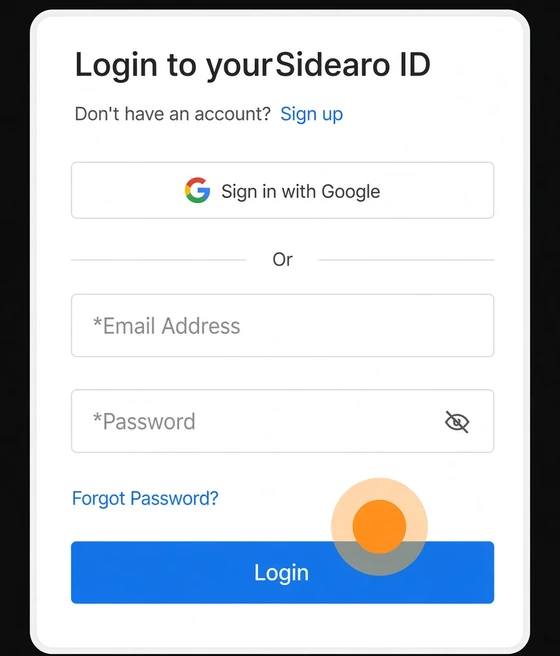
Choose a plan and create your Sidearo account.
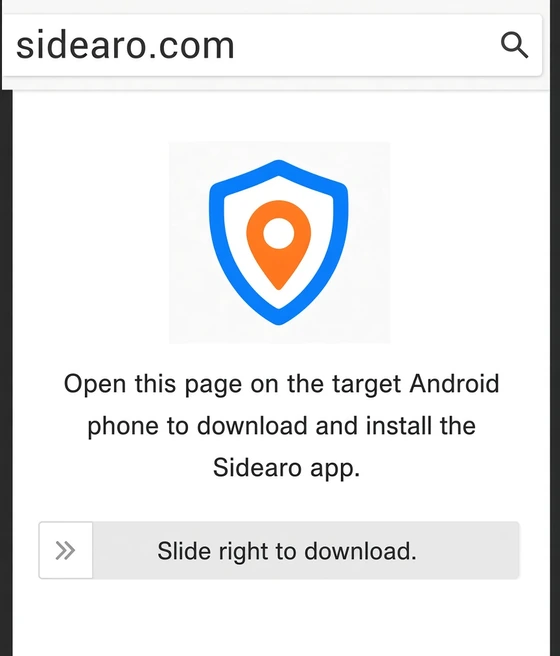
Complete authorized setup on the child’s device you manage.
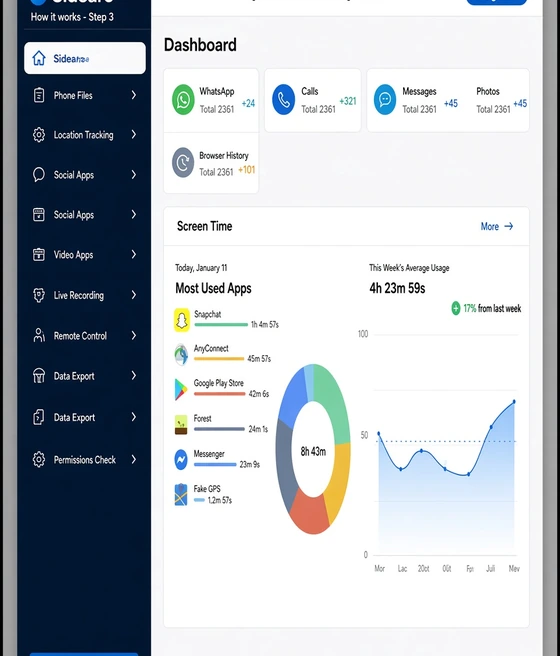
Open the dashboard to review location, chats, screen activity, and alerts.
Parental controls are tools that allow parents to monitor and limit their children's access to technology and online content. The main purpose of parental controls is to promote online safety and balance. Some common features of parental control apps and software include content filtering, activity monitoring, time limits, location tracking, remote management, and social media monitoring.
For your children online and healthy technology habits, parental controls allow you to filter inappropriate content, set time limits, monitor activity, and prevent access to unwanted apps and sites. Using parental controls shows you care about your child's safety and wellbeing when they go online.
Using a parental control app to monitor your minor child's digital activity is generally legal in most countries. As long as parental control apps are used ethically and reasonably to protect your child, with transparency and consent, their use is generally legal in most regions. Specific laws may apply, so check the requirements based on your location.
Using reputable parental control apps can be safe if implemented appropriately. Using a reasonably secure parental control app like Sidearo can safely help protect your child online. When it comes to monitoring, Sidearo can be your trusted brand.
Yes, but nothing comes for free. Free parental apps imply that they may lack some essential features or run unstably. What's more, these so-called apps are not hidden on the desktop, so they can be easily deleted by your kids. Therefore, invest in a reputable monitoring tool like Sidearo, and you can be carefree with kids' online safety.
Messages, call logs, contacts, location, web history, screen tools, and social app activity — on a child’s phone you manage. See Features and the Demo for details. Sidearo is available on Android.
Every potter praises his pot, and so do we. Sidearo is built to help parents detect risky websites, protect children online, and spot cyberbullying situations early. Don't wait — open the Free Demo (no credit card), then see plans & buy.
Free OS tools (like Digital Wellbeing / Family Link) are layer one. Sidearo adds authorized visibility into social apps, location, calls, texts, and screen activity when those free tools are not enough — for parents/guardians on a device you manage.
Ready when you are
One parental toolkit for chats, location, and screen activity. Authorized use on a child’s phone you manage.
Demo: no credit card required · Plans: same full toolkit · Cancel anytime