Features / Call Logs
Feature
Who called, when, and how long — call history for parental peace of mind.
Why parents use it: stay informed about incoming and outgoing call history — authorized parental monitoring, not secret adult tracking. See plans · Free demo.
Free Demo — no credit card required · Available on Android
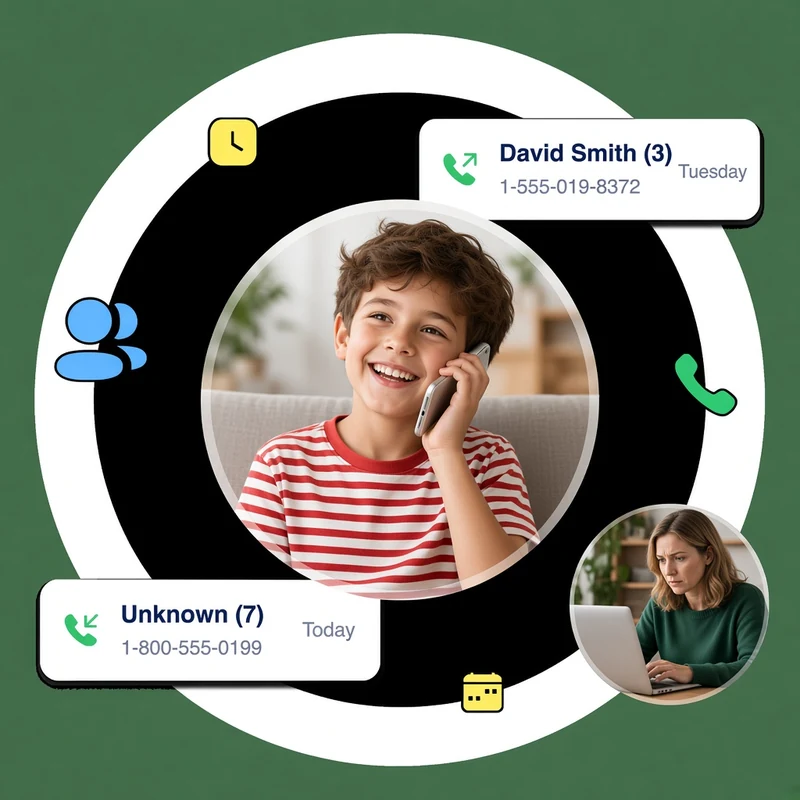
You’ll see the number of the person they called, plus detailed information to let you know if they accepted the call or it was missed.
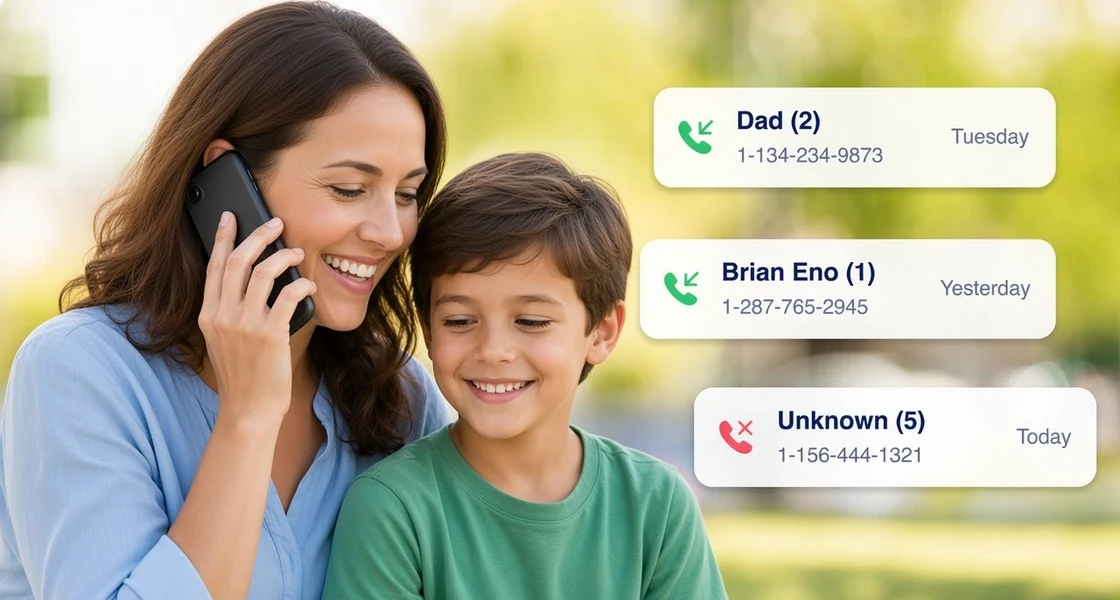
One quick glance and you’ll know who they like to chat over the phone with the most.
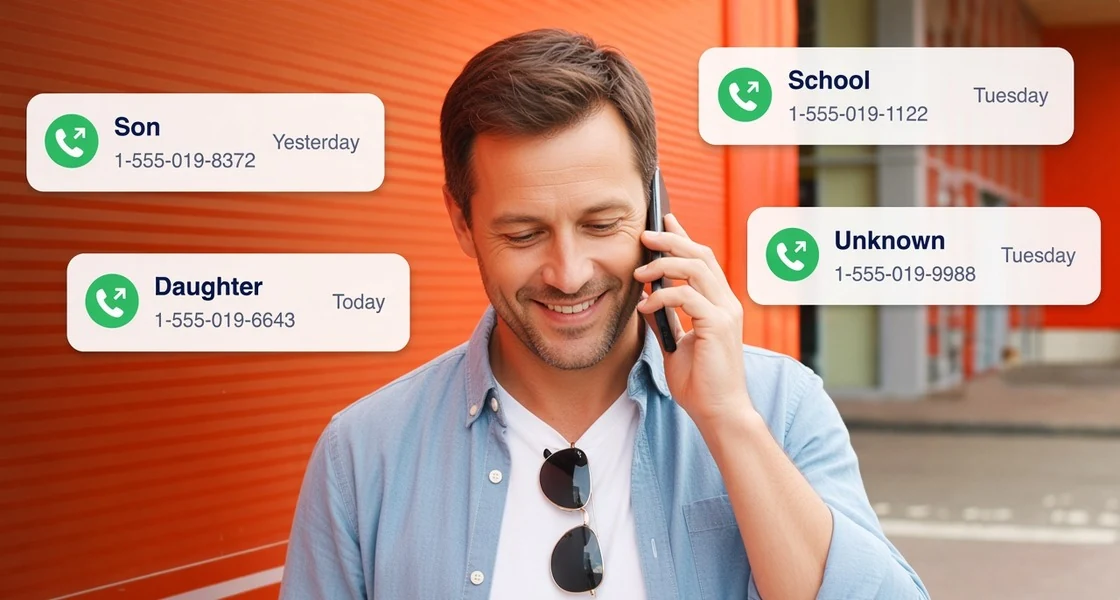
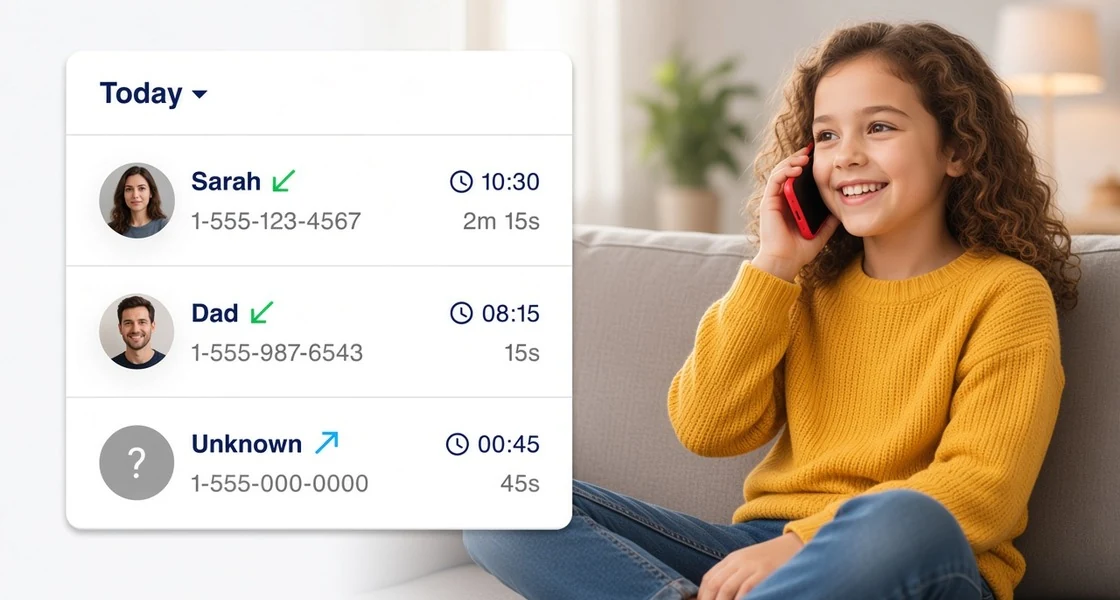
To help you paint a complete picture, you’ll know how long each call lasted, when it occurred, and more.
Three clear steps — same path as the rest of the parental toolkit.
Install on a child’s phone you manage. Follow the setup guide.
Open the dashboard to monitor incoming and outgoing call history where supported.
Open the free demo, or go straight to pricing — same toolkit on every plan.
Quick answers about this Sidearo feature.
There’s nothing worse than receiving calls from unknown numbers. You know the drill. The phone rings, your call display lights up, and you have no idea who’s on the other end. And if that causes you significant discomfort, it gets even worse when the calls are happening on your loved ones’ phones.
With Sidearo’s call tracker feature, you get a chronological log of incoming calls and outgoing calls. But that’s not the only thing you’ll see. From your Control Panel, you can view things like call date & time stamps, duration, call logs, and more. Convenient, right? Using a call history tracker of other number solution is even more impressive. Everything is neatly organized so you can get the information you need quickly and easily. Just log in to the Sidearo call tracker Control Panel and you’ll have everything to need to make the right decisions at the right time, and ultimately keep them protected.
Knowing who they’re talking to can give you peace of mind. A call log tracker shows incoming and outgoing calls and duration on Android, plus frequent contacts. After authorized setup on a managed child’s phone, open the Control Panel to review the call list.
Wouldn’t it be nice to lift the curtains on their social life? Wouldn’t it be great to see who they’ve been talking to and for how long? That’s exactly what call log apps do. By installing a phone call tracker, you can find out exactly which numbers they’ve called and who called them.
A call tracker can do a lot. But the main thing it does fantastically well is give you peace of mind. When you install a call tracker for Android, you won’t just get a detailed call history. You’ll get comfort knowing that they’ve been chatting with people you approve of. And if you don’t, you’ll be armed with knowledge to help them be safer.
Believe it or not, it’s super easy to track phone calls from a phone that doesn’t belong to you. Just install the call log app on their phone, log in to your monitoring app control panel, and get the information you need.
