Features / Keyword alerts
Feature
Get notified when risky words appear — stay ahead of harm.
Why parents use it: stay informed about alerts when risky words appear — authorized parental monitoring, not secret adult tracking. See plans · Free demo.
Free Demo — no credit card required · Available on Android
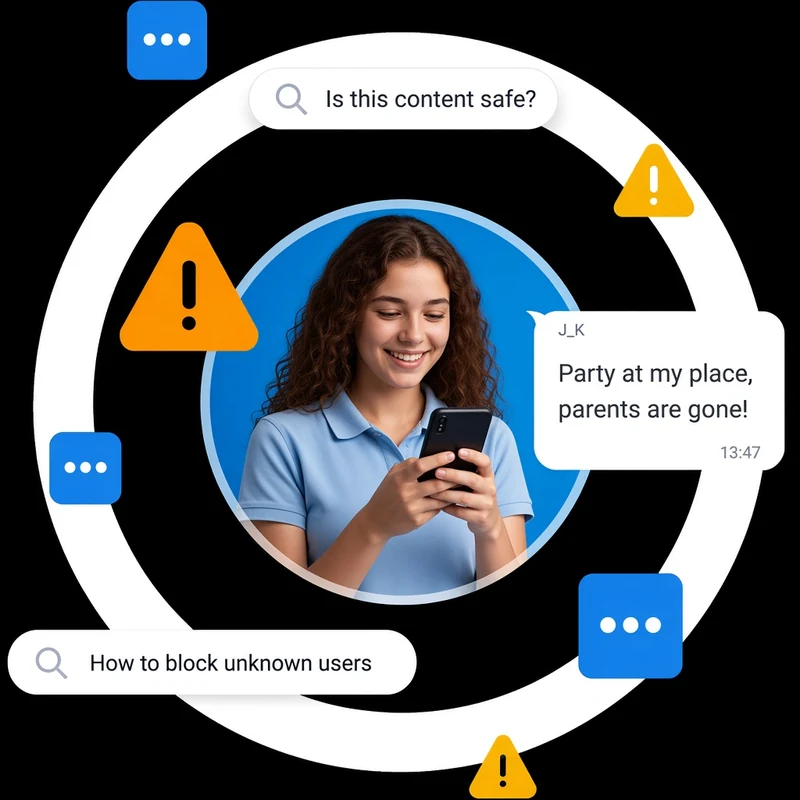
Sidearo lets you know if your keywords come up in chat or search.

See how they used those keywords in context, and then take action if you need to.

Set keywords in your Control Panel Any word. Any phrase. You’re always in control.

Three clear steps — same path as the rest of the parental toolkit.
Install on a child’s phone you manage. Follow the setup guide.
Open the dashboard to monitor alerts when risky words appear where supported.
Open the free demo, or go straight to pricing — same toolkit on every plan.
Quick answers about this Sidearo feature.
Keyword alerts notify you when selected words or phrases appear in monitored activity, so risky chats stand out faster.
Open your Control Panel, add the words you care about, and Sidearo will flag matches when they show up in covered activity.
You can’t read every message. Alerts help you focus on warning signs like bullying, self-harm language, or meeting strangers.
Yes. Update your keyword list anytime as concerns change.
