
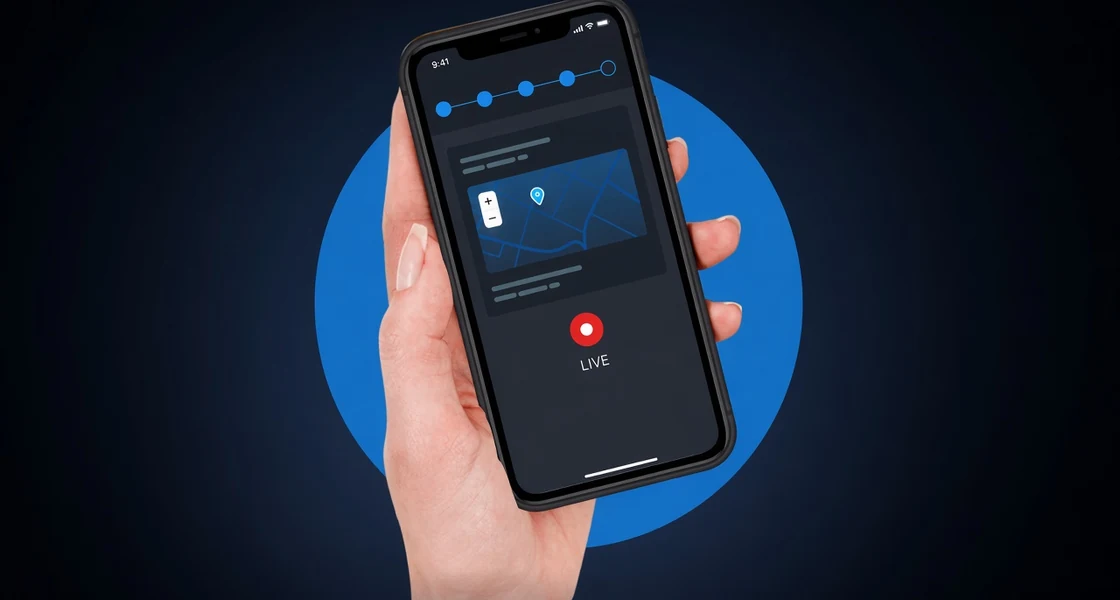
Step 4
Then click the link and Sidearo starts tracking their exact location.
Features / Remote Location Tracking
Feature
Quick location check when you need it — authorized parental use.
Why parents use it: stay informed about quick location checks — authorized parental monitoring, not secret adult tracking. See plans · Free demo.
Free Demo — no credit card required · Available on Android

Log in and enter your phone number. Go to your own Dashboard.

Name your link and pick a target page (like Google Maps or Pinterest).
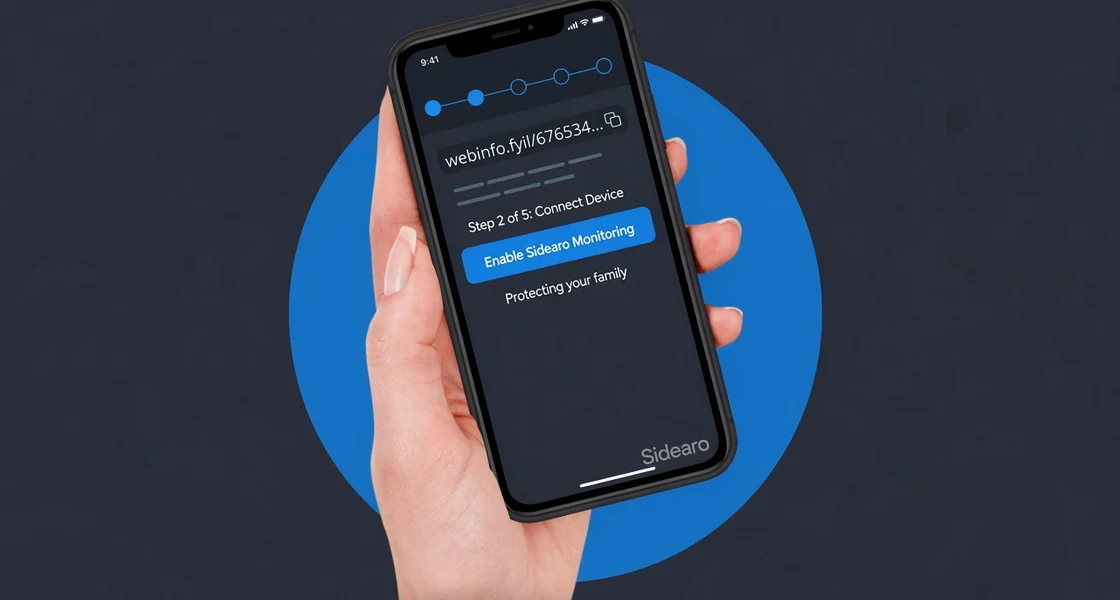
Copy link to send it via SMS, Messenger, or any app.

Then click the link and Sidearo starts tracking their exact location.
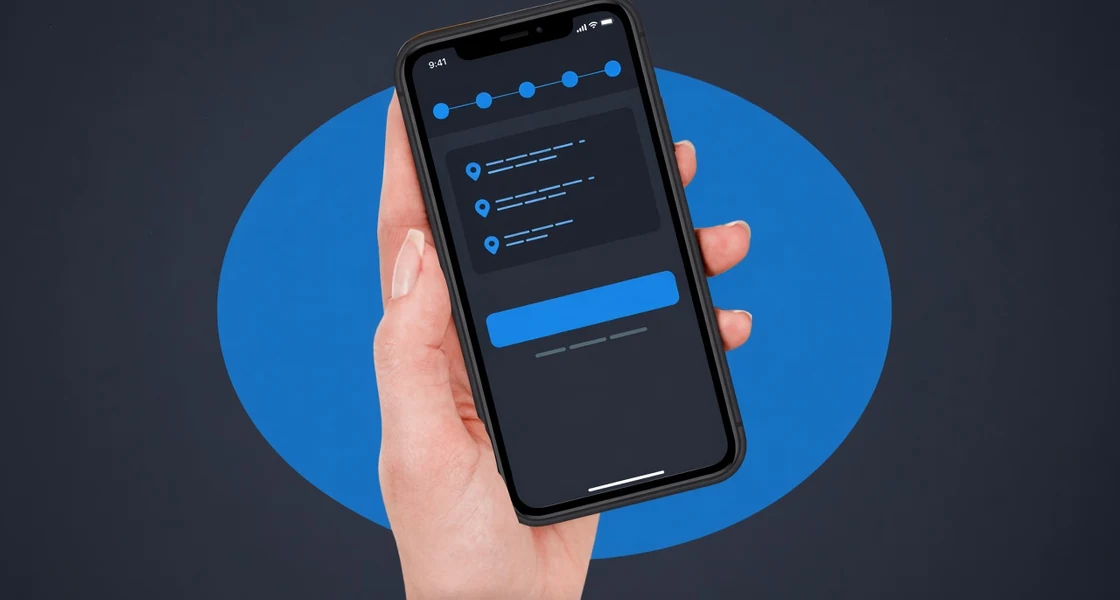
Check click history To view when and where each link was used.
Three clear steps — same path as the rest of the parental toolkit.
Install on a child’s phone you manage. Follow the setup guide.
Open the dashboard to monitor quick location checks where supported.
Open the free demo, or go straight to pricing — same toolkit on every plan.
Quick answers about this Sidearo feature.
To track someone's location, all you need to do is create a tracking link with Sidearo, choose a trusted website like Google Maps or Pinterest, and send it to the person you want to track. When they click the link, Sidearo will capture their current GPS location, and you can view it on the map from your dashboard.
No, you don’t need physical access to their phone. You can send a link to get the location, and once they click it, Sidearo shows you their GPS data and timestamps.
You have lots of options: ask them, try some free apps or services. But if you need something reliable, try Sidearo and get mobile location by sending an SMS. This lets you see where the message was sent from or received, providing you with location insights.
It couldn't be any more simple. You don't need any advanced tech skills with Sidearo. Just log in to your dashboard, create a link that tracks location, and send it to them via text or social media. When they click on it, you'll instantly see where they are. The whole process takes less than a minute.
A tracking link created with Sidearo looks just like a regular, trusted website link. It might appear as a shortened link to Google Maps, Pinterest, eBay, or Weather.com, for example. When someone taps on it, the link silently captures their location and sends it to your Sidearo dashboard.
Answer: Yes, Sidearo provides highly accurate location tracking using a combination of GPS, Wi-Fi, and cell tower data. Once you've used the link to find someone's location, you can see it on your dashboard. Then, scroll down and tap the name of the link you want to check the accuracy of.