Features / Line
Feature
Chats on LINE for family safety — authorized parental use.
Why parents use it: stay informed about LINE chats for family safety — authorized parental monitoring, not secret adult tracking. See plans · Free demo.
Free Demo — no credit card required · Available on Android
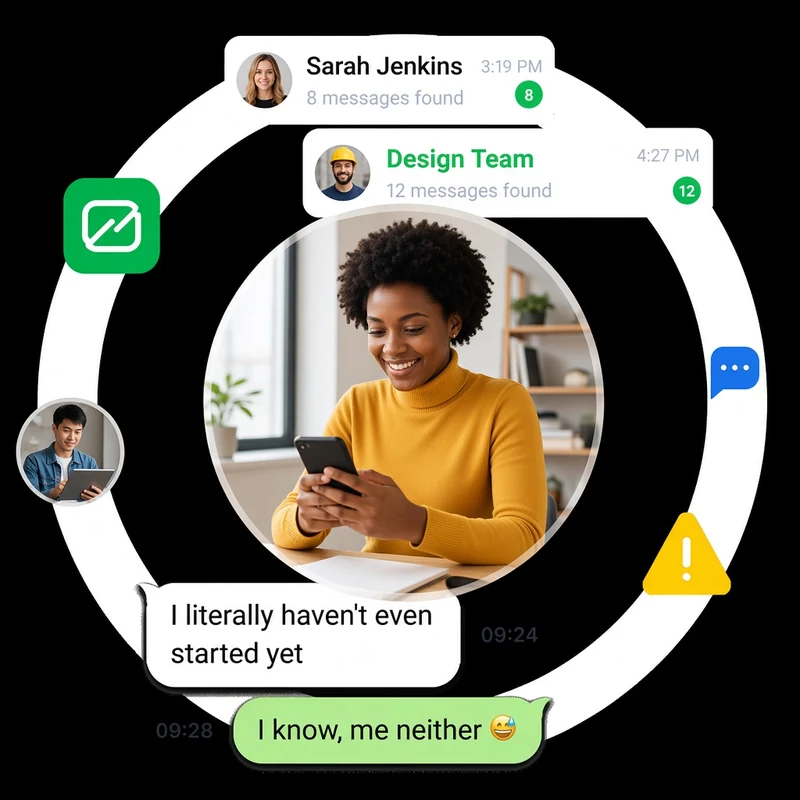
If they chat with them on Line, you’ll know about it with Sidearo. Just scroll through and take a look. It’s that easy.

You’ll always have important information at hand, like what time each message was sent and received.

It’s not just about reading messages. It’s about making sure that they’re chatting responsibly and not being taken advantage of.

Three clear steps — same path as the rest of the parental toolkit.
Install on a child’s phone you manage. Follow the setup guide.
Open the dashboard to monitor LINE chats for family safety where supported.
Open the free demo, or go straight to pricing — same toolkit on every plan.
Quick answers about this Sidearo feature.
It can be. To be clear, Line does a decent job of providing useful information to minors looking to use the popular messaging app. For example, their guide tells users not to give out personal information to strangers. It instructs users not to post their Line ID or QR code on websites, blogs, app reviews, and forums. And it suggests that users should block people they don’t know if they suddenly become friends with someone they don’t know in the real world. While this is great advice, the truth is kids don’t exactly read safety guidelines. When kids see an app they want, they download it. They don’t have time to read blog posts, advice, Terms & Conditions, or Privacy Policies. Knowing that your kid could be using Line and not adhering to any of these suggestions, it’s a smart idea to have a line monitor app in your corner.
Not all parental control apps come with Line app location tracking. But Sidearo does. In fact, Sidearo goes beyond just traditional Line tracker app technology by letting you do way more than you think. Do your kids use Instagram, Facebook Messenger, Snapchat, Viber, Telegram, or other chat apps? Sidearo lets you see what conversations they’re having on those platforms, too. And baked into Sidearo is geolocation technology that lets you find your kids on a map — and it even alerts you if your kid enters or exits forbidden zones, custom-set by you. It’s the most powerful Line online tracker available anywhere.
Nope. You don’t need a Line account to read their Line messages. All it takes is a Line monitor app like Sidearo to see what they’re saying in their Line conversations. The great thing about Sidearo as that the only account you need to use it is your own Sidearo account. Once you’re up and running, you’ll have the most powerful Line location tracking tool on the market.
That’s definitely one option. But keep in mind that kids are crafty. They know how to hide certain chat apps on their phone, making it difficult for you to find. With Sidearo, you’ll see all their chats, regardless of which folders they’ve happened to hide their various chat apps. And many experts would argue that constantly asking your kid to see their phone can make them feel like you don’t trust them, forcing them to hide their behavior in other ways. With a Line messenger monitor tool, you can see what they’re up to while giving them the freedom to live their digital life online.
It doesn’t have to be hard. Sure, there are Line monitor tools out there that are complicated. But we don’t think parents should have to jump through hoops to keep their kids safe. That’s why we developed Sidearo, a monitor Line app that makes Line tracking ridiculously easy. After the initial setup, everything is unbelievably easy.
