Features / App blocker
Feature
Pause apps that steal focus or risk safety — parental controls.
Why parents use it: stay informed about pausing risky or distracting apps — authorized parental monitoring, not secret adult tracking. See plans · Free demo.
Free Demo — no credit card required · Available on Android

Just pop into your Control Panel. Everything’s right there.

If you don’t want them to use a specific app, just tell Sidearo. Easy as that.
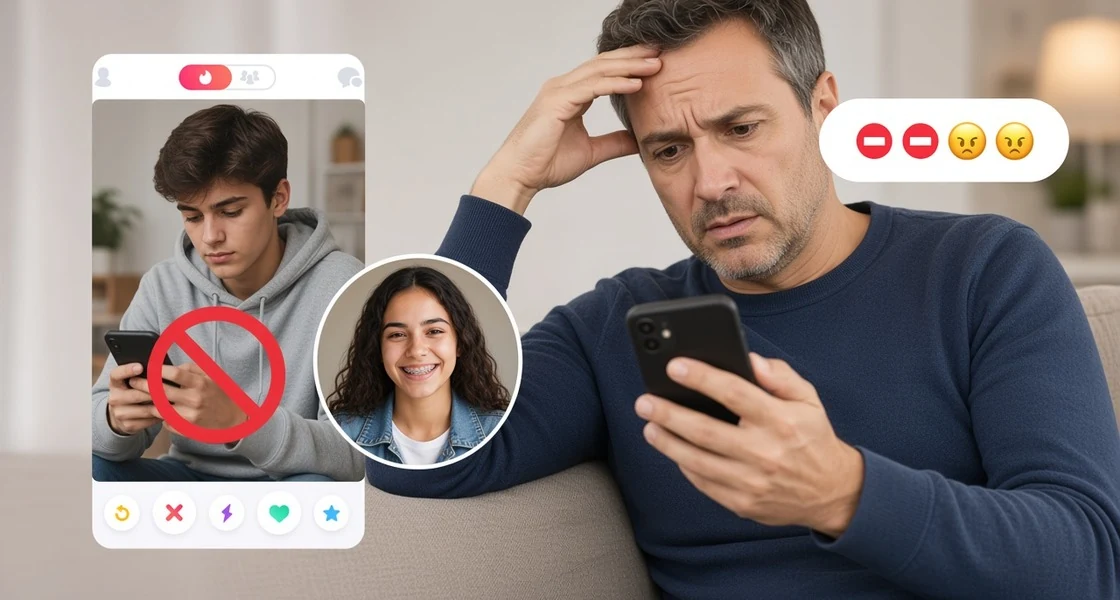
By stopping them from using dangerous apps, you can stop them from getting into trouble.

Three clear steps — same path as the rest of the parental toolkit.
Install on a child’s phone you manage. Follow the setup guide.
Open the dashboard to monitor pausing risky or distracting apps where supported.
Open the free demo, or go straight to pricing — same toolkit on every plan.
Quick answers about this Sidearo feature.
You wouldn’t let your 11-year-old drive your car. So, why are you handing them the keys to the App Store or Google Play? When it comes to apps, there are loads of dangerous ones that aren’t suitable for kids. And even worse, there are apps that look fine on the surface but have hidden dangers. That’s why it’s important to have an app blocker on their device.
Dating apps. Most dating apps come with an age requirement of 18 years old. You’ll notice it listed in the user agreement or when you sign up for an account. So, do you really need to know how to block apps on phones if these apps have these restrictions in place? Absolutely. Despite what some parents think, apps don’t really do much to verify a user’s age. The truth is, if your daughter is 16 and she wants to use a dating app, there’s not much stopping her. That could be dangerous, particularly because predators often infiltrate dating apps in seek of unsuspecting victims.
Google and Apple do a good job of making it easy for people to install and uninstall apps. But when it comes to blocking apps that might be dangerous, you’re kind of on your own. The truth is there are millions of apps out there. And while some apps might be good for some users, they might not be right for your child. That’s why it’s important for parents to find an app to block apps instead of relying on Apple and Google to keep it out of the App Store and Google Play.
If you want to block apps on phones without physically picking up their device each time, look for apps that block apps. Sidearo works perfectly in that regard. Just log in to your Control Panel, and you can start blocking them from using applications that might be installed on their phone. Don’t want them using TikTok to make videos that might put their information and face out there for the world to see? Just click Block. Want to make sure they aren’t using Snapchat to send and receive pics? Click Block again. Easy as that.
With Sidearo, not only can you block apps that might be dangerous, but you can also see what they’re up to in apps you might otherwise approve of. For example, let’s say you want to give them the freedom to use WhatsApp, but you still want to make sure they’re using it responsibly. Instead of blocking the app, you can just use Sidearo to review their conversations, including sent and received messages, plus pics and videos in the conversation too.
