Features / Control panel
Feature
One dashboard for chats, location, and screen tools.
Why parents use it: stay informed about one dashboard for chats, location, and screen tools — authorized parental monitoring, not secret adult tracking. See plans · Free demo.
Free Demo — no credit card required · Available on Android
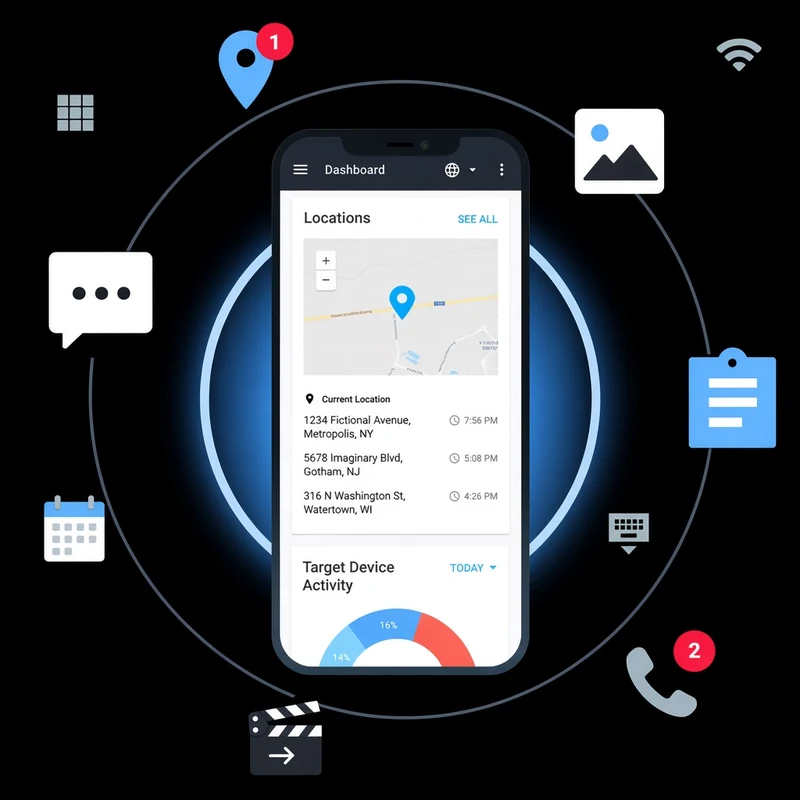
Text messages. Locations. Social chats. Calls. It’s all here.
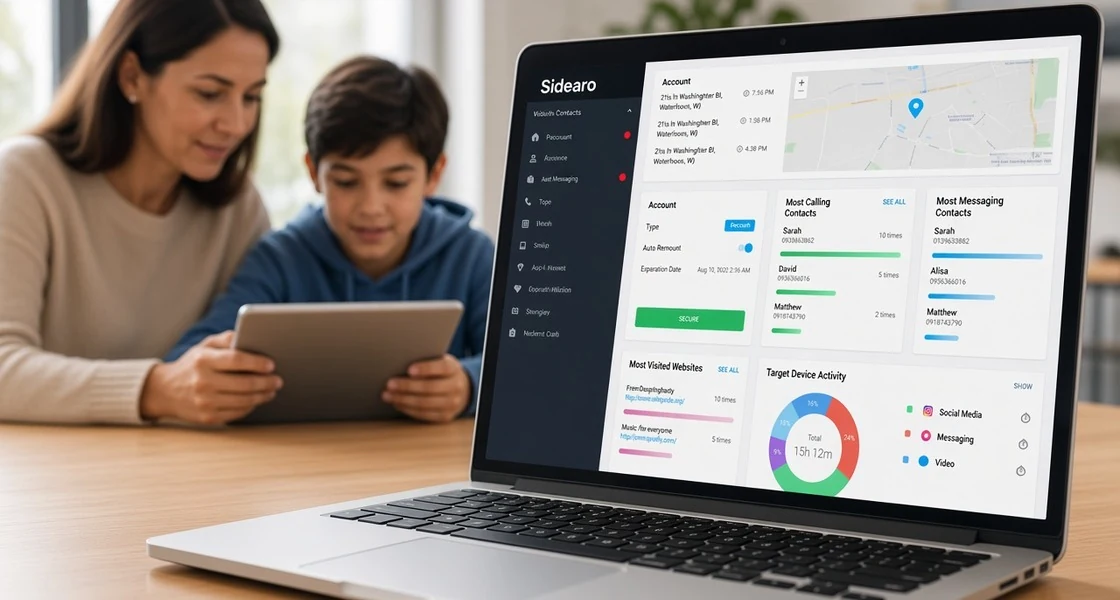
See things like the contacts they message the most, or their last locations.
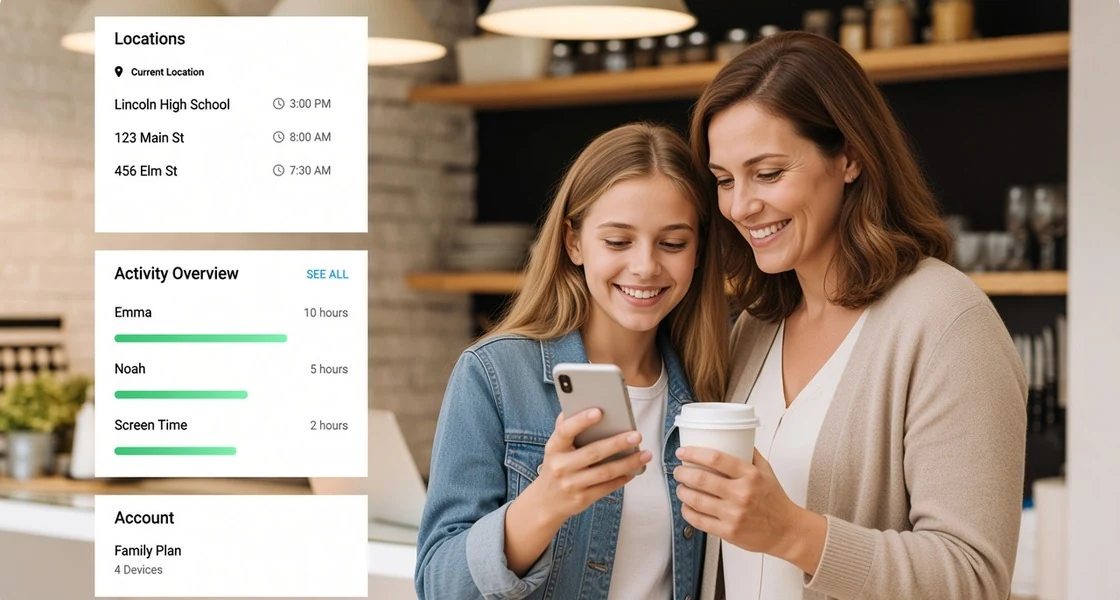
You can view several devices from your personal Control Panel.
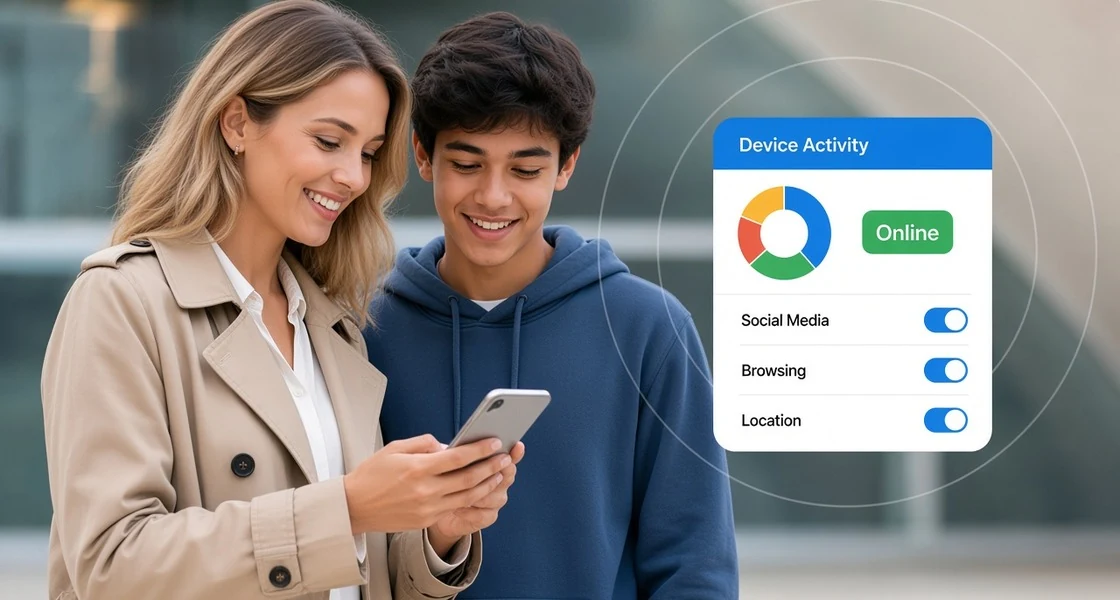
Three clear steps — same path as the rest of the parental toolkit.
Install on a child’s phone you manage. Follow the setup guide.
Open the dashboard to monitor one dashboard for chats, location, and screen tools where supported.
Open the free demo, or go straight to pricing — same toolkit on every plan.
Quick answers about this Sidearo feature.
Just use your account email and password to sign in. You'll find your account Sidearo login credentials to your Sidearo dashboard in the email we sent you when you purchased a subscription. You can sign in on any device, so it’s always easy to see what they’re up to, no matter where you are.
When you sign in, you’ll see your Dashboard, which gives you a bird’s-eye-view of what’s happening in their online world. At a glance, you’ll see their device activity, most messaged contacts, who they called the most, and so much more. There’s a lot of info available, so just use the scroll bar to move down.
We designed the Sidearo login Control Panel to be extremely easy to use. We built it to feel familiar, so it looks a little bit like your favorite music streaming player or team chat app (like the one you might use at work). All your important navigation is in a bar on the left side of the app. There, you’ll find different categories, including General Features, Locations, Social Networks, Screenrecorder, Internet Usage, and Restricted. Each category offers several individual tools. Just click one and the tool will open to the right of the left nav bar.
You’ll receive Control Panel notifications, including uninstall alerts. Keep household rules clear about monitoring. If the app is removed from a managed phone, you’ll be notified so you can follow up.
It's all therein your Sidearo dashboard, including the device’s battery level. So if they told you they couldn’t text because their phone died, you’ll be able to find out if they’re telling the truth. You’ll also have access to other device statistics, like the version of Sidearo they’re running, their IMEI, their phone OS, and more.
