Features / Google Chat
Feature
School and friend chats in one place — for parents and guardians.
Why parents use it: stay informed about Google Chat activity — authorized parental monitoring, not secret adult tracking. See plans · Free demo.
Free Demo — no credit card required · Available on Android
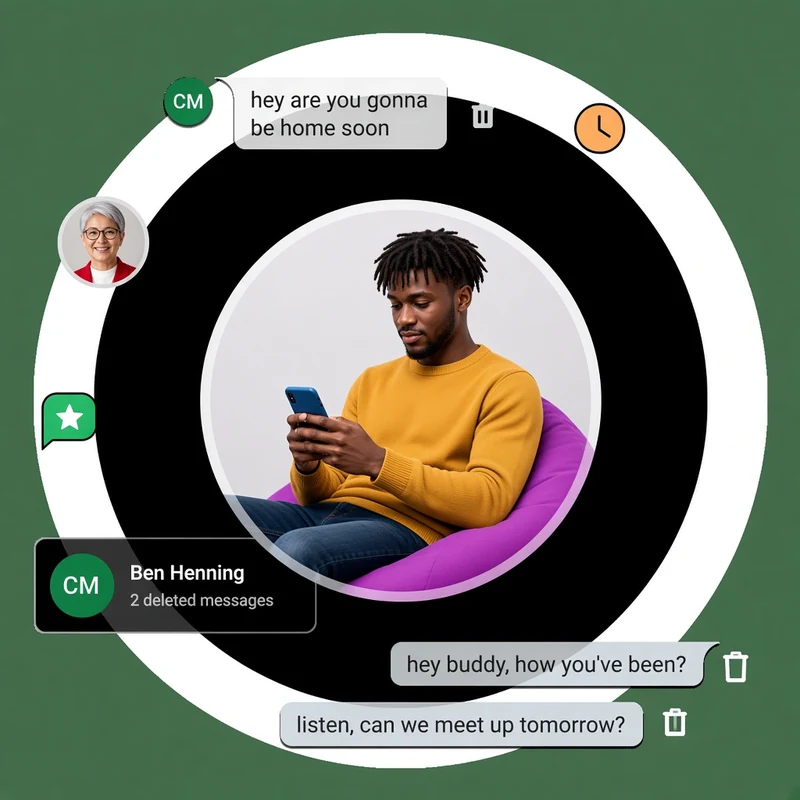
Every message is available for you to see, just as it appears on their phone.

They’re all there for you to see, so you’ll never miss something crucial in their life.
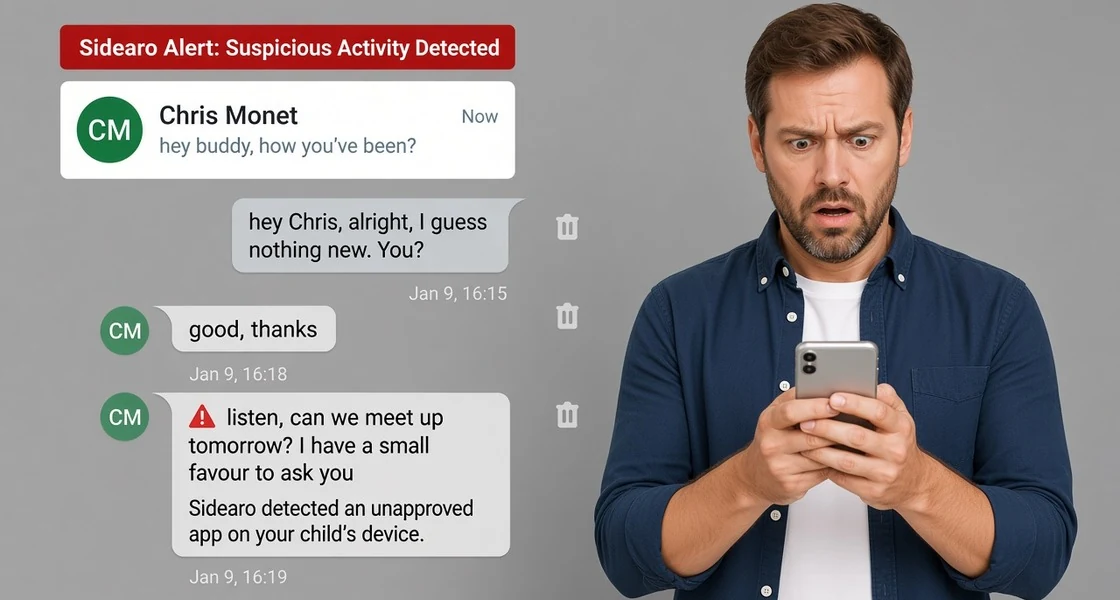
With every Google Chat message at your disposal, you can rest a little easier.
Three clear steps — same path as the rest of the parental toolkit.
Install on a child’s phone you manage. Follow the setup guide.
Open the dashboard to monitor Google Chat activity where supported.
Open the free demo, or go straight to pricing — same toolkit on every plan.
Quick answers about this Sidearo feature.
Is Google a part of your world? Then there’s a good chance your kids use Google Chat. And even if you aren’t an Android kind of family, your kids and teens might still love using the Google chat app, especially if their friends use it. So if you’re looking for info on how to track someone on Google Chat, we don’t blame you.
Did you know that Google Chat can be used as the main messaging app for instant messages and text messages, including SMS and MMS? It’s true, and that’s why we made sure our Google Chat monitor app lets you see every message that was sent and received. You’ll never miss a message, including messages that might have been deleted.
Not all conversations happen between just two people. The wonderful thing about Google Chat is that it lets multiple people participate in the conversation at once. When you know how to track someone on Google Chat using Sidearo, you’ll also be able to see the conversations they have with others. And not just your child’s messages. We’re talking about every message sent and received by every single participant in that group chat.
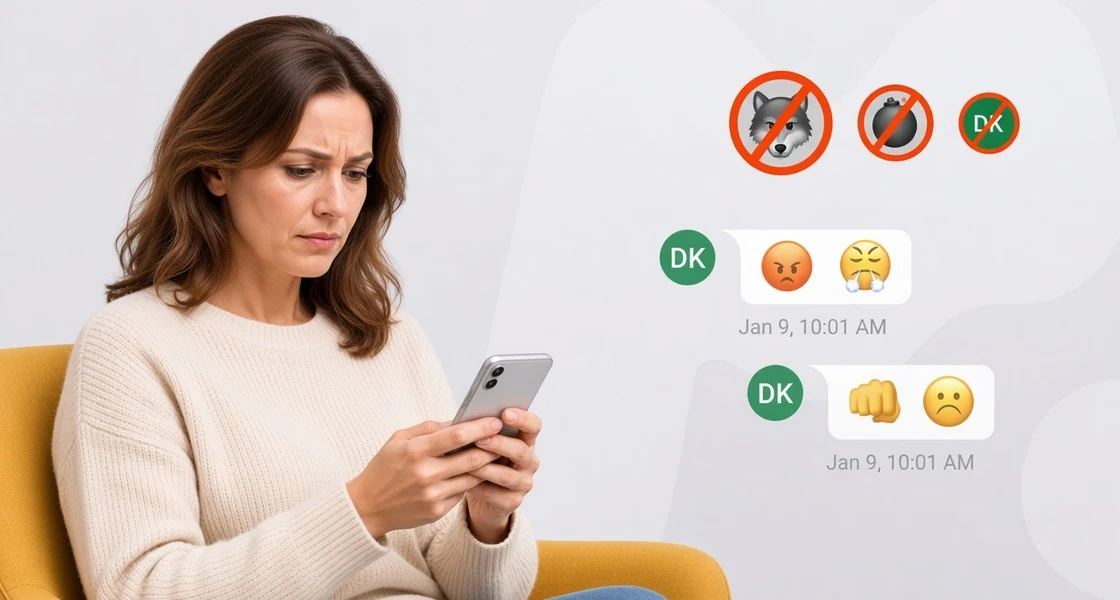
While stickers are useful in communicating feelings, emojis are more widely used. Oftentimes, emojis are inserted directly within written conversation. That’s why you should make sure you have a Google Chat tracking solution that can actually display emojis. The last thing you want to do is pay for a Google Chat monitor app, only to find out that it can only reveal the text they typed, and not emojis.
Google Chat lets users share their location on a map. When you have a Google Chat tracking solution that can display that, you’ve definitely scored. Yes, Sidearo also has a location tracker baked right in. But being able to see the locations your child sent and received within Google Chat can provide you with even more insight into their world — and ultimately help you keep them safe.
If you’re concerned about cyberbullying, you need a Google Chat tracking solution in your corner. While Google Chat can be used to make plans and chat with friends, children and teens can often find themselves being part of a chat where cyberbullying or abusive chat is taking place.
