Features / SMS messages
Feature
Read SMS on a child’s phone you manage. For parents and guardians — authorized use only.
Why parents use it: stay informed about SMS and text messages — authorized parental monitoring, not secret adult tracking. See plans · Free demo.
Free Demo — no credit card required · Available on Android
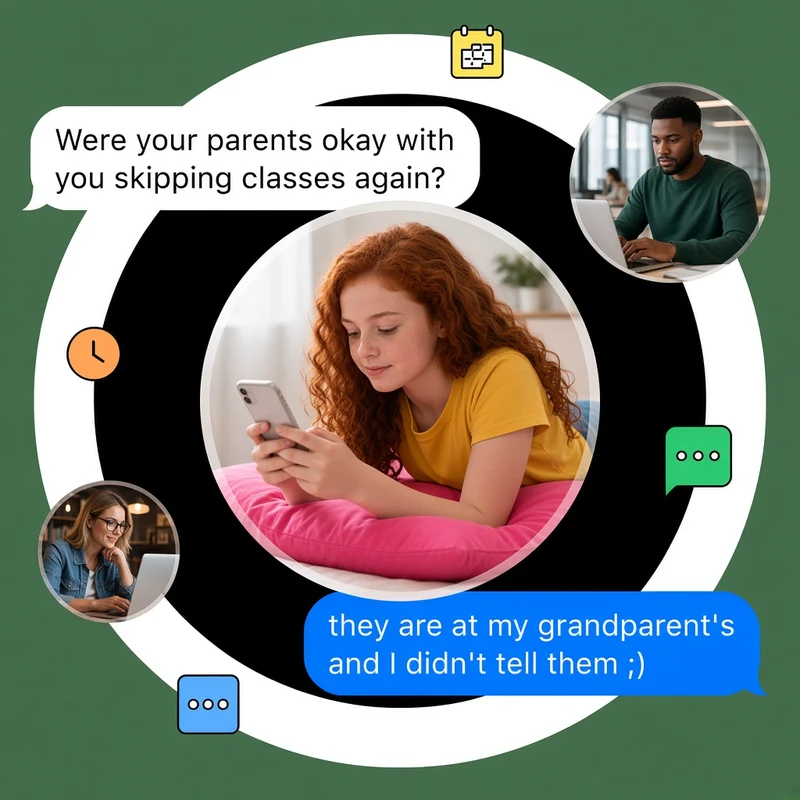
Are they sending texts to numbers you don’t recognize? Find out with a birds-eye-view of their SMS activity.
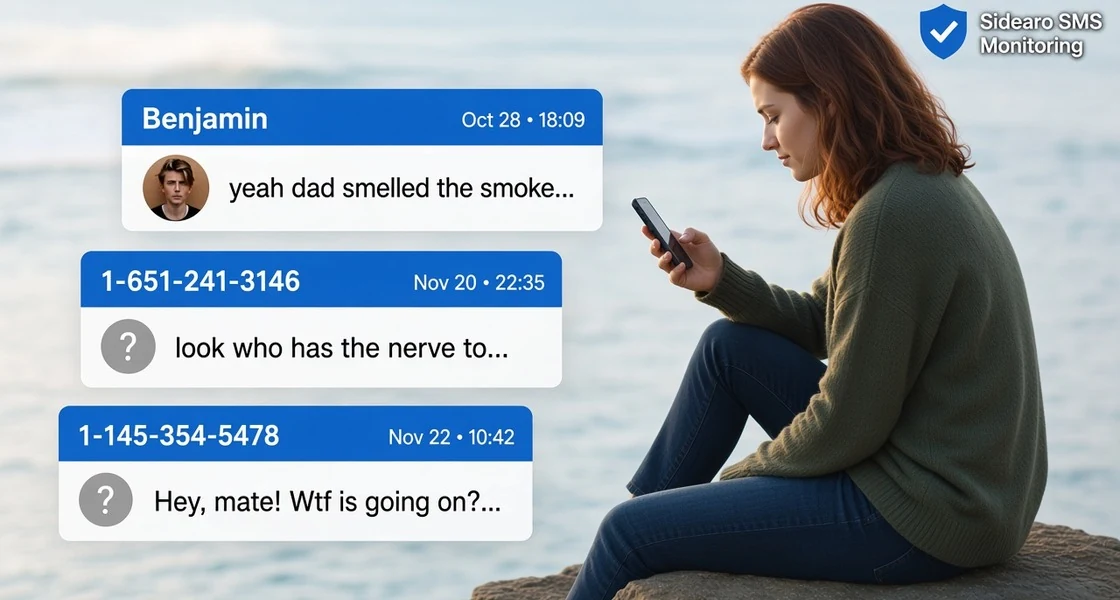
If they’re receiving texts from numbers you don’t recognize, you’ll have the information you need to dig a little deeper.

If they sent a pic, you’ll see it. It’s an easy way to make sure that they’re not sending anything controversial.

Three clear steps — same path as the rest of the parental toolkit.
Install on a child’s phone you manage. Follow the setup guide.
Open the dashboard to monitor SMS and text messages where supported.
Open the free demo, or go straight to pricing — same toolkit on every plan.
Quick answers about this Sidearo feature.
Use Sidearo only on a child’s phone you’re allowed to manage. After authorized setup, open the Control Panel to review sent and received SMS, including media where supported.
After authorized setup, log in to your Control Panel to browse SMS on the managed phone. Open any thread to review the conversation — without needing the physical phone in your hands each time.
Physically scrolling a phone only works when you have it nearby. Sidearo is for parents and guardians who complete authorized setup on a managed device, then review SMS remotely from the dashboard.
Monitored SMS appear in your Sidearo Control Panel — not as auto-forwarded texts to your personal phone. Log in to review messages and media from the managed child’s device.
We know what you’re thinking. Being able to see texts from another phone is great, but what if your kid is using other chat apps? If kids mostly chat in social apps instead of SMS, Sidearo covers popular messengers where supported. Here’s a snapshot of app support with your subscription.
