Features / Emails
Feature
Review email activity on a managed device — for parents and guardians.
Why parents use it: stay informed about email activity on a managed phone — authorized parental monitoring, not secret adult tracking. See plans · Free demo.
Free Demo — no credit card required · Available on Android
No matter who it’s from, you’ll see it. It’s just like having access to their inbox.
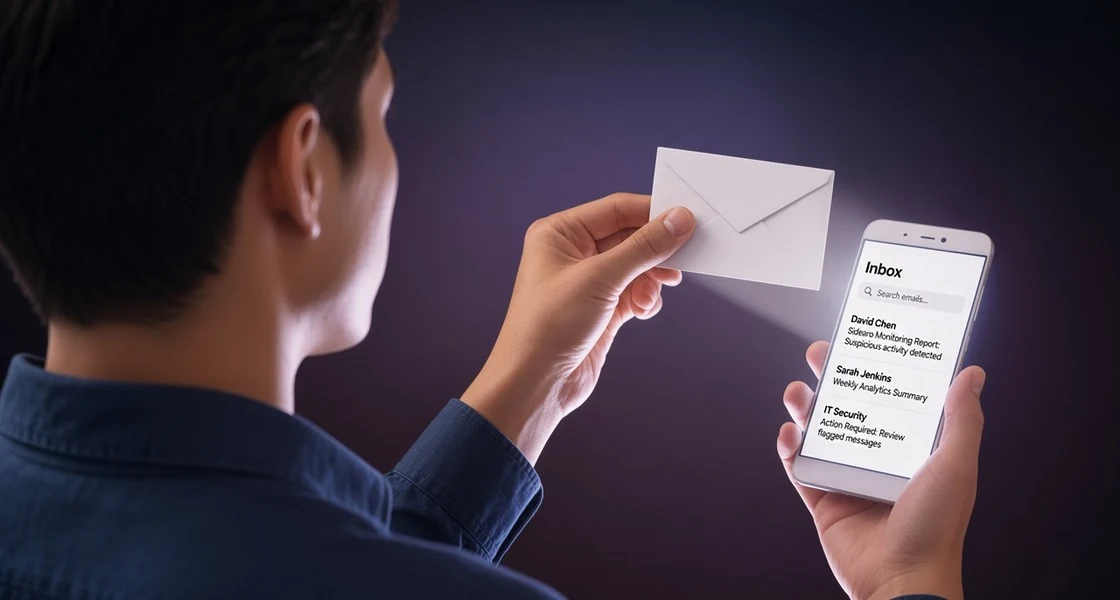
If it’s in their Sent folder, you’ll know about it too.
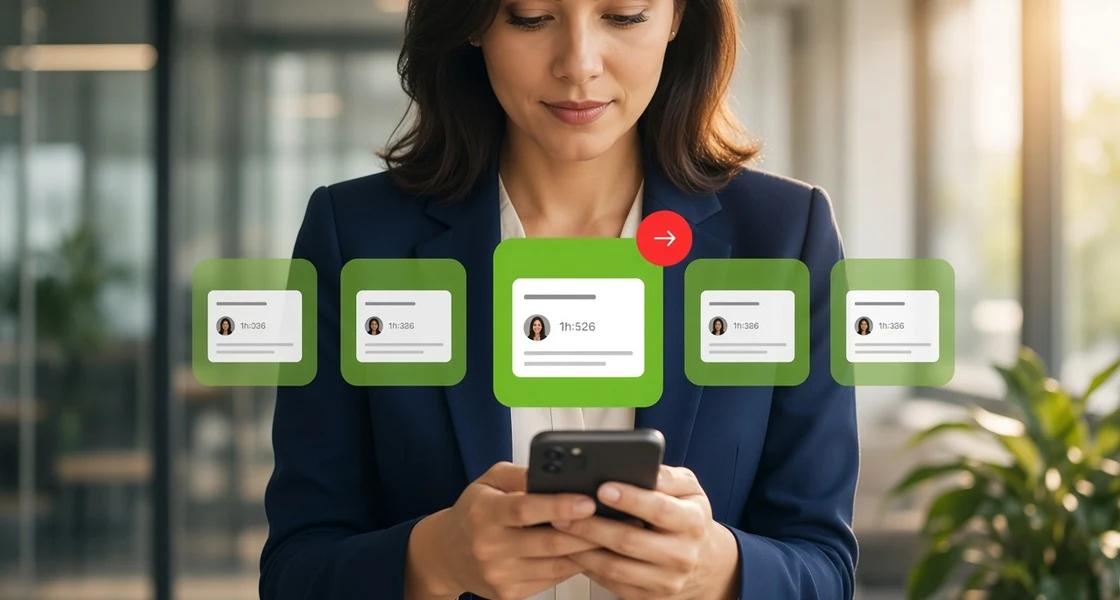
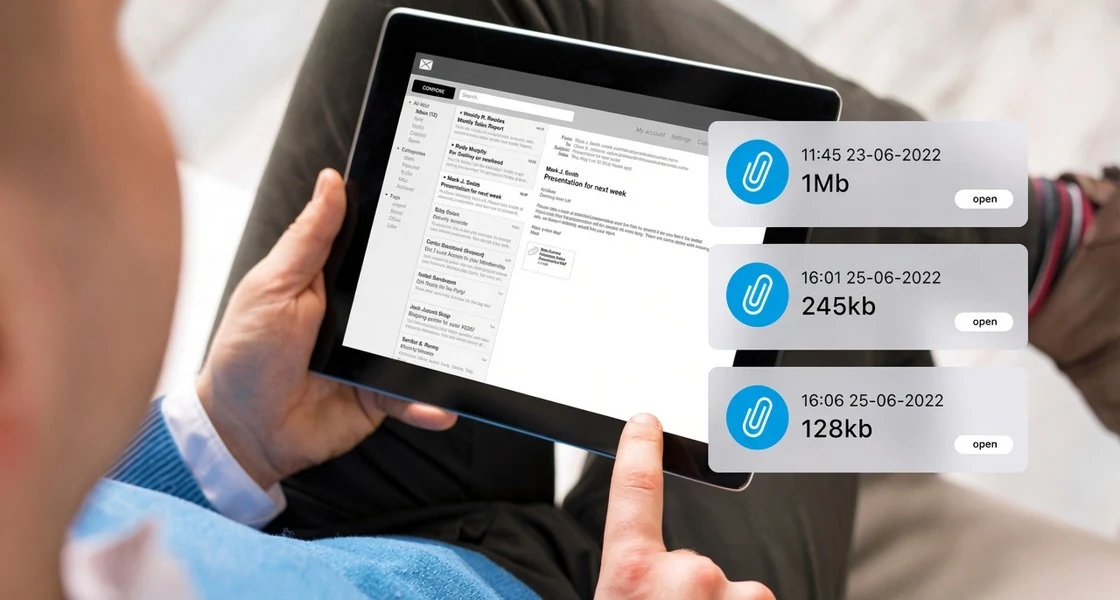
Did they receive pics or other attachments? They’re yours to review.
Three clear steps — same path as the rest of the parental toolkit.
Install on a child’s phone you manage. Follow the setup guide.
Open the dashboard to monitor email activity on a managed phone where supported.
Open the free demo, or go straight to pricing — same toolkit on every plan.
Quick answers about this Sidearo feature.
You don’t need to guess email passwords. After authorized setup on a child’s phone you manage, review email activity from the Control Panel where supported.
No. Sidearo reviews email activity on a managed phone after authorized setup — you don’t need their email account password.
With email spying at your disposal, you can see everything that they say. That includes the sender’s address, the recipient’s address, the subject, the date and time it was received, and the email content itself.
Absolutely. If it’s in their mail app, you can monitor email account with ease. We designed Sidearo to make it easy to see everything, so there’s no complex hoops to jump through to see their email communication.
You can see everything in those accounts too. Just click the email address dropdown in your Control Panel and select the address you want to see. You can also choose what folder you want to view. And bouncing back and forth is super easy.
Definitely. Just choose the Sent folder and you’ll be able to review the messages they’ve sent. It's just like having access to their email app.
