Features / Installed apps
Feature
Know which apps are on the phone — context for safer digital parenting.
Why parents use it: stay informed about apps installed on the phone — authorized parental monitoring, not secret adult tracking. See plans · Free demo.
Free Demo — no credit card required · Available on Android

You’ll see the app logo, plus its name and version, in your Control Panel.
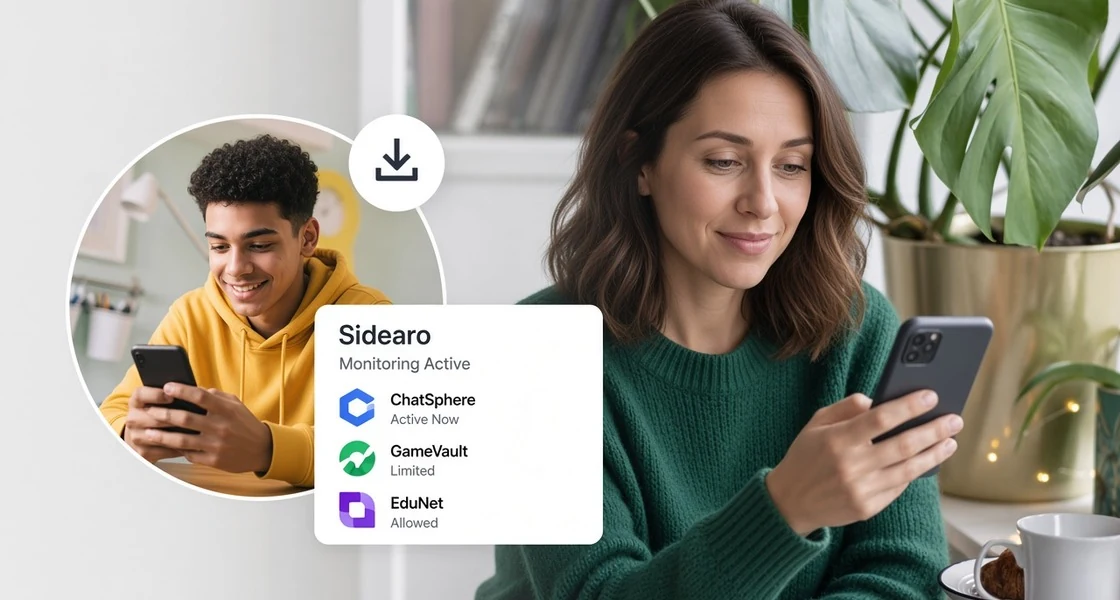
If they’re playing too many games or using dating apps, you’ll know.

By hitting a button, you can stop them from using a specific app.

Three clear steps — same path as the rest of the parental toolkit.
Install on a child’s phone you manage. Follow the setup guide.
Open the dashboard to monitor apps installed on the phone where supported.
Open the free demo, or go straight to pricing — same toolkit on every plan.
Quick answers about this Sidearo feature.
Open Installed apps in your Sidearo Control Panel to review what’s on the monitored phone, including apps you may not know about.
Yes. Pair Installed apps with App blocker when you need to restrict a distracting or unsafe app.
New apps can mean new risks — anonymous chat, dating, or content you don’t expect. The install list is an early warning.
As the device syncs, newly installed apps show up in your Control Panel so you can review changes.
