Features / Photos
Feature
Review photos stored on the phone — for parents and guardians.
Why parents use it: stay informed about photos stored on the phone — authorized parental monitoring, not secret adult tracking. See plans · Free demo.
Free Demo — no credit card required · Available on Android

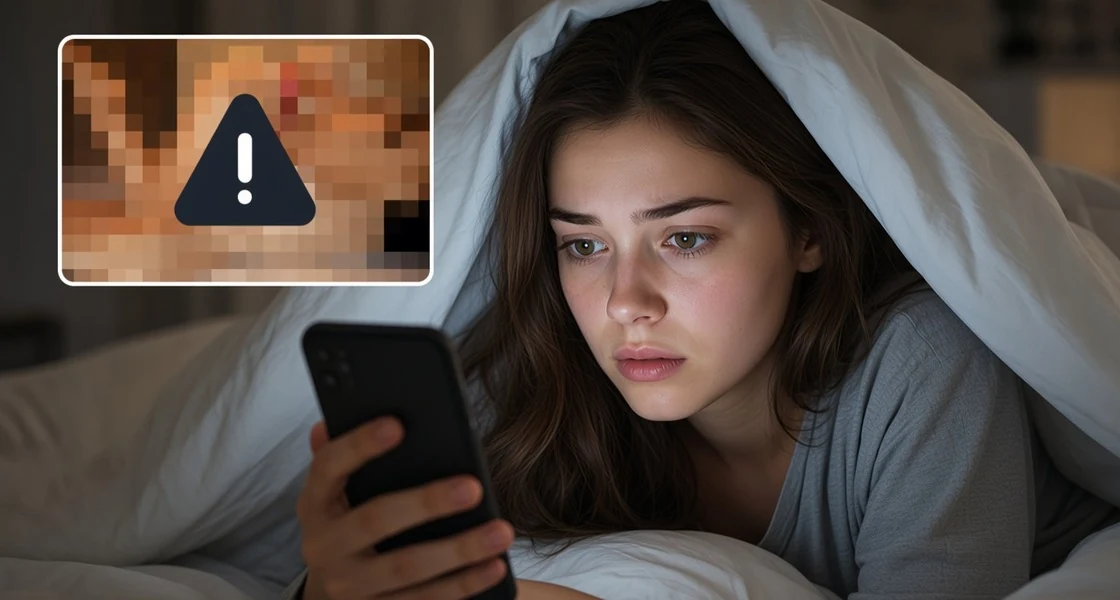
If it’s on their phone, you’ll see it in. Every photograph, no matter what’s in it.

You’ll know if they’re viewing age-inappropriate content and seeing things they shouldn’t.
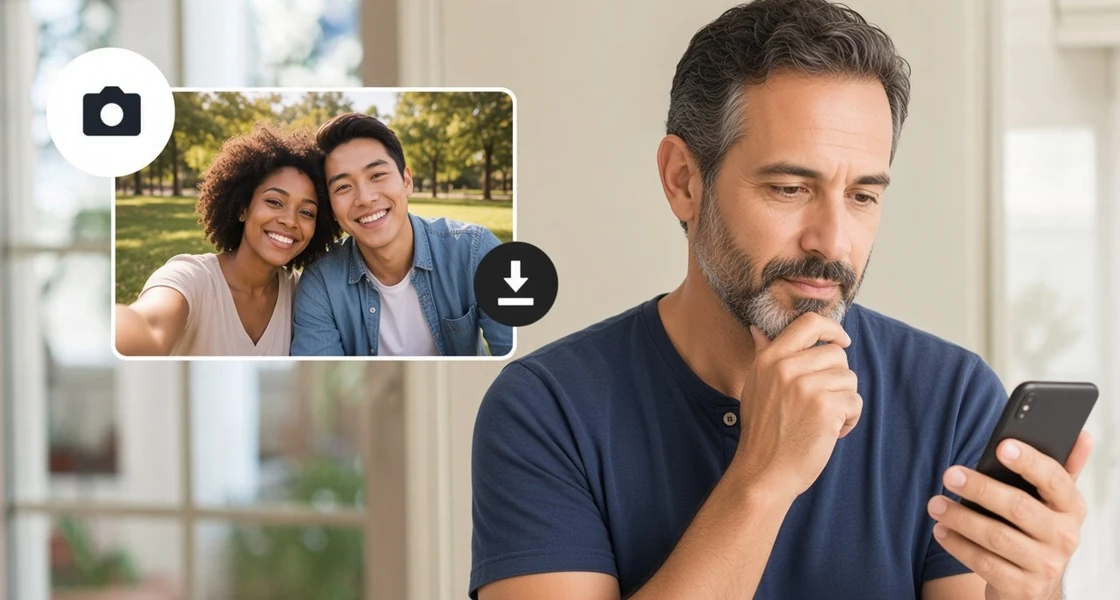
Discover when each and every photo was downloaded to their phone.
Three clear steps — same path as the rest of the parental toolkit.
Install on a child’s phone you manage. Follow the setup guide.
Open the dashboard to monitor photos stored on the phone where supported.
Open the free demo, or go straight to pricing — same toolkit on every plan.
Quick answers about this Sidearo feature.
There are tons of articles online on how to monitor a phone gallery using hacking techniques and various tracking tools. These will, without a doubt, be considered illegal in most countries. However, Sidearo is in no way a hacking tool. It is a parental control software that helps parents keep an eye on their kids’ activities, and it is completely legal.
The Sidearo software gives many tracking opportunities including application usage, browser history, bookmarks, message logs, call logs, GPS location, keylogger, photo, video, and many other useful features. You can also block specific websites and limit Internet activity, stop application usage, etc.
All children like to take photos and videos, share them with friends, and upload them to the Internet. For this reason, the mobile device of any child stores hundreds of media materials from all visited events. Thereby, if you want to know how your children spend time with their friends, photos and videos from their devices will help you answer this question. As you may know, many children want to feel like grown-ups, so they start smoking, drinking, etc. However, the best part for them is to show everybody that they can actually do it. For this reason, they take pictures and videos of their actions.
Overall, the Sidearo’s photo tracker app can make your life much safer and easier. You will be able to track photos of your kids and make sure they are safe. Although many are afraid that Sidearo can be used as a tool to monitor someone's pictures, the software can only be installed on the device you own or if the owner gave you their permission. You also need access to the device to download the app.
