Features / Videos
Feature
See saved videos on a managed device — authorized parental monitoring.
Why parents use it: stay informed about videos stored on the phone — authorized parental monitoring, not secret adult tracking. See plans · Free demo.
Free Demo — no credit card required · Available on Android
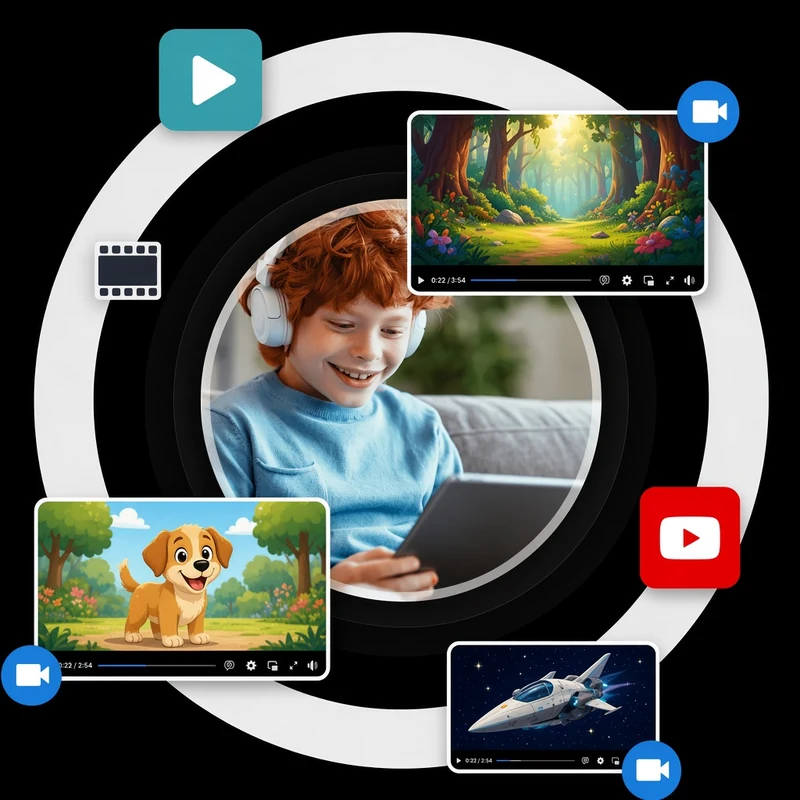
Controversial or not, you’ll know exactly what they’re watching.

Now you’ll know if they’re watching videos about sex, violence, or drugs.
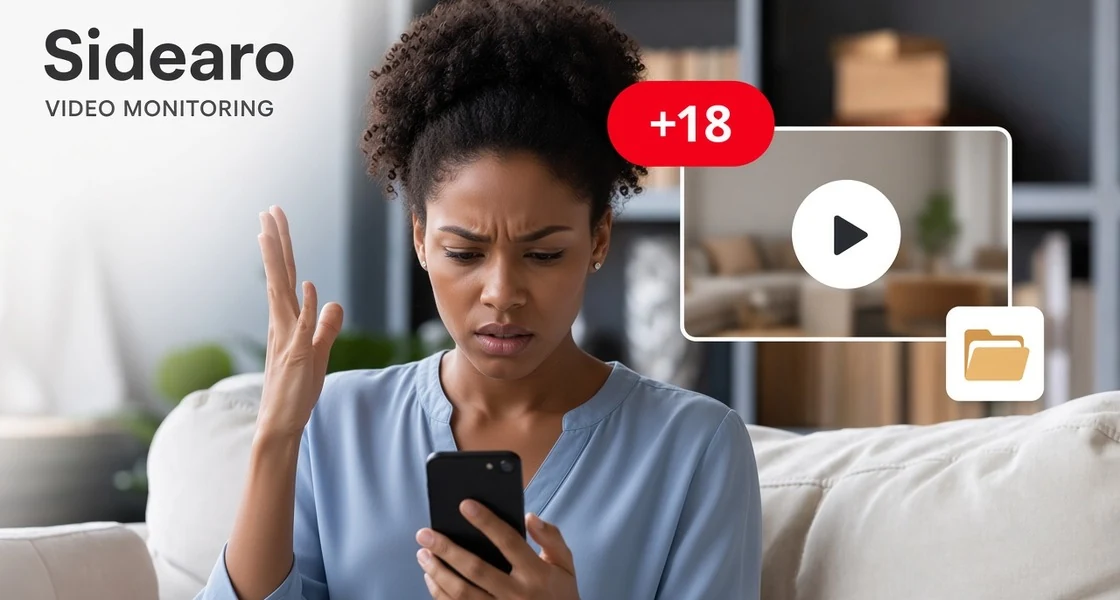
It’s easy to know if they recently viewed a video or if it’s months old.
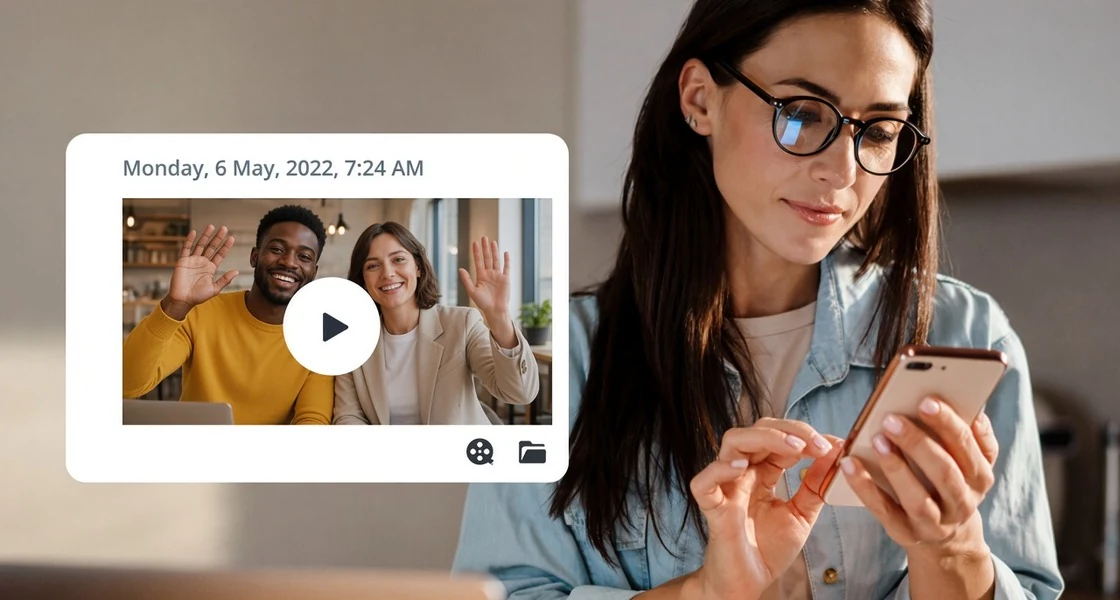
Three clear steps — same path as the rest of the parental toolkit.
Install on a child’s phone you manage. Follow the setup guide.
Open the dashboard to monitor videos stored on the phone where supported.
Open the free demo, or go straight to pricing — same toolkit on every plan.
Quick answers about this Sidearo feature.
Yes. Video monitoring helps you review clips stored on the device so inappropriate downloads don’t protect account data.
Depending on the app workflow, media shared on the phone can appear in monitoring modules. Videos on the device gallery are listed under Videos.
Saved videos often include content downloaded from chat apps or the web. Checking them helps you catch problems early.
No. After Sidearo is installed and authorized, review videos remotely from your Control Panel.
