Features / Wi-Fi networks
Feature
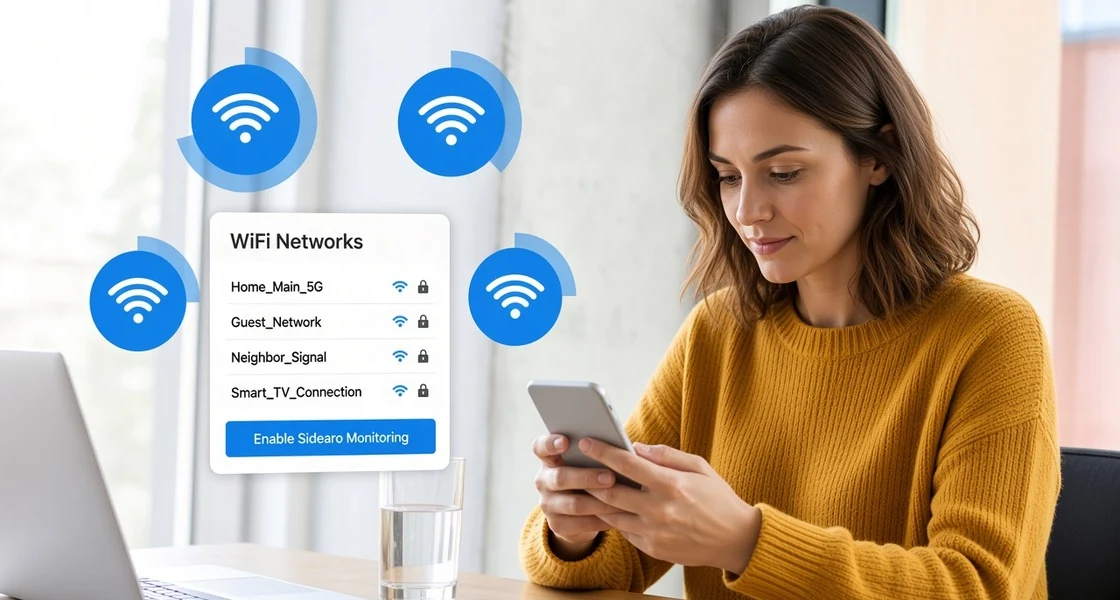
Networks the phone joins — context for where they are.
Why parents use it: stay informed about Wi-Fi networks the phone joins — authorized parental monitoring, not secret adult tracking. See plans · Free demo.
Free Demo — no credit card required · Available on Android

It’s a great way to find out where they’re hanging out regularly.
That includes the name of the network, when they connected, for how long, and more.
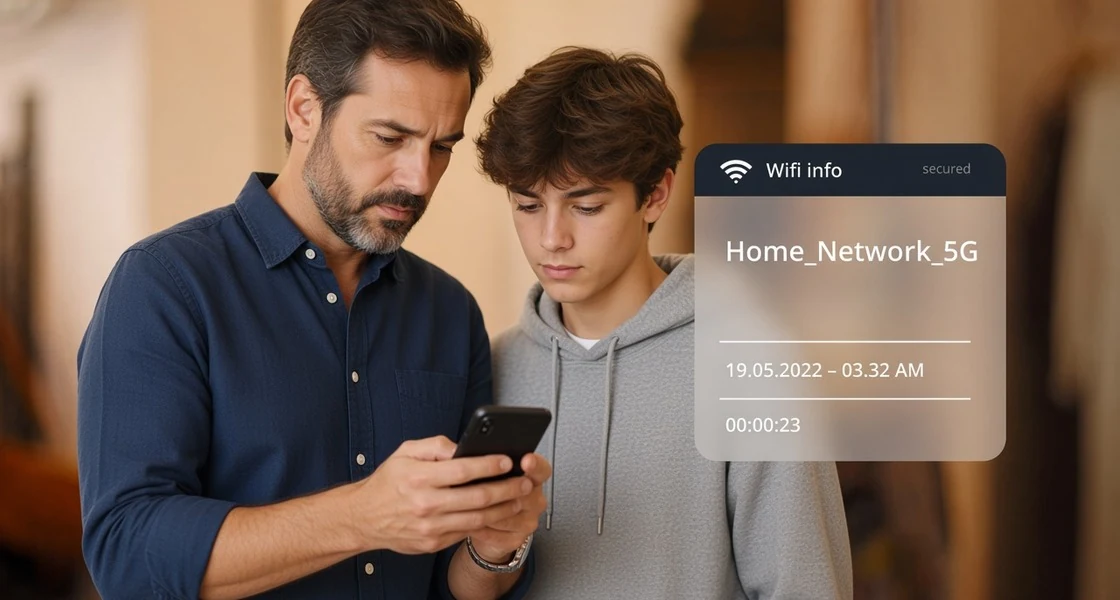
In just a few seconds, you can stop them from connecting to unsafe networks.

Three clear steps — same path as the rest of the parental toolkit.
Install on a child’s phone you manage. Follow the setup guide.
Open the dashboard to monitor Wi-Fi networks the phone joins where supported.
Open the free demo, or go straight to pricing — same toolkit on every plan.
Quick answers about this Sidearo feature.
With internet security becoming not only a buzzword but also a serious consumer issue, even more attention is paid to internet monitoring software for parents such as Wi-Fi parental controls, apps to block internet access for kids, and other forms of controls enabling parents to keep track of their children’s internet activity. There is a wide choice of parental control software available for phones allowing parental filtering of content available for children.
Responsible adult consumers are aware of security and confidentiality risks online and understand the risks and safeguards available for their use to make internet access safe. The majority of adult users know how to ensure that proper firewall, antivirus and anti-tracking software are installed and function properly for tight controls. They tend to keep that protection up to date via regular updates and maintain their computer operating systems in order.
Any type of tracking is very much illegal. Moreover, getting access to someone’s text messages over Wi-Fi is also technically impossible. Unlike the widely advertised Wi-Fi monitoring software, Sidearo is a legal parental control app that parents can install on their child’s device to make sure they’re staying safe online and using their phone responsibly. Sidearo only lets you see the list of Wi-Fi networks the kid connects to and block the ones parents see as not safe.
Of course. You can access your Control Panel on any device from any browser. The managed child’s phone and your parent device don’t need to be the same.
Sidearo not only lets you check which Wi-Fi networks your kids content to and block them, but also offers a plethora of other on-demand monitoring features. From social media and text messages monitoring to keylogger and screen recorder - Sidearo has it all.
Well, first and foremost, those are illegal in most countries. Second, none of them actually work as promised, which has been proved by many unfortunate victims of online scamming. So, don’t trust any free Wi-Fi monitoring apps and go for a reliable solution that’s been tested by other people.
