Features / Bookmarks
Feature
Saved sites that hint at interests — parental visibility.
Why parents use it: stay informed about saved browser bookmarks — authorized parental monitoring, not secret adult tracking. See plans · Free demo.
Free Demo — no credit card required · Available on Android
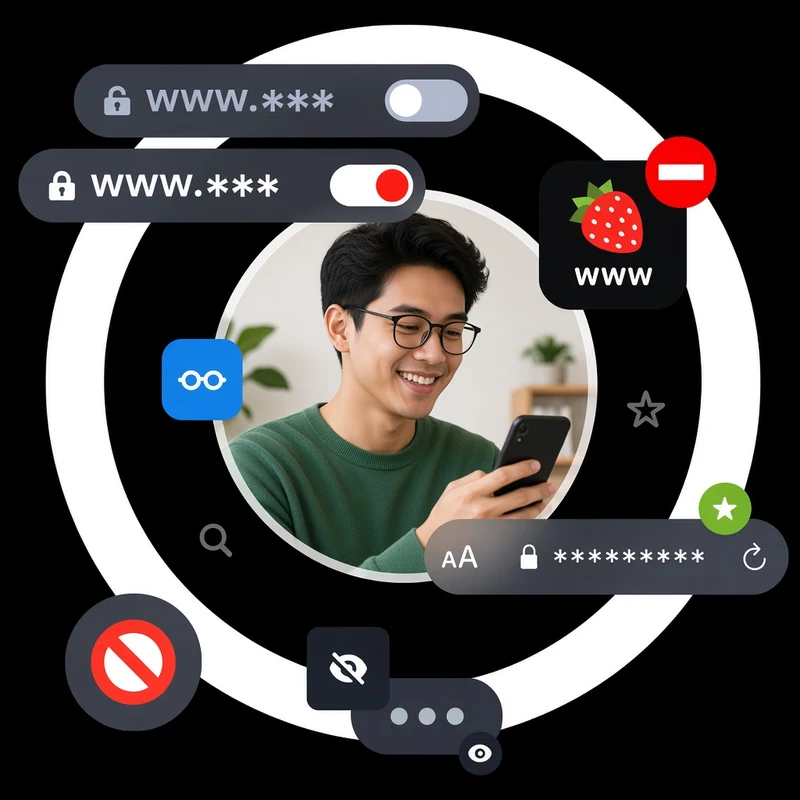
Check whether they access websites that contain malicious content, and take the situation under your control.
Block websites you disapprove of, and make sure your child is staying safe online.

View all bookmarked websites in your Control Panel See all their bookmarks as well as stats on which websites they visit the most.

Three clear steps — same path as the rest of the parental toolkit.
Install on a child’s phone you manage. Follow the setup guide.
Open the dashboard to monitor saved browser bookmarks where supported.
Open the free demo, or go straight to pricing — same toolkit on every plan.
Quick answers about this Sidearo feature.
After Sidearo is set up on the phone you manage, open your Control Panel and check Bookmarks. You’ll see the sites they saved so you can spot risky favorites early.
Bookmarks often show the sites they return to again and again. Watching that list helps you catch adult content, scam pages, or other places you don’t want them visiting.
Yes. If a bookmark looks unsafe, use Website blocker in Sidearo to restrict access, then keep checking browsing history for new attempts.
Once monitoring is active, bookmark updates appear in your Control Panel after the device syncs. Check back regularly for the latest list.
